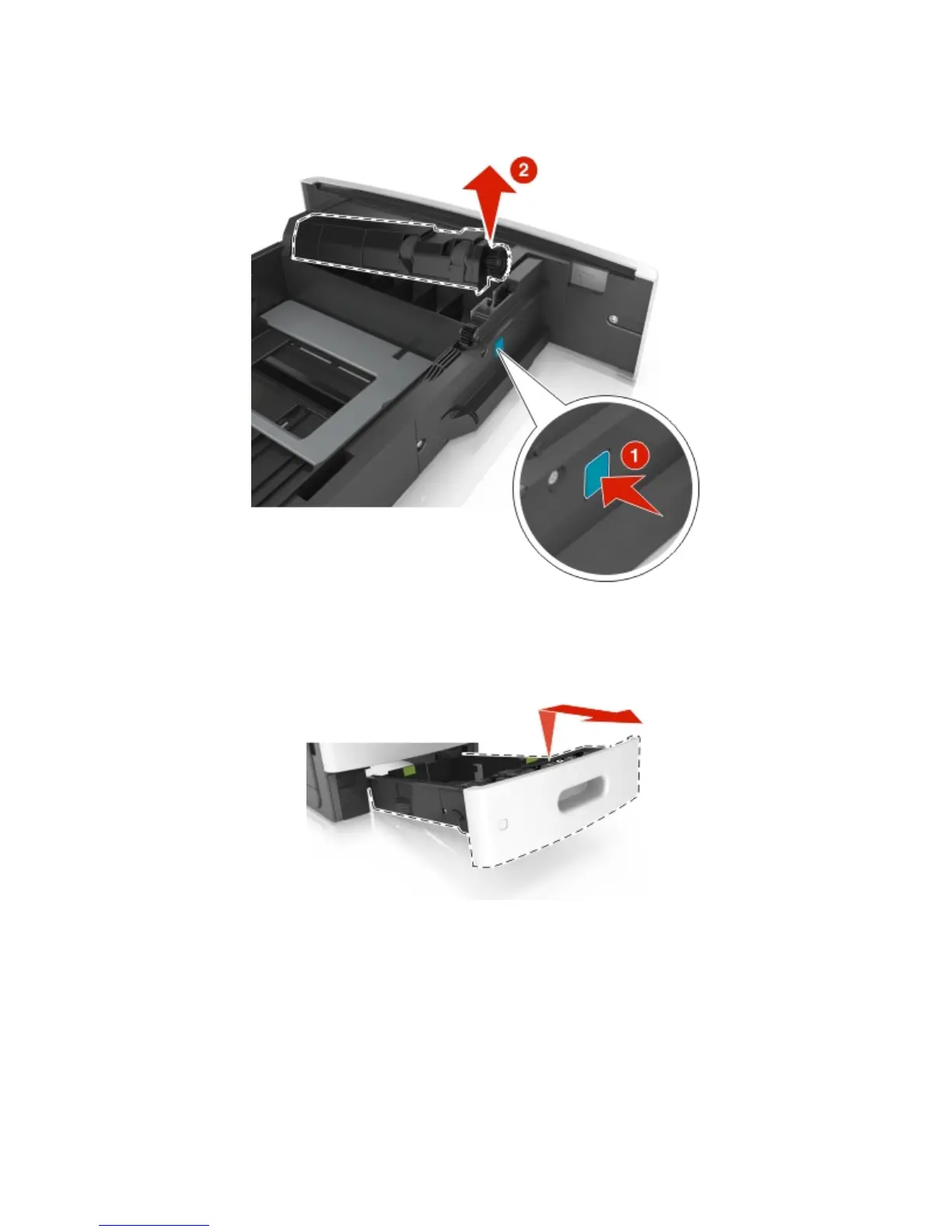
Media tray separation roller removal
Press and hold the button (1), then pull the separation roller (2) and remove.
Media tray assembly removal
Fully extend the tray, then tilt it upward and remove.
Media tray front cover removal
1 Remove the media tray. See “250/550-sheet media tray and drawer assembly removal” on page 397.
2 Remove the two screws (A) securing the front tray cover.
4063
Repair information
398



 To Next Page