Media feeder removal
1 Remove the right cover. See “Right cover removal” on page 278.
2 Remove the rear lower cover. See “Rear lower cover removal” on page 276.
3 Remove the LVPS. See “LVPS removal” on page 357.
4 Remove the left cover. See “Left cover removal” on page 273.
5 Remove the PCBA housing. See “PCBA housing removal” on page 348.
6 Remove the pick roller assembly. See “Pick roller assembly removal” on page 333.
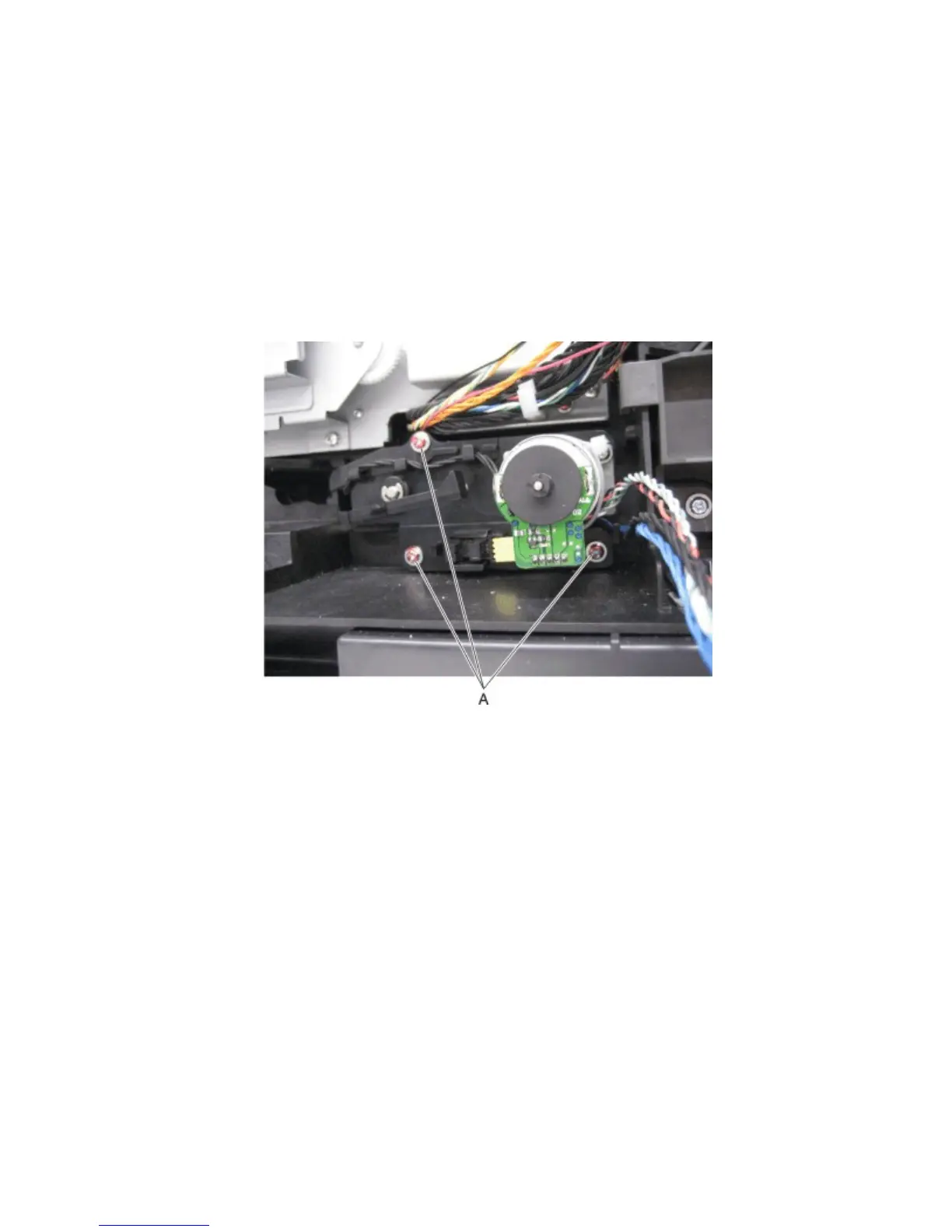
7 Remove the three screws (A) securing the media feeder to the machine.
Note: Use care when removing the media feeder to avoid damage.
4063
Repair information
347



 To Next Page