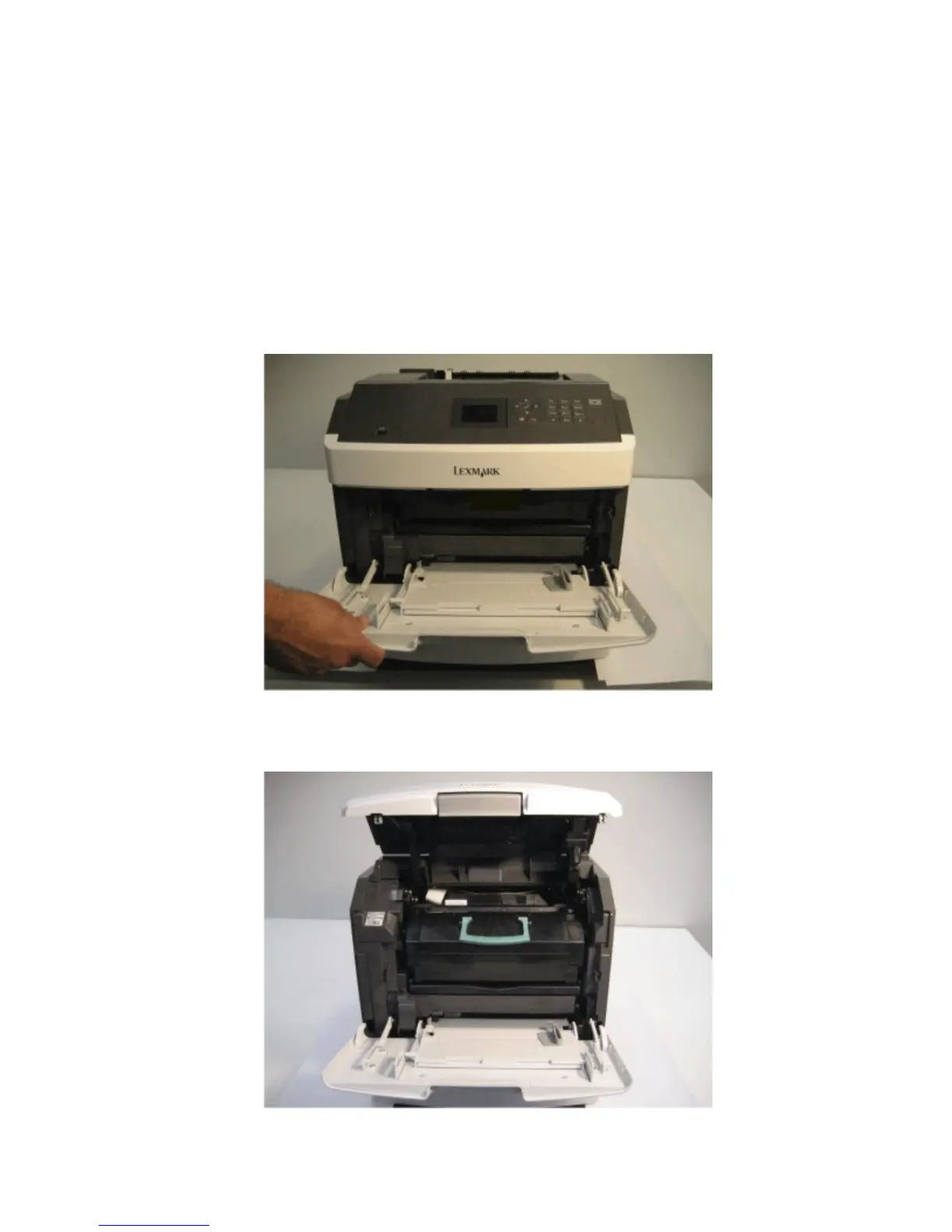
Base printer - cover removals
• “Left cover removal” on page 273
•
“Rear lower cover removal” on page 276
• “Top cover removal” on page 278
• “Right cover removal” on page 278
•
“Rear door removal” on page 280
Left cover removal
1 Open the front door.
2 Pull the media tray from the machine.
3 Raise the control panel to its uppermost position.
4063
Repair information
273



 To Next Page