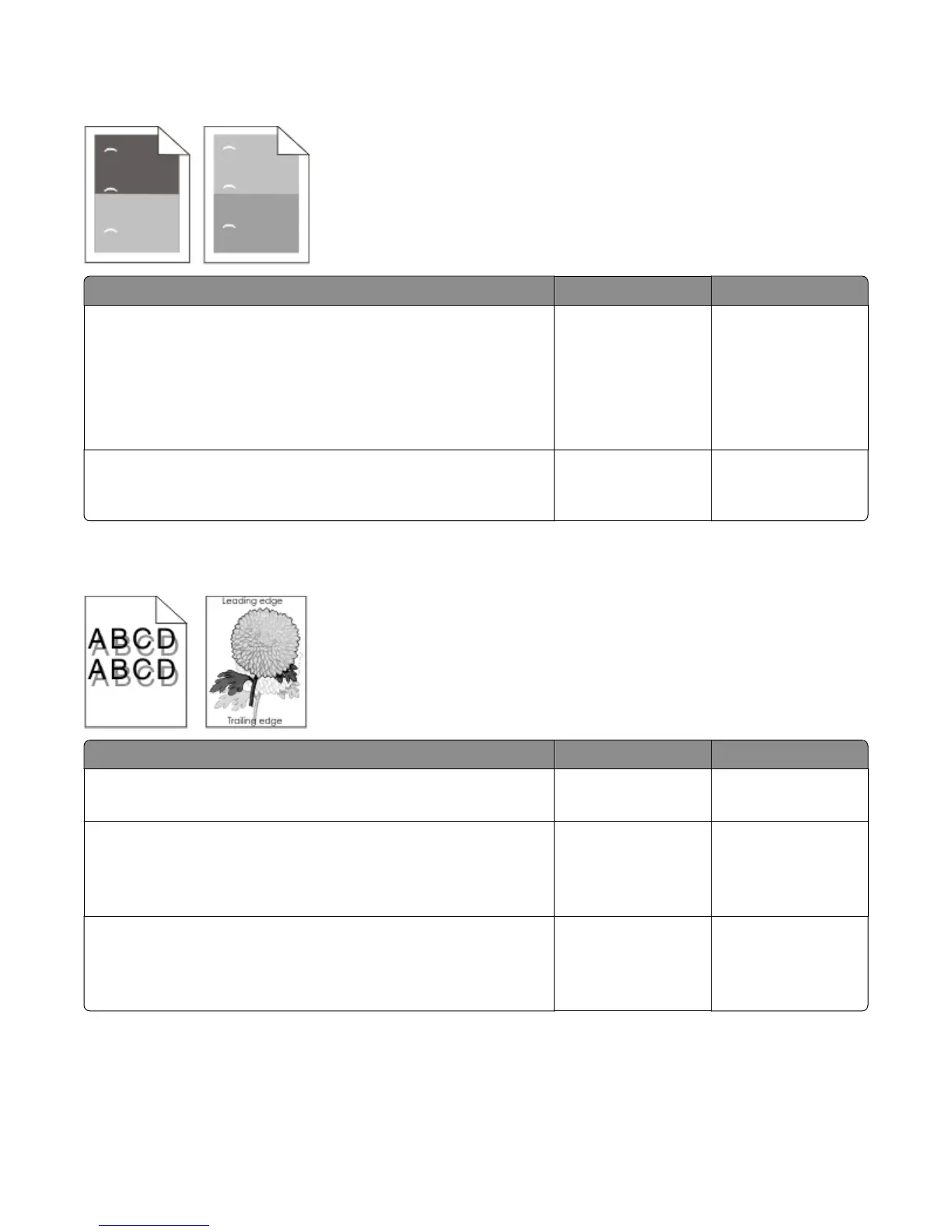
Repeating defects
Actions Yes No
Step 1
Measure the distance between defects. Is the distance between defects
equal to any of the following?
• 3.81 in. (96.8 mm)
• 1.88 in. (47.8 mm)
• 1.12 in. (28.5 mm)
Replace the imaging
unit.
Go to step 2.
Step 2
Is the distance between defects equal to 3.71 in. (94.25 mm) or 3.75 in.
(95.2 mm)?
Replace the fuser. Contact the next
highest level of
support.
Shadow images appear on prints
Actions Yes No
Step 1
Does the shadow image appear every two pages?
Go to step 2. Go to step 3.
Step 2
Check the upper redrive for wear or damage.
Is it free of wear or damage?
Go to step 3. Replace the upper
redrive. See “Upper
redrive removal” on
page 325.
Step 3
Check the transfer roller for surface contamination or excessive wear.
Is it free of contamination and wear?
Go to step 4. Replace the transfer
roller. See “Transfer
roller removal” on
page 312.
4063
Diagnostic information
41



 To Next Page