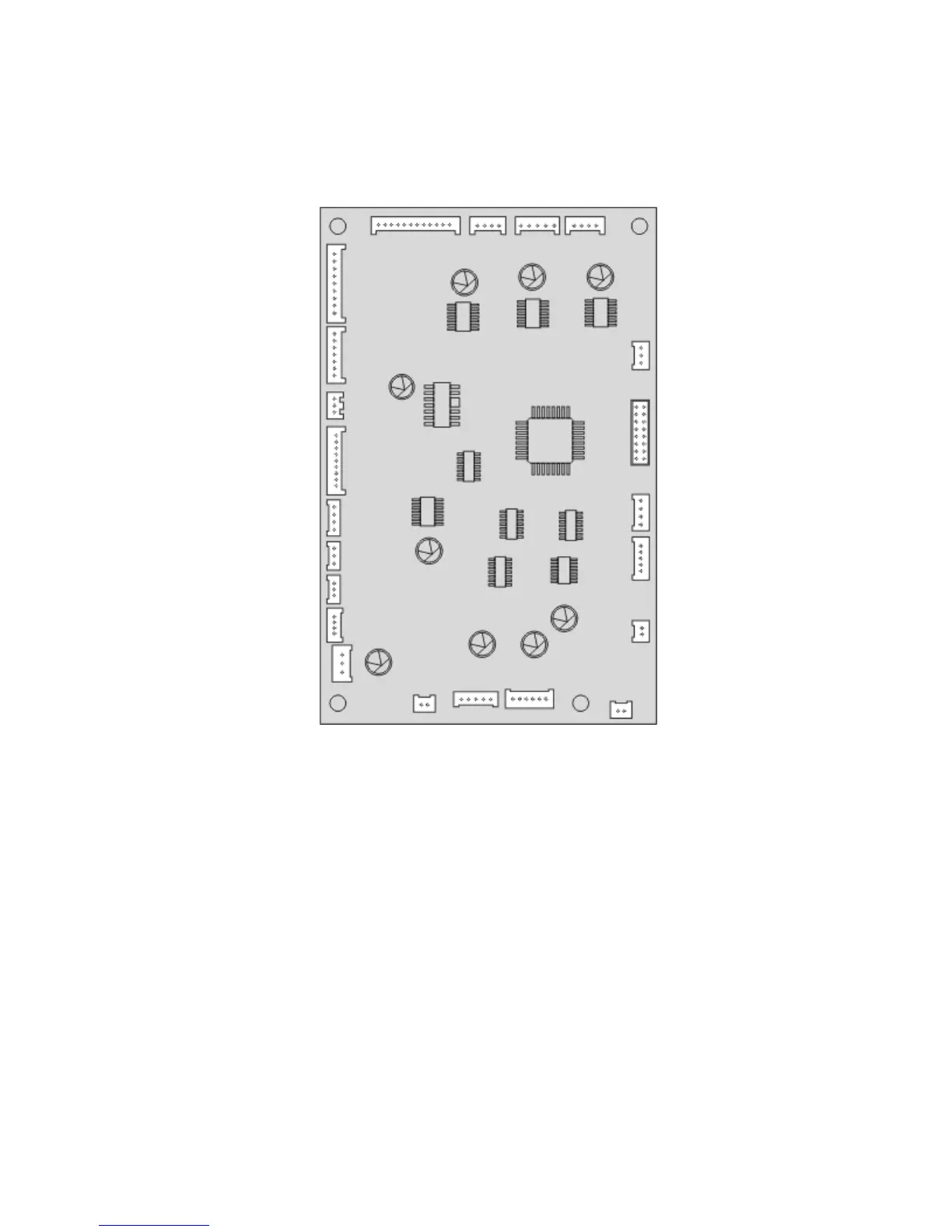
Stapler controller PCBA removal
1 Remove the left cover. See “Stapler left cover removal” on page 470.
2 Disconnect all the cables (J11, J5, J6, J4, J26, J24, J22, J23, J17, J3, J2, J1, J18, J15, J1, J12, J14, J8, J20, J9, and J7),
then remove the three screws (A) from the controller PCBA.
4063
Repair information
486



 To Next Page