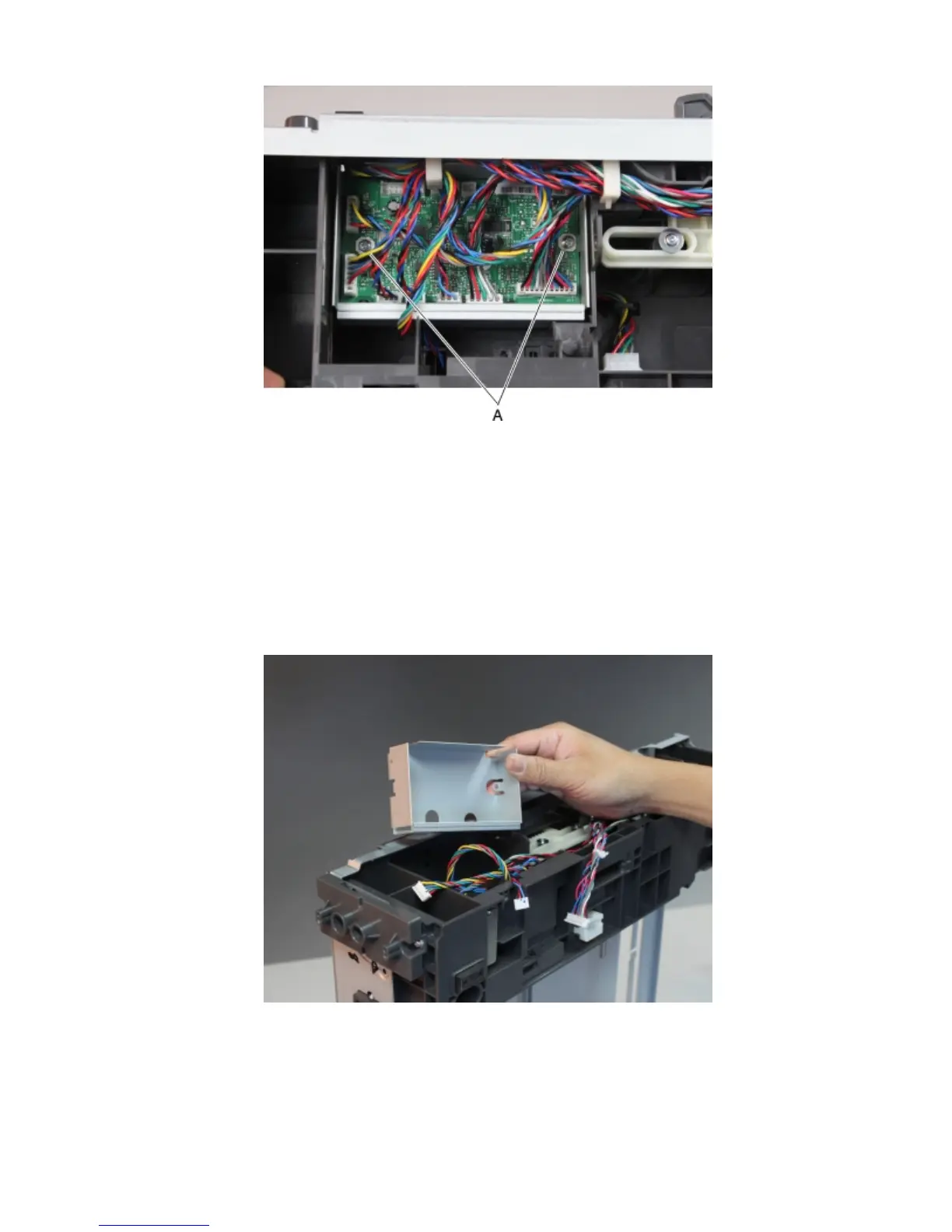
4 Remove the controller PCBA.
Drawer upper interface cable removal
1 Remove the drawer assembly rear cover. See “Drawer assembly rear cover removal” on page 400.
2 Remove the drawer assembly left cover. See “Drawer assembly left cover removal” on page 401.
3 Remove the tray controller PCBA. See “Drawer controller PCBA removal” on page 402.
4 Remove the controller PCBA shield.
4063
Repair information
403



 To Next Page