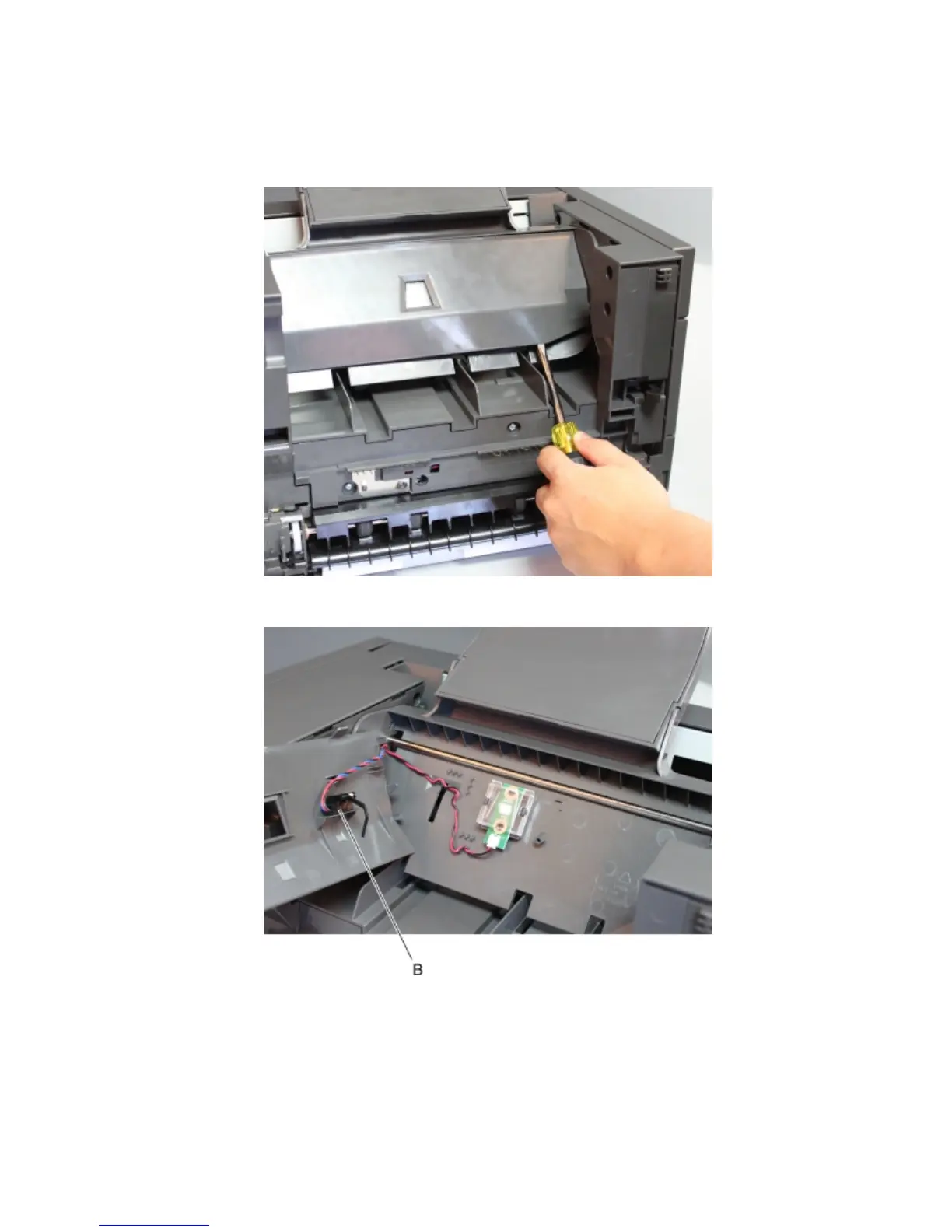
Sensor (finisher bin media present) removal
1 Remove the left cover. See “Stapler left cover removal” on page 470.
2 With a prying tool, open the LED sensor cover.
3 Release the latches holding the sensor (B) to the cover.
4 Disconnect the cable from the stapler controller PCBA, then remove the sensor (finisher bin media present).
4063
Repair information
480



 To Next Page