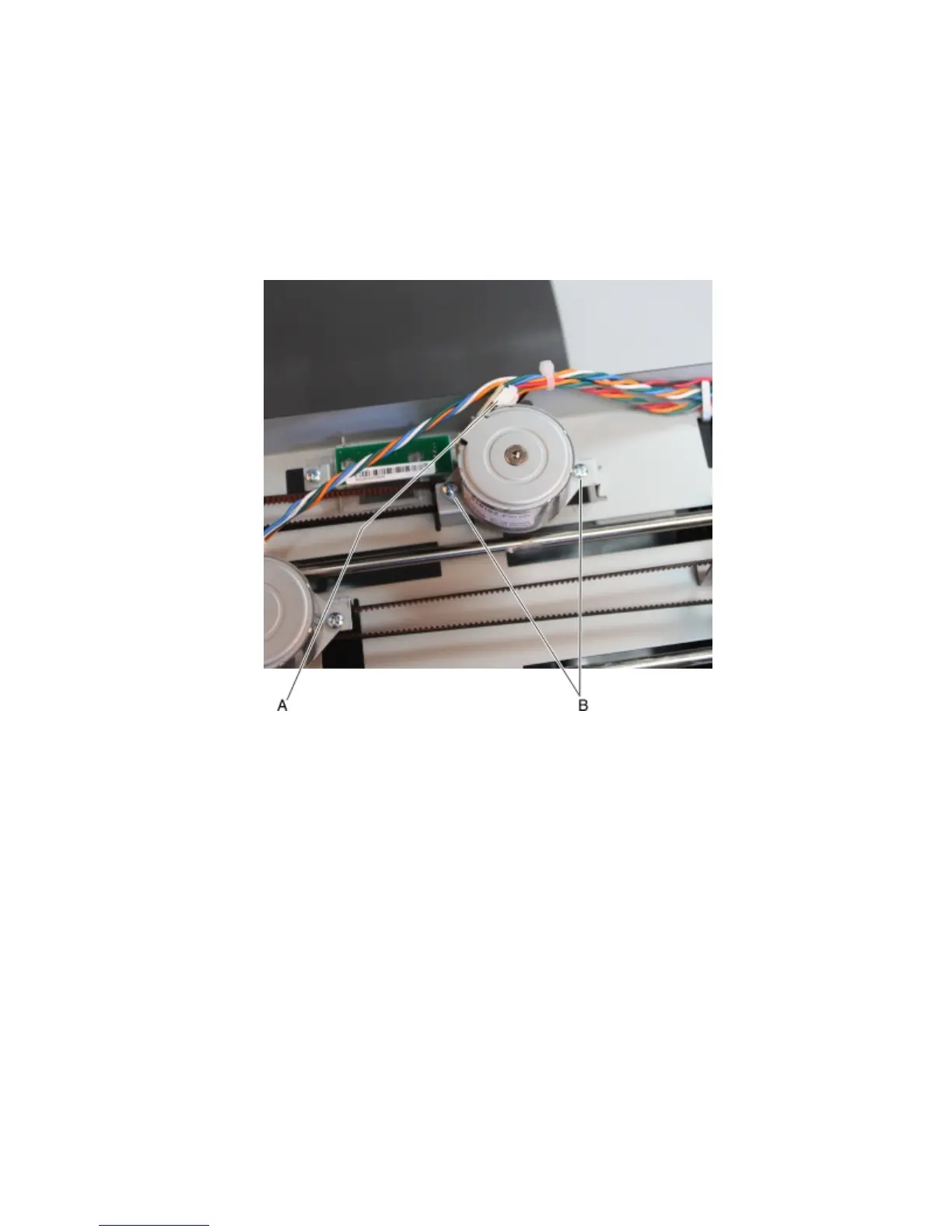
Tamper motor (right) removal
1 Remove the left cover. See “Stapler left cover removal” on page 470.
2 Remove the right cover. See “Stapler right cover removal” on page 464.
3 Remove the top cover. See “Stapler top cover removal” on page 472.
4 Disconnect the tamper motor cable (A).
5 Remove the two screws (B), then remove the right tamper motor.
Tamper motor (left) removal
1 Remove the left cover. See “Stapler left cover removal” on page 470.
2 Remove the right cover. See “Stapler right cover removal” on page 464.
3 Remove the top cover. See “Stapler top cover removal” on page 472.
4 Disconnect the tamper motor cable (A).
4063
Repair information
481



 To Next Page