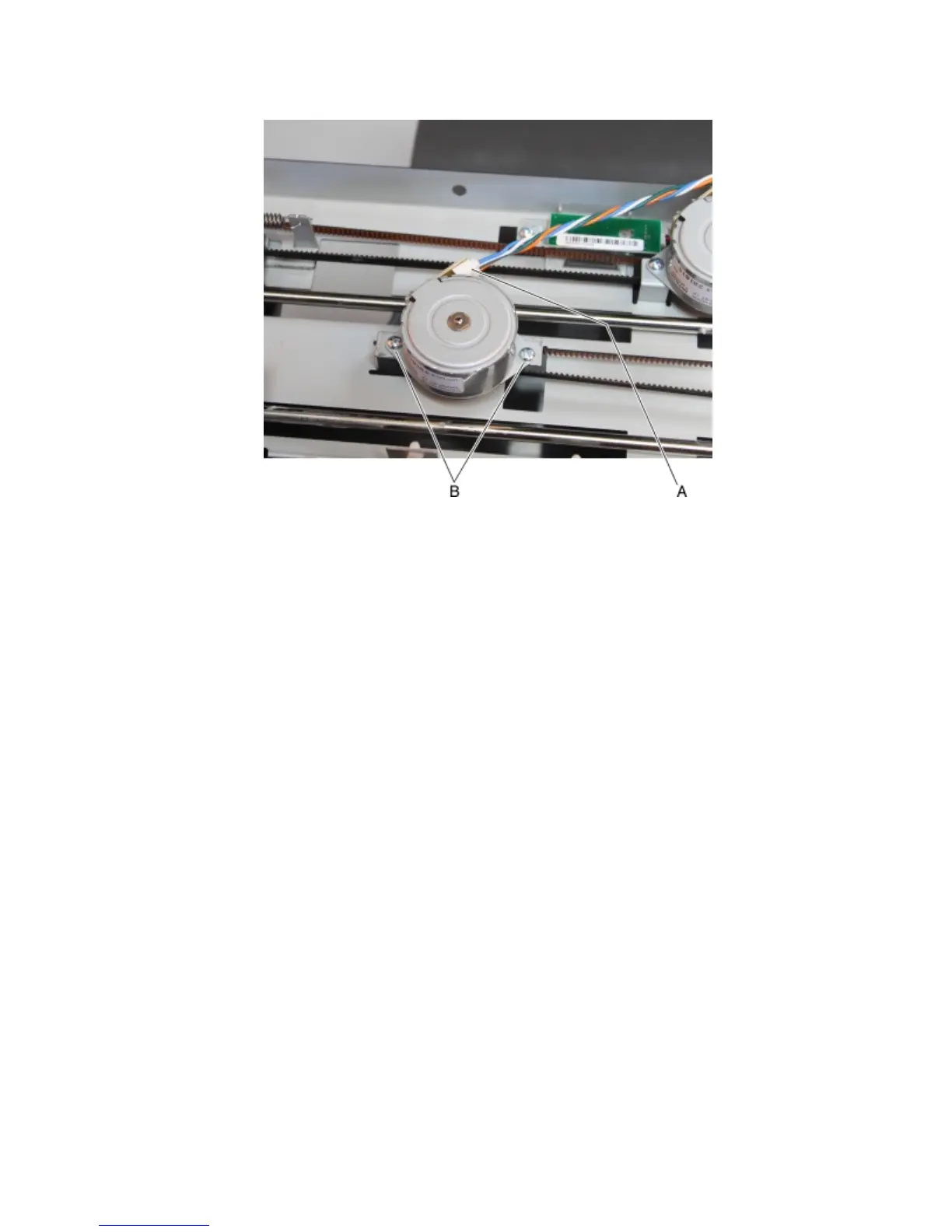
5 Remove the two screws (B), then remove the left tamper motor.
Tamper drive belt removal
1 Remove the left cover. See “Stapler left cover removal” on page 470.
2 Remove the right cover. See “Stapler right cover removal” on page 464.
3 Remove the top cover. See “Stapler top cover removal” on page 472.
4 Remove the tamper motor assembly engaged to the belt. See “Tamper motor (right) removal” on page 481 or
“Tamper motor (left) removal” on page 481.
4063
Repair information
482



 To Next Page