Actions Yes No
Step 3
Check the transfer roller for surface contamination or excessive wear.
Is it free of contamination and wear?
Go to step 4. Replace the transfer
roller.
Step 4
Check the transfer roller left contact spring, located on the transfer roller
left arm, for damage.
Is it free of damage?
Go to step 5. Replace the transfer
roller left arm with
cable. See “Transfer
roller left arm with
cable removal” on
page 308.
Step 5
Reseat the cables on the HVPS.
Does the problem remain?
Replace the HVPS. See
“HVPS removal” on
page 356.
The problem is solved.
Step 6
Reseat the cables J101 (video) and "MIR MTR" on the controller board.
Does the problem remain?
Replace the laser
printhead. See “Laser
printhead
removal”
on
page 286.
Contact the next level
of support.
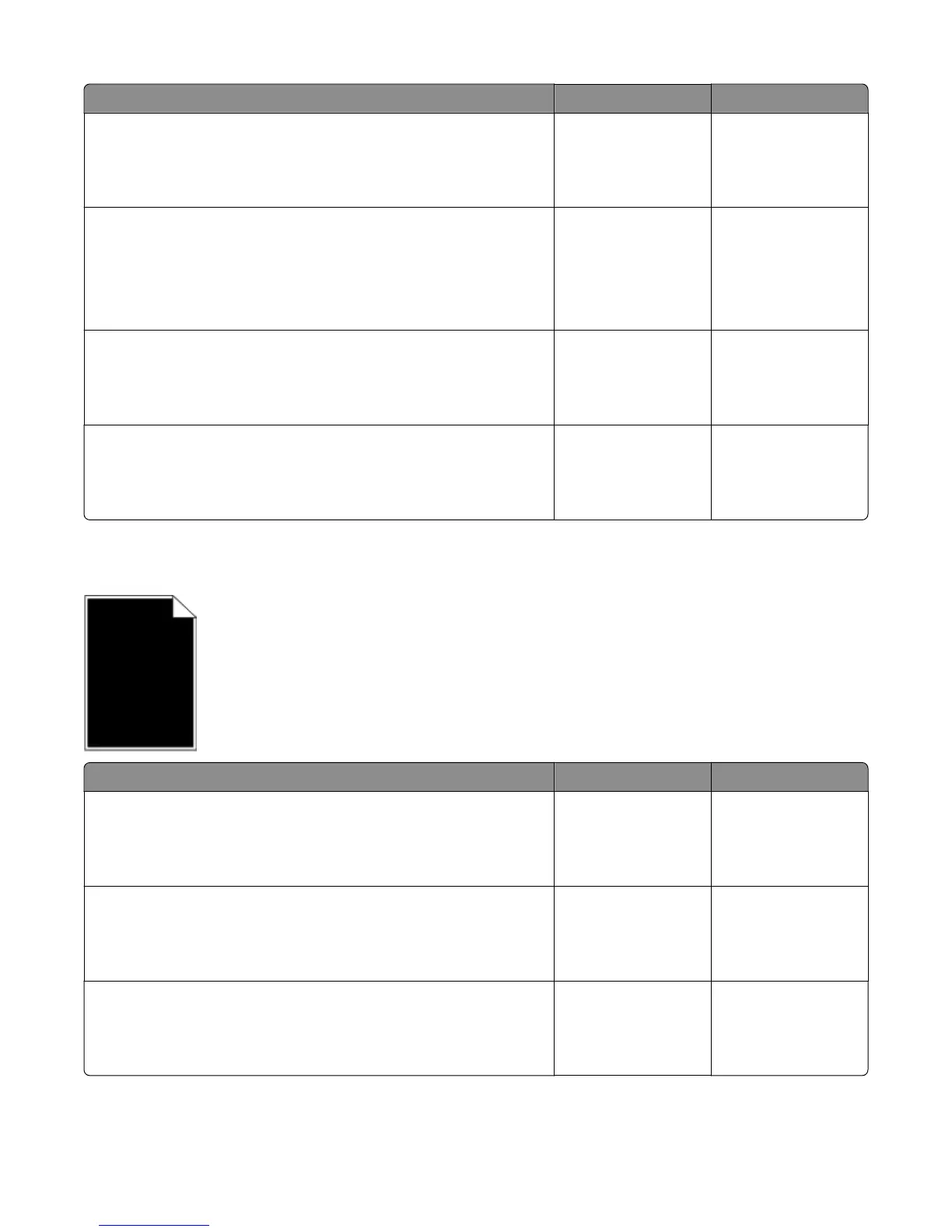
Printer is printing solid black pages
Actions Yes No
Step 1
Check the imaging unit for damage.
Is it free of damage?
Go to step 2. Replace the imaging
unit.
Step 2
Remove any contamination from the imaging unit contacts.
Does the problem remain?
Go to step 3. Problem is solved.
Step 3
Check the cables on the HVPS.
Are the above cables properly connected?
Replace the HVPS. See
“HVPS removal” on
page 356.
Reconnect the cables.
4063
Diagnostic information
40



 To Next Page