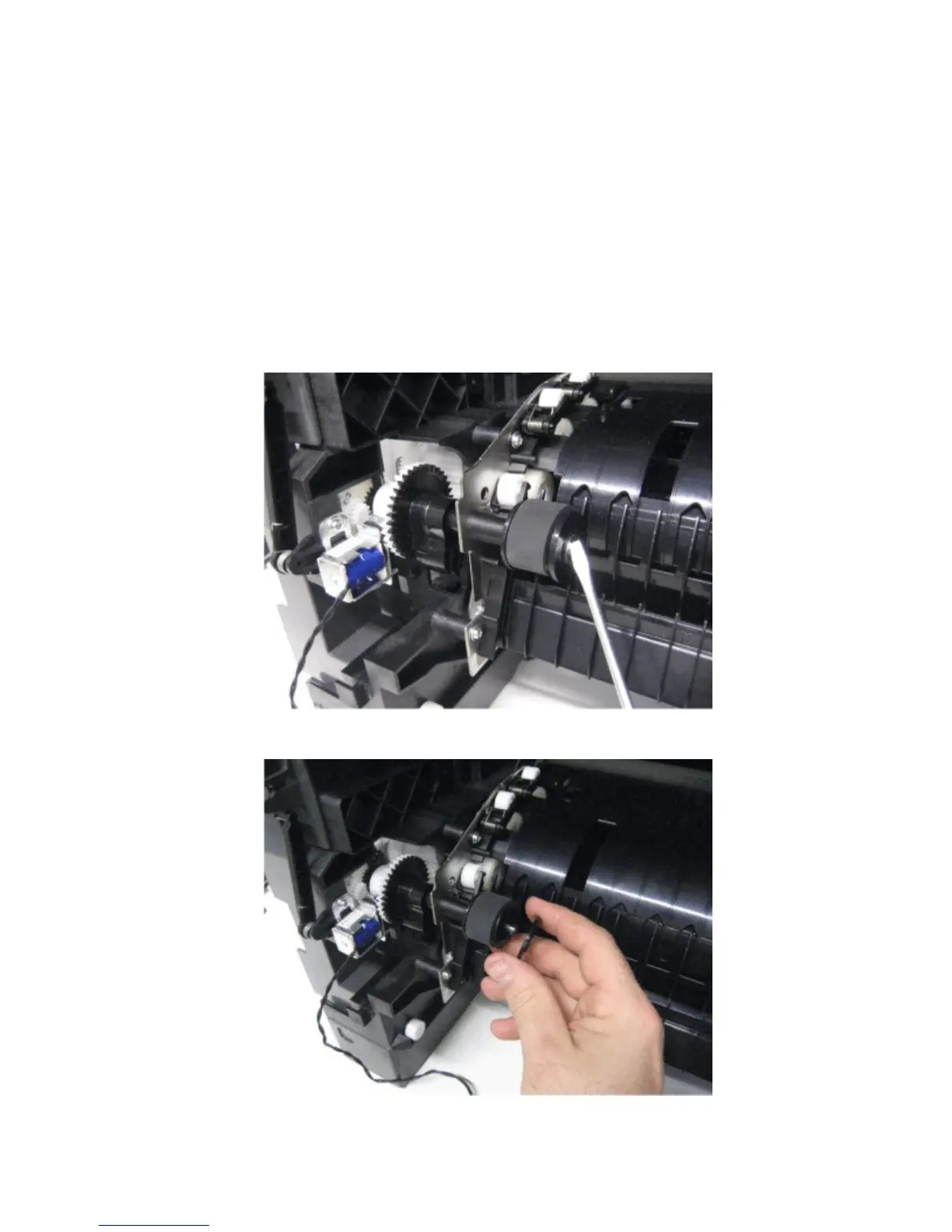
MPF pick roller removal
1 Remove the left cover. See “Left cover removal” on page 273.
2 Remove the controller board access shield. See “Controller board access shield removal” on page 342.
3 Remove the media tray. See “Media tray removal” on page 332.
4 Open the control panel door.
5 Remove the toner cartridge.
6 Remove the imaging unit.
7 Remove the media turn guide. See “Media turn guide removal” on page 295.
8 Remove the e-clip securing the MPF pick roller to the machine.
9 Remove the flange.
4063
Repair information
301



 To Next Page