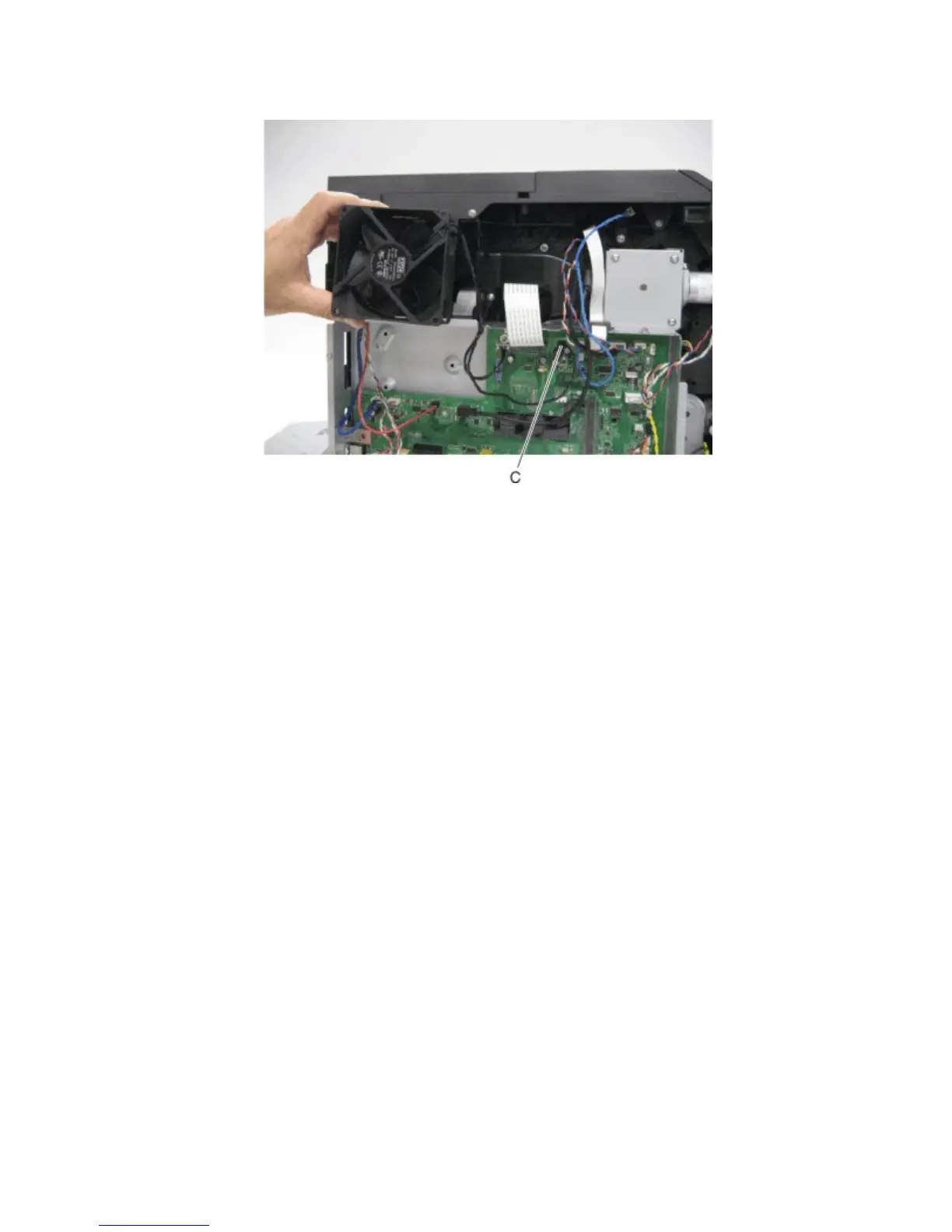
4 Disconnect the cable (C) from the controller board, and remove the main cooling fan.
Main drive motor removal
1 Remove the imaging unit from the machine.
2 Remove the right cover. See “Right cover removal” on page 278.
3 Remove the rear lower cover. See “Rear lower cover removal” on page 276.
4 Remove the LVPS. See “LVPS removal” on page 357.
5 Remove the left cover. See “Left cover removal” on page 273.
6 Remove the PCBA housing. See “PCBA housing removal” on page 348.
7 Remove the harnesses from the clamp (A).
4063
Repair information
345



 To Next Page