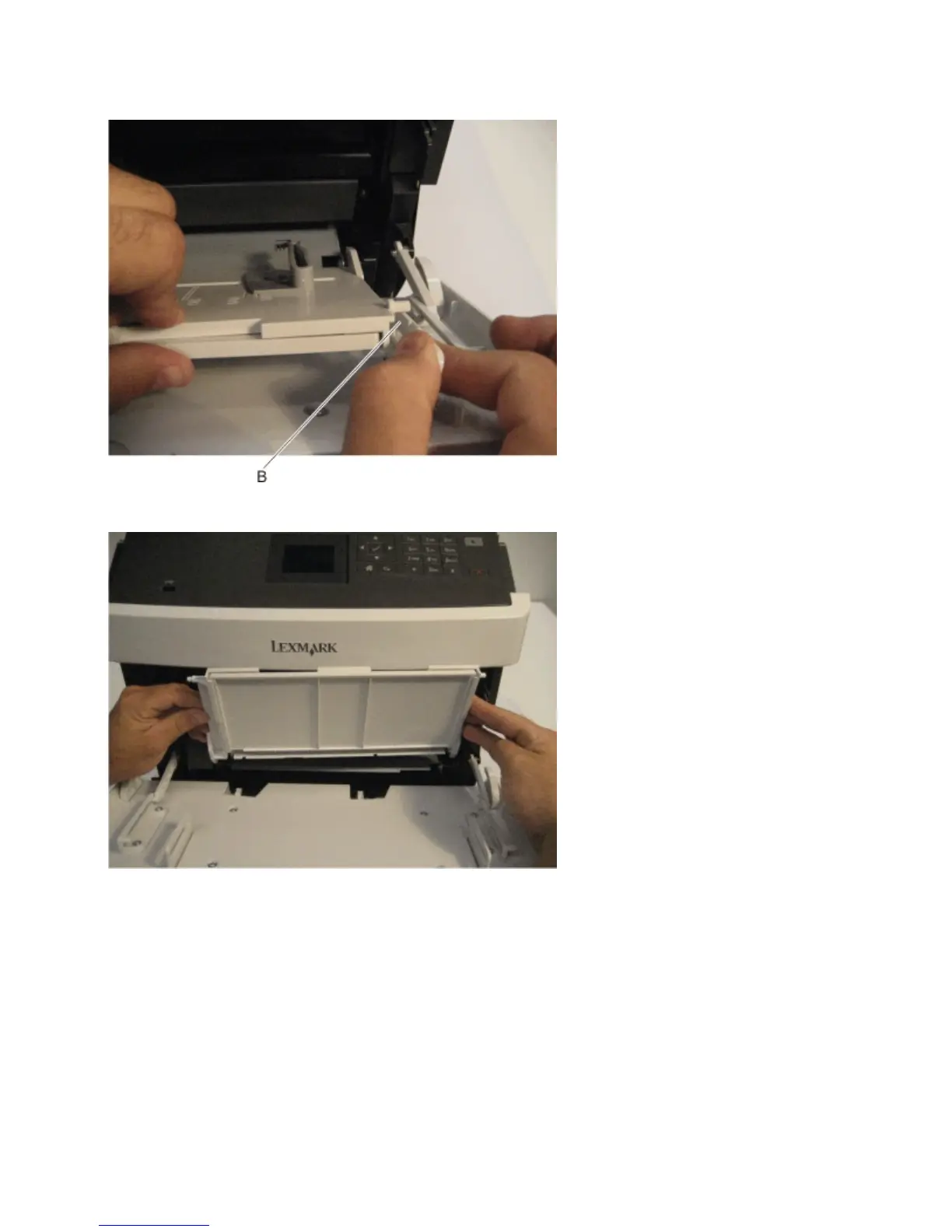
3 Gently flex the right bracket (B) and detach the right side of the MPF tray.
4 Raise the MPF tray to a vertical position, and detach it from the machine.
Right inner cover removal
1 Open the front door.
2 Raise the control panel to its uppermost position.
3 Remove the right cover. See “Right cover removal” on page 278.
4063
Repair information
304



 To Next Page