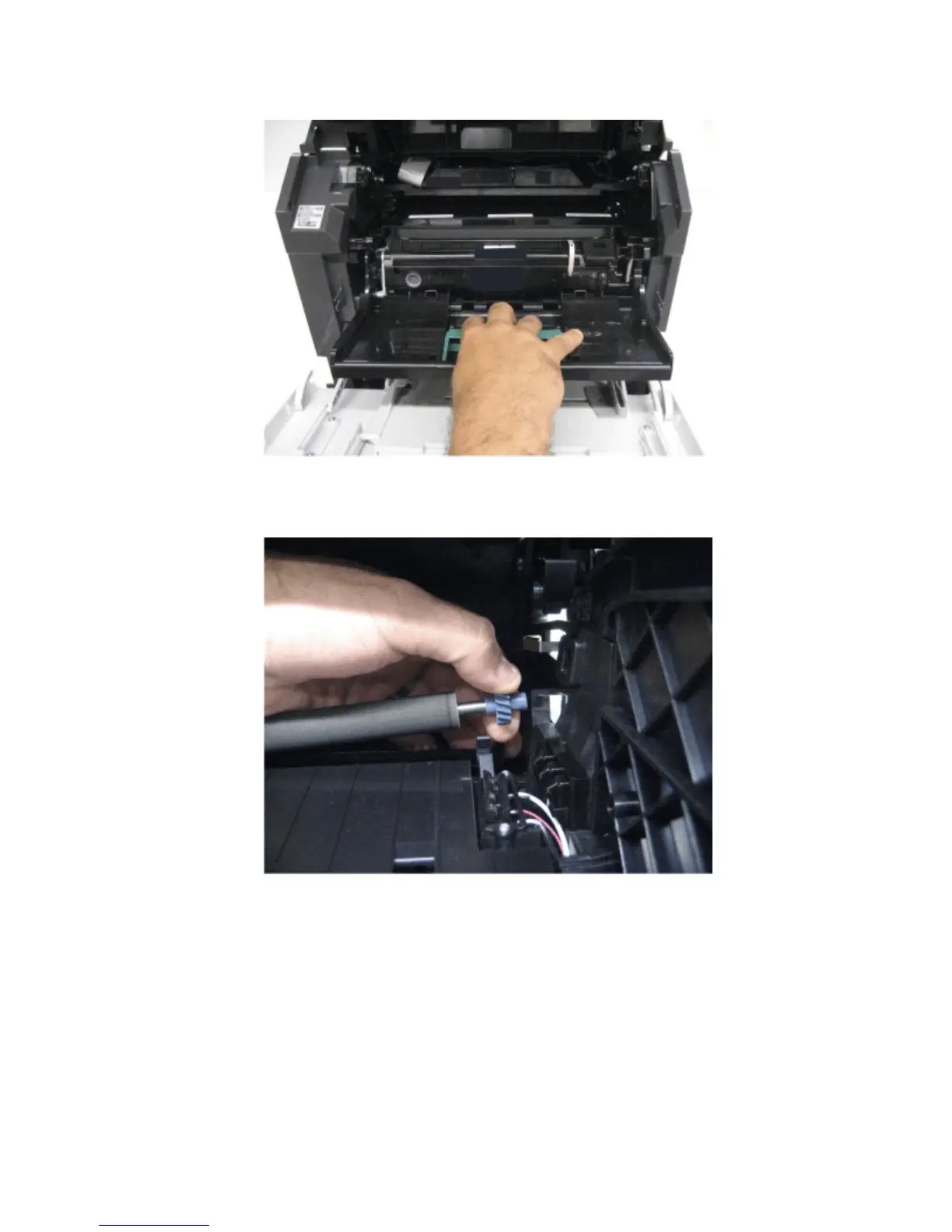
4 Remove the imaging unit.
5 Using the drive gear, gently pull the right side of the transfer roller to slightly detach it from the machine.
6 Gently move the transfer roller to the right to disengage it from the left transfer roller arm.
Note: When removing the transfer roller, avoid all contact with the foam surface, or print quality issues might
occur.
Installation note: When replacing the transfer roller, do not touch the foam surface.
4063
Repair information
313



 To Next Page