215651 141 Revision B
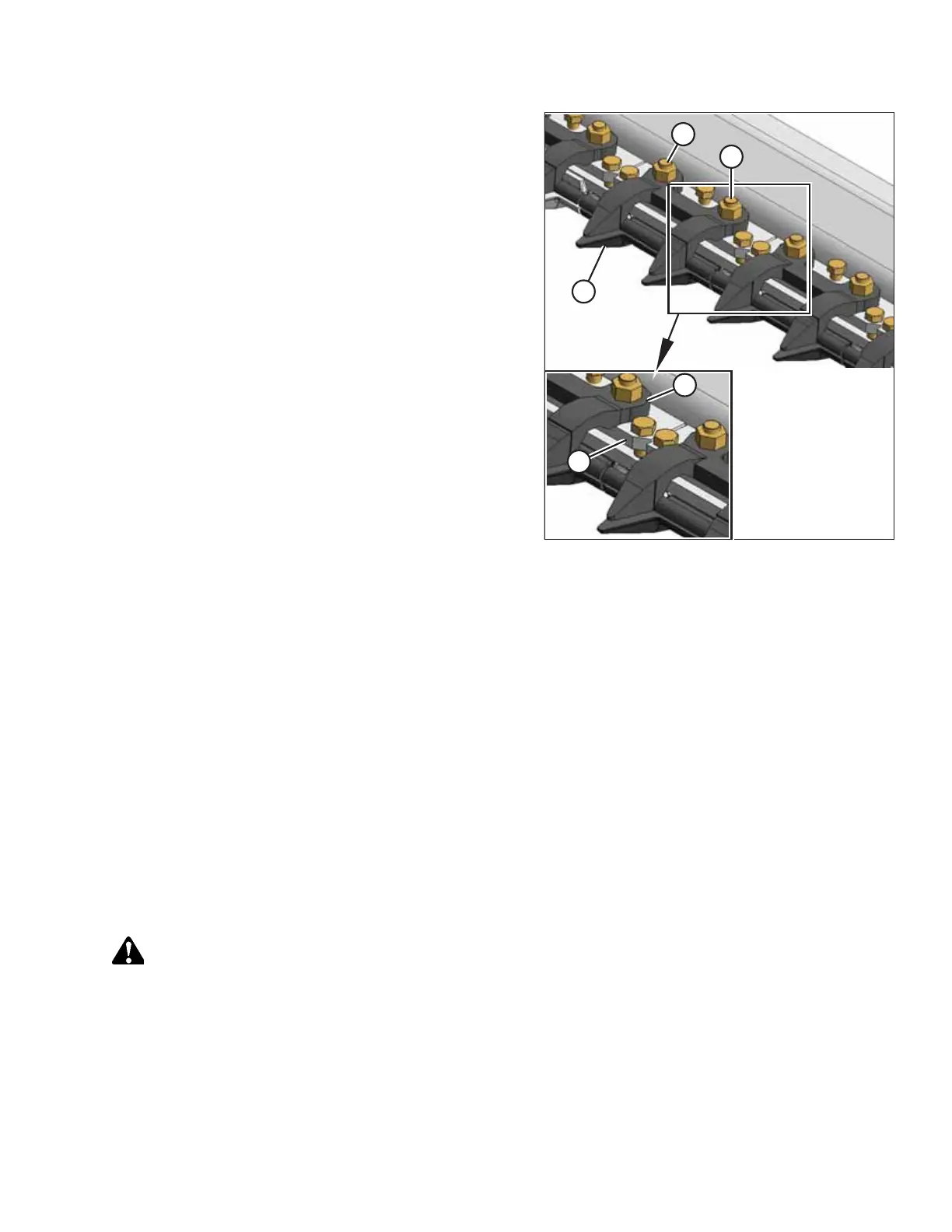
Figure 5.37: Stub Knife Guards
5. Position the plastic wearplate (if applicable), replacement
guard (B), adjuster bar (D), and top guide (C), and then
install bolts and nuts (A). Do NOT tighten.
6. Check and adjust the clearance between the hold-downs
and the knife. For instructions, refer to Checking and
Adjusting Hold-Down with Stub Guards, page 143.
7. Torque nuts (B) to 88 Nm (65 lbf∙ ft).
5.5.8 Knife Hold-Downs
Perform daily inspections to ensure the knife hold-downs are preventing the knife sections from lifting off the guards while
permitting the knife to slide without binding. Use a feeler gauge to measure the clearance between the hold-downs and
knife sections.
For checking and adjusting instructions, refer to the following procedures:
• Checking and Adjusting Hold-Downs with Pointed Guards, page 141
• Checking and Adjusting Hold-Down at Double-Knife Center Pointed Guard, page 142
• Checking and Adjusting Hold-Down with Stub Guards, page 143
NOTE:
Align guards prior to adjusting the hold-downs. For instructions, refer to Adjusting Pointed Knife Guards, page 137.
Checking and Adjusting Hold-Downs with Pointed Guards
To adjust hold-downs with pointed guards, follow the recommended adjustment procedure provided here.
DANGER
To prevent bodily injury or death from the unexpected startup of the machine, always stop the engine and remove the
key before adjusting the machine.
1. Shut down the engine, and remove the key from the ignition.
MAINTENANCE AND SERVICING



 To Next Page