OPERATION91
FeatureProgramming:
1TurntheignitionswitchtotheONposition.
2Accessthekeylessentrymodule,locatedbehindtheD-Panel.
3PushtheProgramswitchonthekeylessentrymodulesixtimes.Thehornwillchirpsix
times,andtheprogramLEDonthemodulewillbesolid,toindicateyouarenowin
theFeatureProgrammingMode.
4Pressandreleasethetransmitterbuttoncorrespondingtothefeatureyouwanttochange.
Note:ThehornchirpsandLEDpulseswillindicatethenewsetting.
5Pressthetransmitterbuttonagaintochangethefeatureagain.Keeppressingthe
transmitterbuttonuntilthemoduleadvancestoyourdesiredsetting.
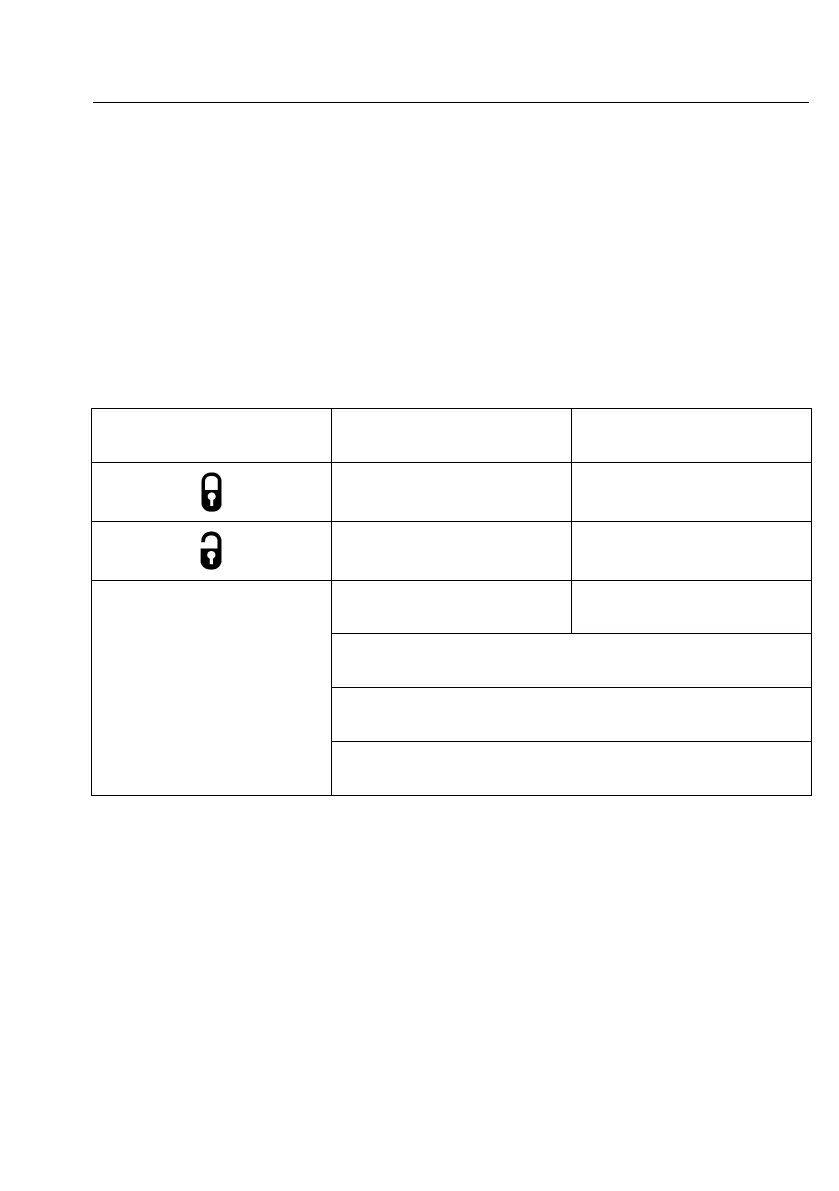
PressTransmitterButtonOneChirp/LEDOnePulse
FactoryDefaultSetting
TwoChirps/LEDTwoPulses
TheRemotefunctioncan
operatewithignition"on"
TheRemotefunctioncannot
operatewithignition"on"
AutomaticRe-ArmOFFAutomaticRe-ArmON
ExternalLightturnsonfor3
minutes
ExternalLightturnsonfor5
minutes
ThreeChirps/LEDThreepulses=ExternalLightturnson
for10minutes.
FourChirps/LEDFourpulses=ExternalLightturnsonfor
15minutes.
AUX
FiveChirps/LEDFivepulses=ExternalLightturnsonfor
20minutes.
6.ToexitProgrammingMode,turntheIgnitiontothe"Off"position,orsimplywaitfor15
seconds.Thehornwillrespondwithashort+longbeepandtheLEDturnsofftoconrm
exit.



 To Next Page