PCWS 2015 Setup Guide - 2nd Edition 3-51
What’s Inside?
Reassembling the PCWS 2015
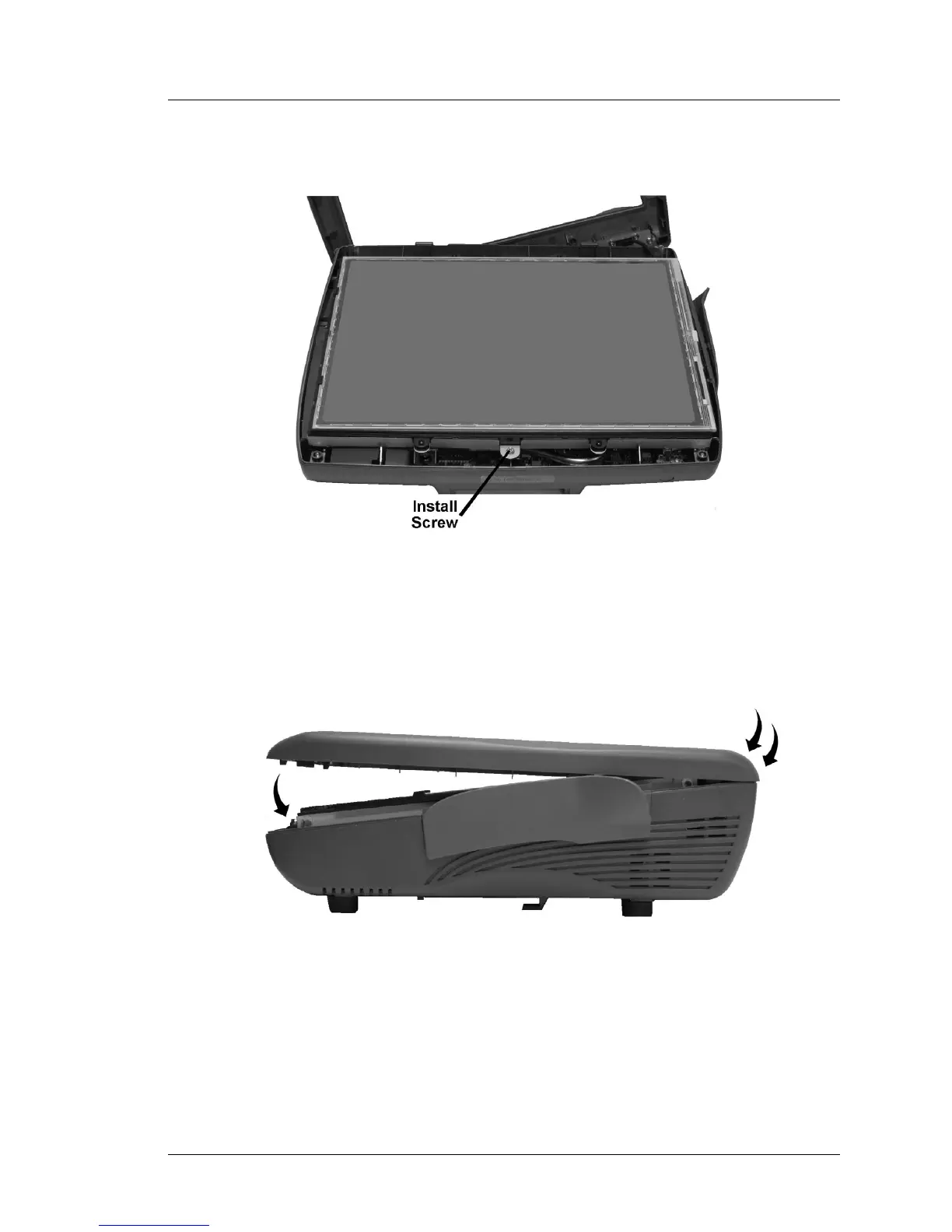
5. Be sure to install the screw that secures the LCD/Touchscreen Assembly to
the base.
Figure 3-46: Securing the LCD/Touchscreen Assembly to the Base
6. Examine the top cover gasket to ensure it is seated in the groove. Install the
top cover by first attaching to the hooks at the rear of the base then rotate
downward to snap the cover in place.
Figure 3-47: Installing the Top Cover
7. Tighten the captive screws to secure the cover.



 To Next Page