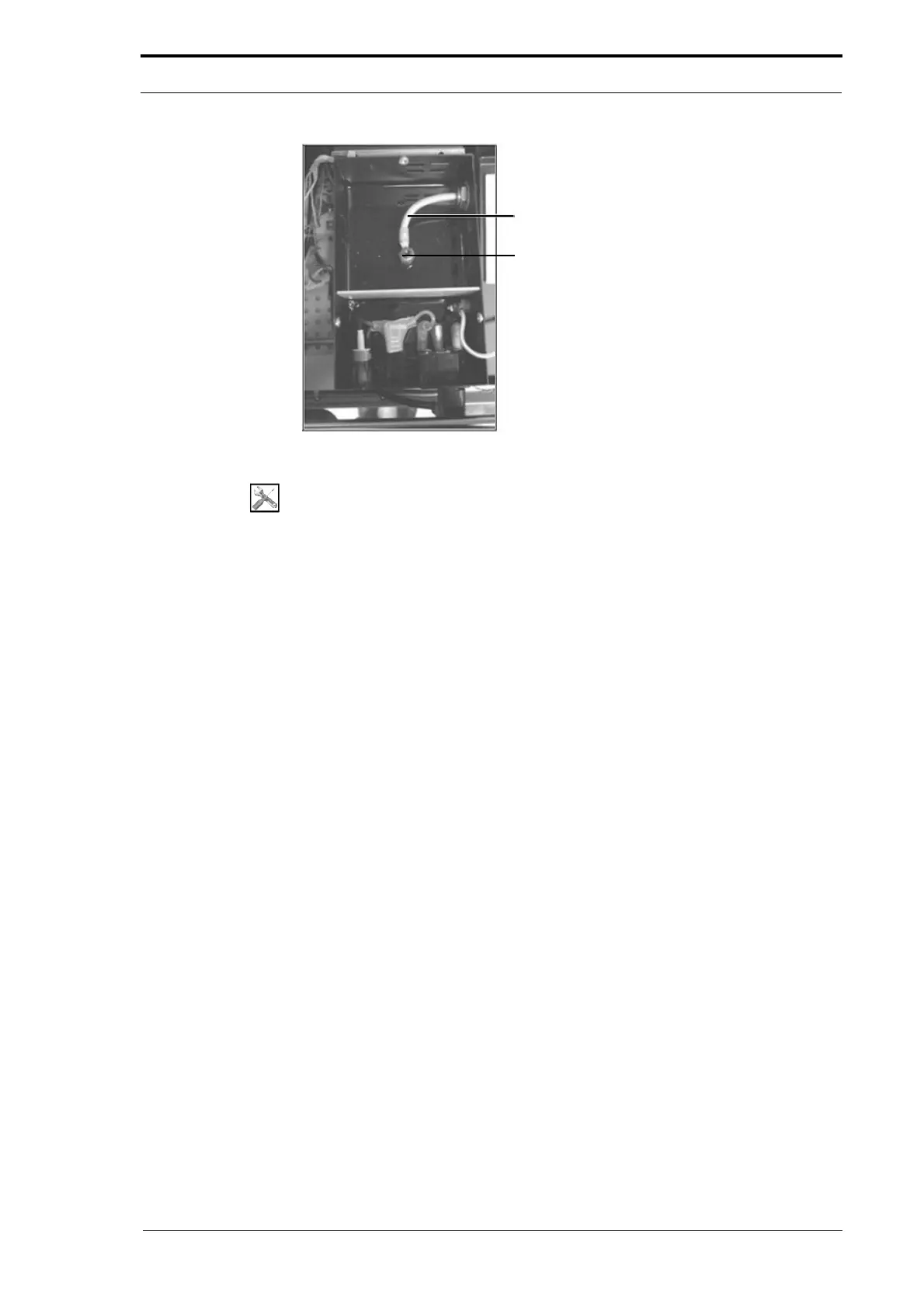
Ioniser Bar Cable
High Voltage Output Post
4. Service Procedures - Replace Components - DRV Module
118 Morgana DocuMaster MFC - Service Manual
Figure 4.108 Inside the High Voltage Anti-Static Transformer
Tools:
• Allen Key: 3mm
• Screwdriver: Angled Pozidriv No. 2
• Spanner: 2 x 15mm.
Before you start:
• Open the hinged rear panel (See Section 4.2.4).
(1) Disconnect the high voltage anti-static transformer power cord.
(2) Remove the three screws that attach the transformer lid to the high voltage anti-
static transformer (see Figure 4.107).
(3) Open the transformer lid.
(4) Disconnect the ioniser bar cable from the high voltage output post inside the high
voltage anti-static transformer (see Figure 4.108).
(5) Remove the ioniser bar cable fixing nut and washer, and remove the cable from
the high voltage anti-static transformer.
(6) Remove the two screws that attach the high voltage anti-static transformer to the
mounting bracket (see Figure 4.107).
(7) Lift the high voltage anti-static transformer, and remove it from the DRV module.



 To Next Page