6. General Procedures - Create the MFC Test Program Connection
198 Morgana DocuMaster MFC - Service Manual
6.5 Create the MFC Test Program Connection
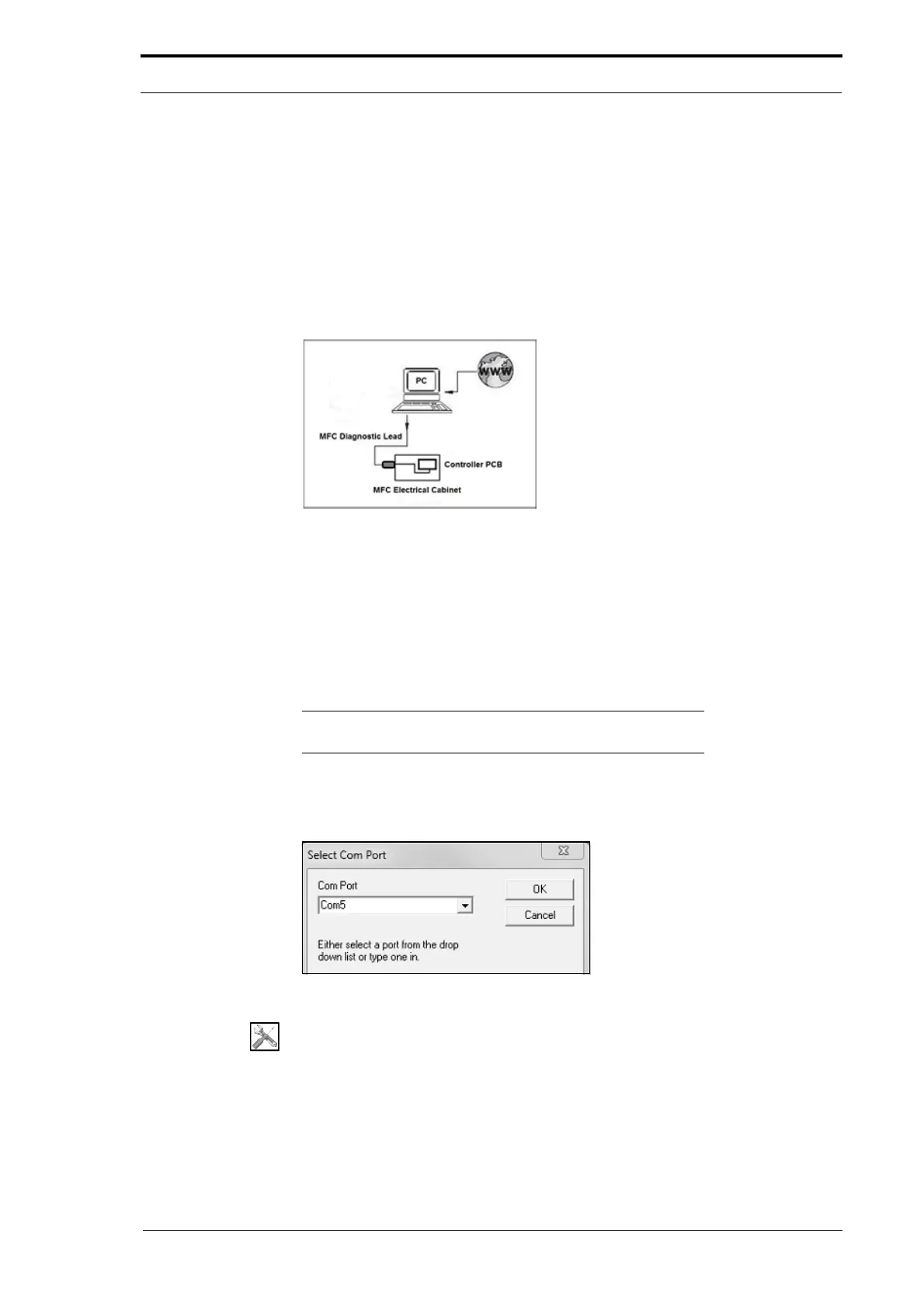
A computer can be connected to the MFC through a special cable known as the MFC
Diagnostic Lead. This cable can be purchased from Morgana Systems Ltd.
The diagnostic lead must be connected to the MFC engineer socket and then to the
serial port
or USB port of the computer. If a serial port is not available, a USB - RS232
adapter will be necessary. These adapters are available from most computer supply
companies.
Figure 6.5 Connect The MFC Test Program
The MFC Test program is automatically configured to transfer data between the
computer and the MFC. The configuration settings are shown below:
• Baud rate (bits per second): 19200
• Data bits: 8
• Parity: none
• Stop bits: 1
Note: The MFC T
est program will not work unless the computer
is connected to the MFC.
6.5.1 Connect the MFC Test Program
Figure 6.6 The ‘Select Com Port’ Dialogue Box
Tools:
• A computer (Windows XP, Windows 7)
• MFCTest.exe program
• 79-216 MFC Diagnostic Lead



 To Next Page