Morgana DocuMaster MFC - Service Manual 227
7. Electrical and Control System - Software Overview
7.4 Software Overview
Control software is sometimes updated with new revisions. A new revision can address
problems in operation or give improved or new functions.
For more information on the latest software revisions, go to the Morgana website on
the internet at
http://www.morgana.co.uk
The dealer portal area of the Morgana web site has restricted access. Contact
Morgana Systems Limited if you need the password.
7.4.1 Get the GUI CPU software
Each GUI CPU software update is supplied as a self-extracting zip file. Get these files
from Morgana on USB Storage Disc or download the files from the Internet at
http://www.morgana.co.uk
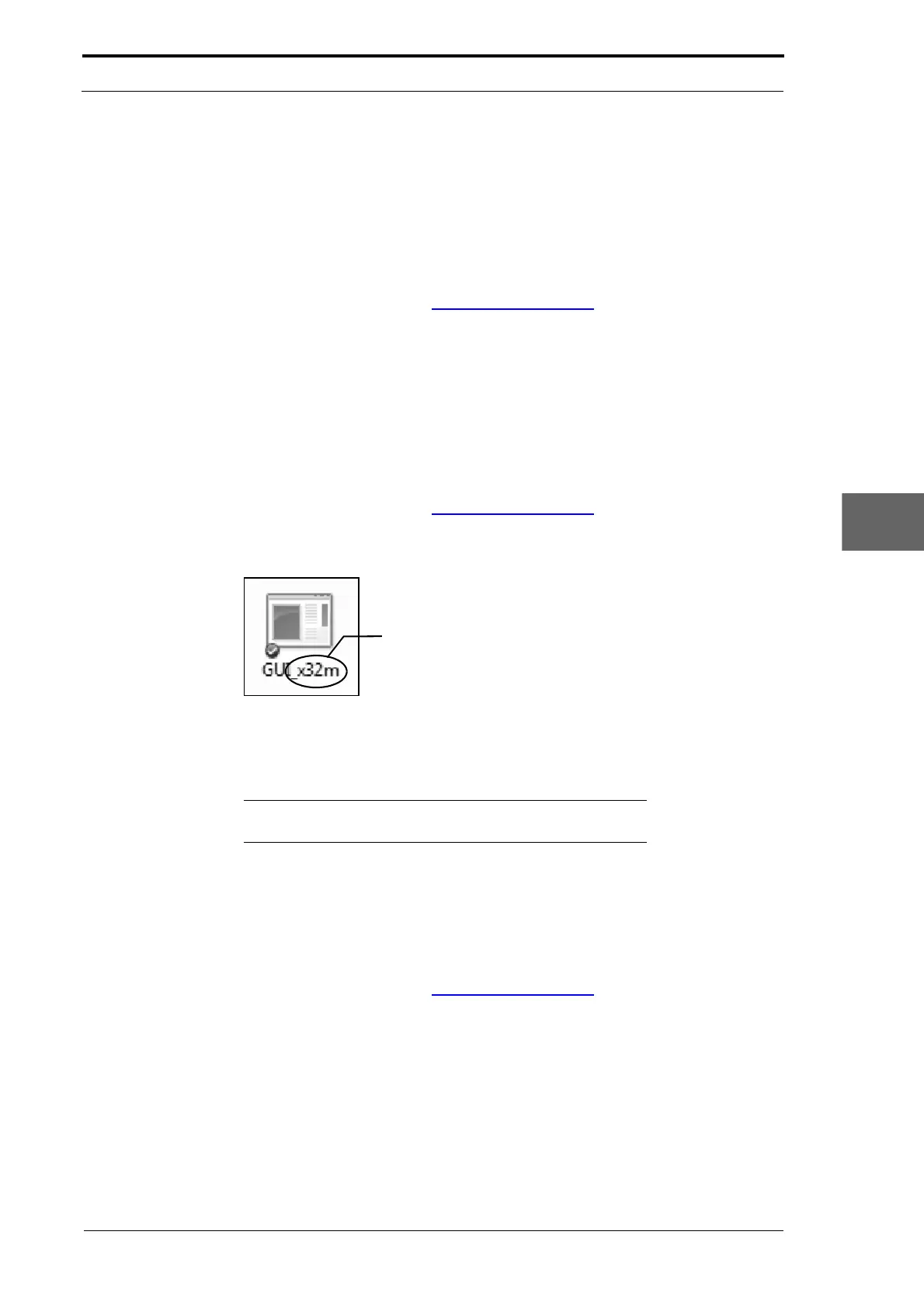
Copy the file to your computer and double-click the icon to run the file.
Shows which version of MFC
software is contained in the file
Figure 7.17 GUI Software Self-Extracting File
A folder with the name GUI is created on the 'C:' drive of your computer. The GUI folder
contains the software file Varioapp.lzw plus other related files.
Note:
When the software files are extracted, a DOS prompt
screen is opened. Ignore this DOS prompt screen and close it.
7.4.2 Get the Creaser Control Software
Each creaser control software update is supplied as a .hex file. Get these files from
Morgana on USB storage disc or download the files from the Internet at
http://www.morgana.co.uk
Create a 'MFC software' folder on the 'C:' of your computer. Copy the latest revision
.hex file from the Internet or from a storage device into the 'MFC Software' folder on
your computer (see Figure 7.18).



 To Next Page