7. Electrical and Control System - GUI CPU Software Updates through an RS232 Connection
232 Morgana DocuMaster MFC - Service Manual
7.6 GUI CPU Software Updates through an RS232 Connection
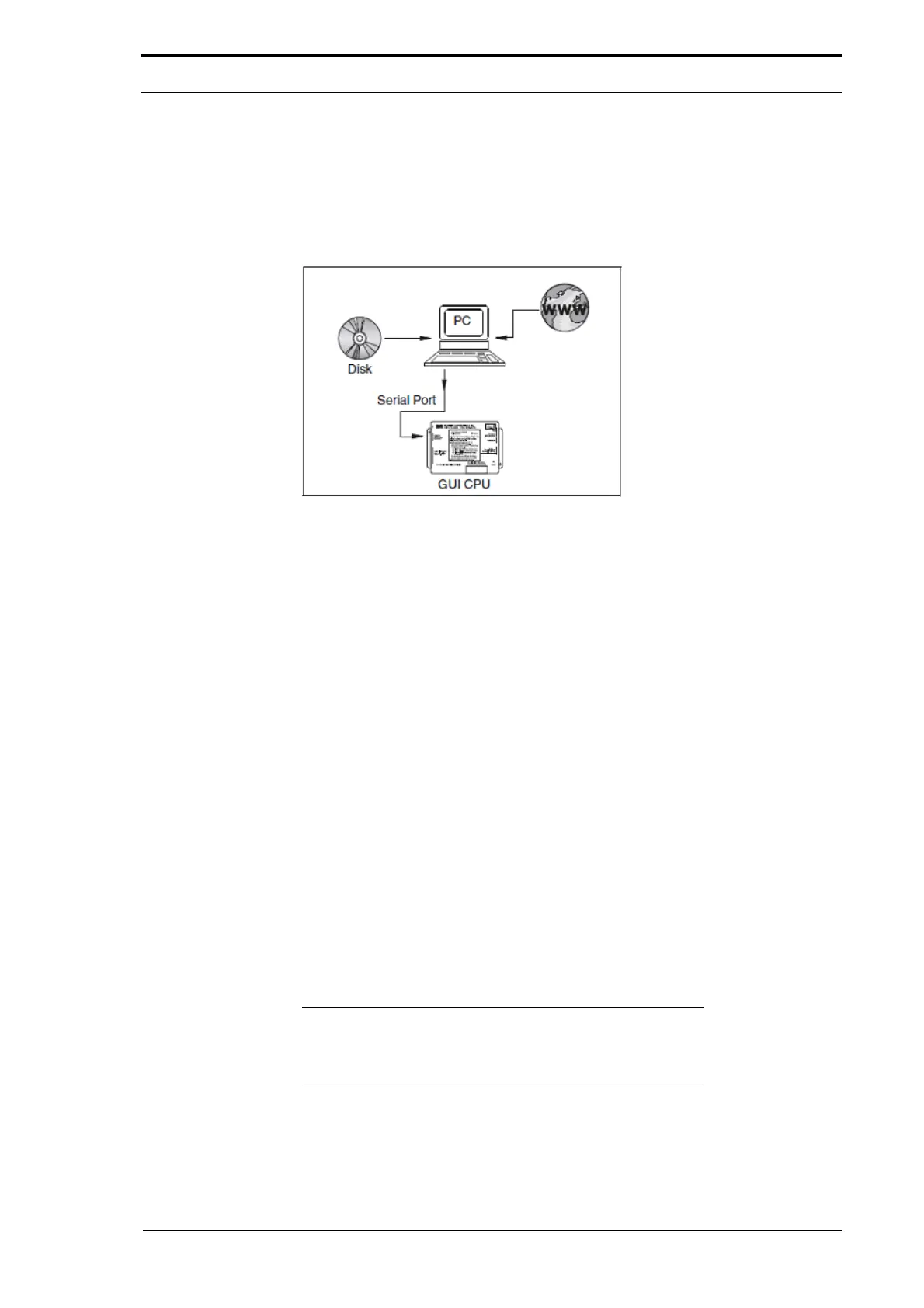
The GUI CPU software can be updated through an RS232 connection. The RS232
cable is connected to the GUI CPU and lets you install the software from the serial port
or USB port of a computer.
Figure 7.21 Update the Feeder Software with an RS232 Connection
The RS232 connection is not as fast as an Ethernet connection. However, a software
update through the RS232 connection take only five to ten minutes.
This software update method has these advantages:
• The software can be installed from a computer that does not have an Ethernet
connection.
• This method only requires a serial cable.
The GUI CPU can be connected directly to the serial
port of a computer with a 9-pin
RS232 cable. If a serial port is not available, a USB - RS232 adapter will be required.
These cables are available from most computer supply companies. Access the GUI
boot firmware with a software program known as a 'terminal emulator'. You can use
any terminal emulator with these settings.
• Baud rate (bits per second): 38400
• Data bits: 8
• Parity: none
• Stop bits: 1
Windows 95 and later are supplied with a terminal emulator known as 'Hyperterminal'.
T
he procedure described in this section refers to this program, because Hyperterminal
is available freely.
Note:
Microsoft has not supplied the Hyperterminal program
with Vista or Windows 7 operating systems. To install
Hyperterminal onto a PC running Vista or Windows 7 (see
Section 7.10.1).



 To Next Page