4. Service Procedures - Diagnostic Procedures
54 Morgana DocuMaster MFC - Service Manual
A static elimination system emits an electrical field, or air corona, which neutralises the
static-electric charge on the paper as it enters the gathering area. Sheets of paper with
a static-charge will stick together and will not stack or jog into a tidy book.
A high voltage transformer in the DRV module is connected to an ioniser bar in the
ga
thering area by an insulated cable. The static elimination system will operate when
the MFC main switch is ON (I).
If the static elimination system
does not operate efficiently, or is defective, sheets will
not stack neatly and will jam in the gathering area.
The test procedure that follows identifies which p
art of the static elimination system is
defective.
Warning: Use extreme caution not to touch live circuits when the MFC is turned on.
Tools:
• Allen Key: 3mm.
• Screwdriver: Pozidriv No. 1.
• Spanner: 2 x 15mm (Open-end).
• Electrical Multimeter: High Voltage Probe (1000 - 1) if available, Non-contact Volt
Sensor.
Before you start:
• Open the hinged rear panel (see Section 4.2.4).
Step Action Information
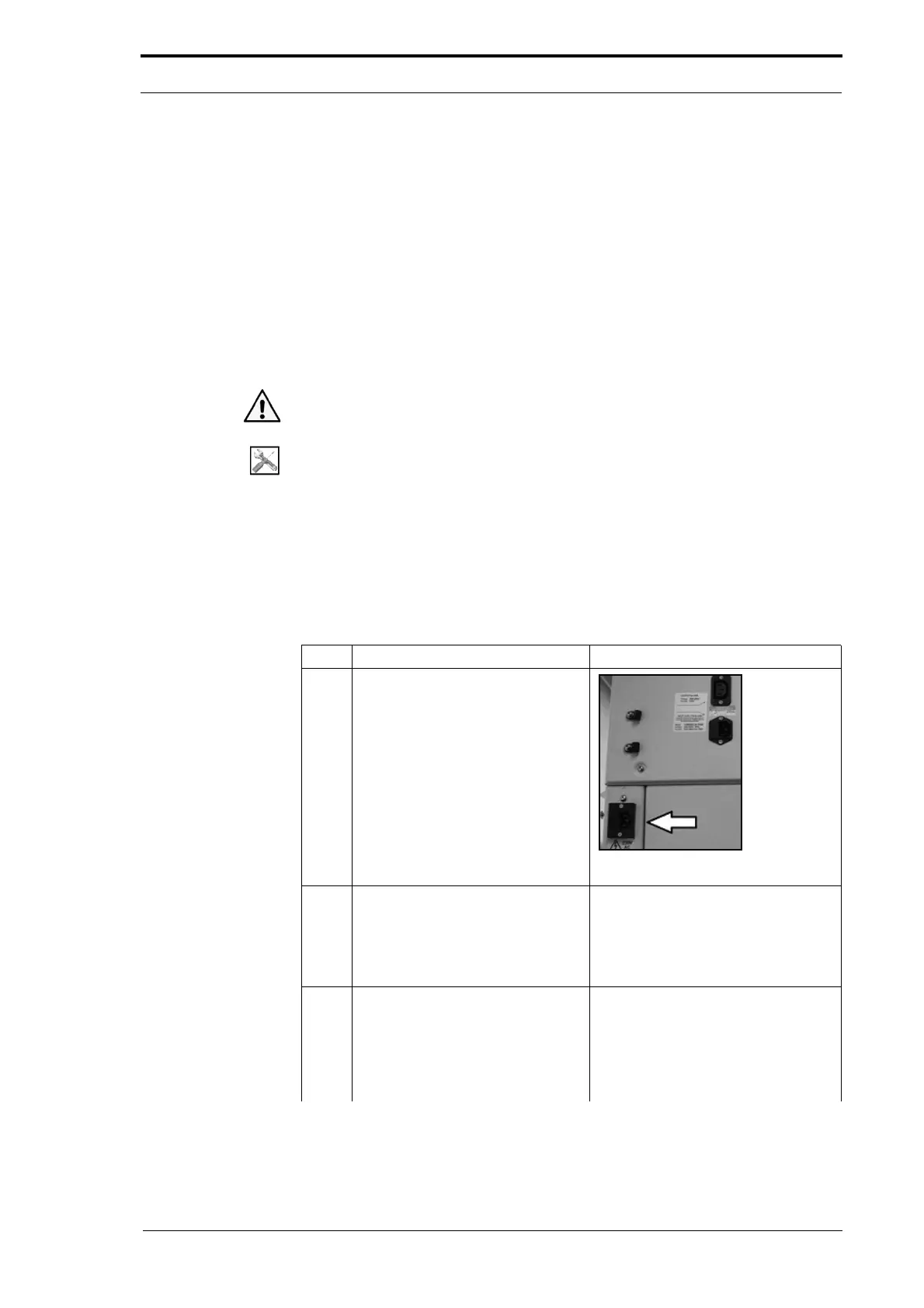
1 Connect the main power cord
directly into the DRV module inlet.
Figure 4.21 DRV Module Main Inlet
2 Do a voltage test on the
transformer power cord.
• Disconnect the transformer
power cord (see Figure 4.19).
• Measure the AC voltage.
• Connect the transformer power
cord.
3 Do a test on the anti-static
transformer ON/OFF switch.
• Press the switch down
• Check that the switch is
illuminated (see Figure 4.19).
If the switch is not illuminated the
transformer
is defective and must be
replaced (see Section 4.7.8).



 To Next Page