Morgana DocuMaster MFC - Service Manual 85
4. Service Procedures - Machine Adjustments and Calibration
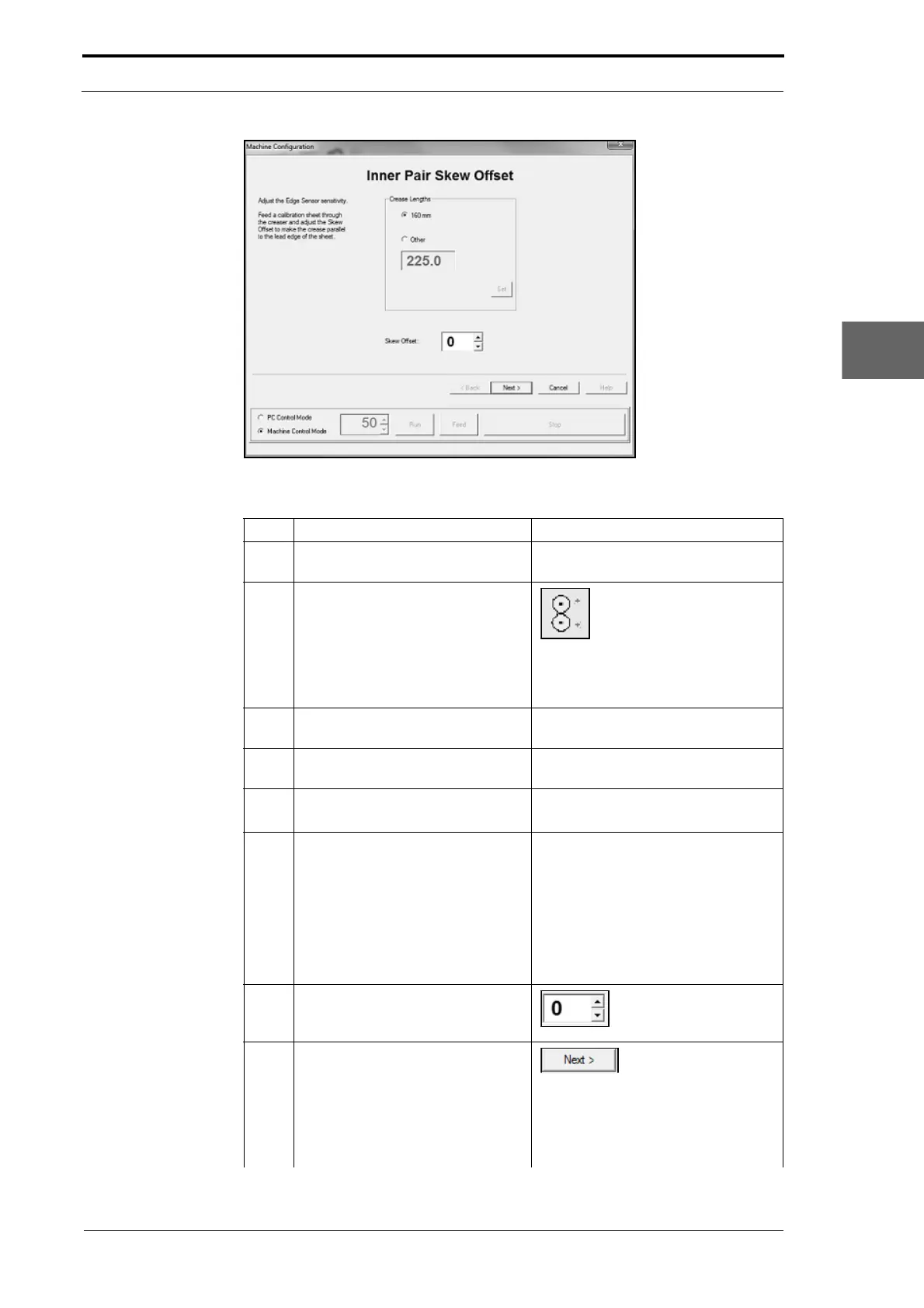
Figure 4.62 Inner Sensor Pair Skew Offset Adjustment Page
Step Action Information
1 Run the MFC Test program on the
computer
.
2 Open the MFC Machine
Configuration wizard.
Left Click on the machine
configuration button.
Note: The Machine Config
uration
wizard will show the Inner Pair Skew
Offset adjustment page.
3 Set Machine Control Mode. Left Click the
MACHINE CONTROL MODE
radio button on the control bar.
4 Adjust the sensitivity of the inner
p
air of edge-sensors.
(See Section 4.5.20).
5 Feed a single sheet of test stock
through the MFC.
• Remove the sheet from the
gathering area.
6 Do a check to see if the crease is
p
arallel to the lead-edge of the
sheet.
• Put the sheet on a flat surface.
• Fold the LH edge of the sheet on
top so that the LH edge of the
sheet is parallel with the RH
edge of the sheet.
• Do a check to see if the two ends
of the crease are aligned (see
Figure 4.61).
7 Adjust the skew offset trim to make
the crease parallel to the lead-
edge of the sheet.
Set a skew offset value
in the setting field.
8 Repeat Steps 5 thru 7 until the
crease is p
arallel to the lead-edge
of the sheet.
Left Click NEXT> when
done.
Note: The Machine Config
uration
wizard will show the next calibration
page and write the trim values to the
EEROM.



 To Next Page