Read Me First
This manual is intended for use by service technicians familiar with similar types of equipment. This
manual contains information required for the installation of the equipment described and is current as of the
printing date. Changes that occur after the printing date are incorporated as a complete Manual revision or
alternatively as additions. The radio platform is available in different software versions and various hardware
configurations around the mobile radio. Different configurations are reflected in the product names. This
manual separates information between the different products when a difference occurs.
WARNING: The junction box (GMLN7825_) is only compatible with MXM600.
NOTE: Only trained personnel can install the mobile terminal. All installations must take place in
accordance with the requirements of the vehicle and antenna manufacturer or supplier.
Notations Used in This Guide
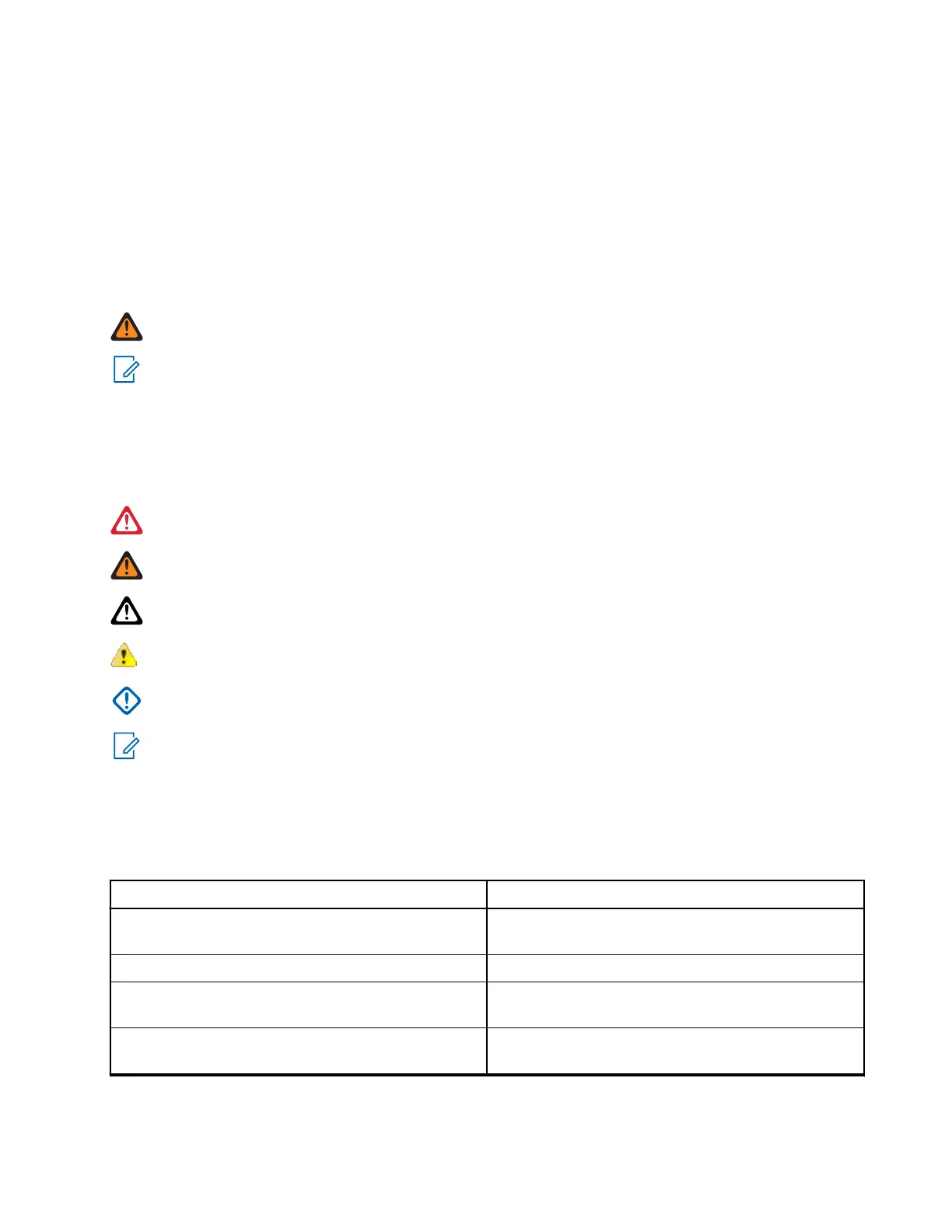
This guide is designed to give you more visual cues. The following graphic icons are used throughout the
user guide.
DANGER: The signal word DANGER with the associated safety icon implies information that, if
disregarded, will result in death or serious injury.
WARNING: The signal word WARNING with the associated safety icon implies information that, if
disregarded, could result in death or serious injury, or serious product damage.
CAUTION: The signal word CAUTION with the associated safety icon implies information that, if
disregarded, could result in minor or moderate injury, or serious product damage.
ATTENTION: The signal word ATTENTION may be used without the safety icon to state potential
damage or injury that is not related to the product.
IMPORTANT: IMPORTANT statements contain information that is crucial to the discussion at hand, but
is not CAUTION or WARNING. There is no warning level associated with the IMPORTANT statement.
NOTE: NOTICE contains information more important than the surrounding text, such as exceptions or
preconditions. They also refer the reader elsewhere for additional information, remind the reader how to
complete an action (when it is not part of the current procedure, for instance), or tell the reader where
something is on the screen. There is no warning level associated with a notice.
The following special notations highlight certain information:
Table 1: Special Notations
Example Description
Menu key or PTT button Bold words indicate a name of a key, button, or
soft menu item.
Entering TMO tone Italic words indicate a name of the tone.
Powering Off
Typewriter words indicate the HMI strings or mes-
sages displayed on your radio.
Setup → Tones → All Tones Bold words with the arrow between indicate navi-
gation structure in the menu items.
MN009998A01-AA
Read Me First
13



 To Next Page