Table 36: Expansion Heads Description
Number Description
1 Single Remote Expansion Head
2 Dual Remote Expansion Head
3 Databox Expansion Head
NOTE: Ensure that the dust covers of the Ethernet Connector, DSUB Connector, and TELCO
Connector fit properly when not in use.
Single Remote Expansion Head (SREH) and Databox Expansion Head (DEH)
Installation
This section explains the Single Remote Mount installation - M2 and Databox Expansion Head - M4.
The Single Remote Mount and Databox Mount options provide the terminal with the option of an IP54 or IP67
Remote Mount Control Head (RECH), or Telephone Style Control Head (TSCH).
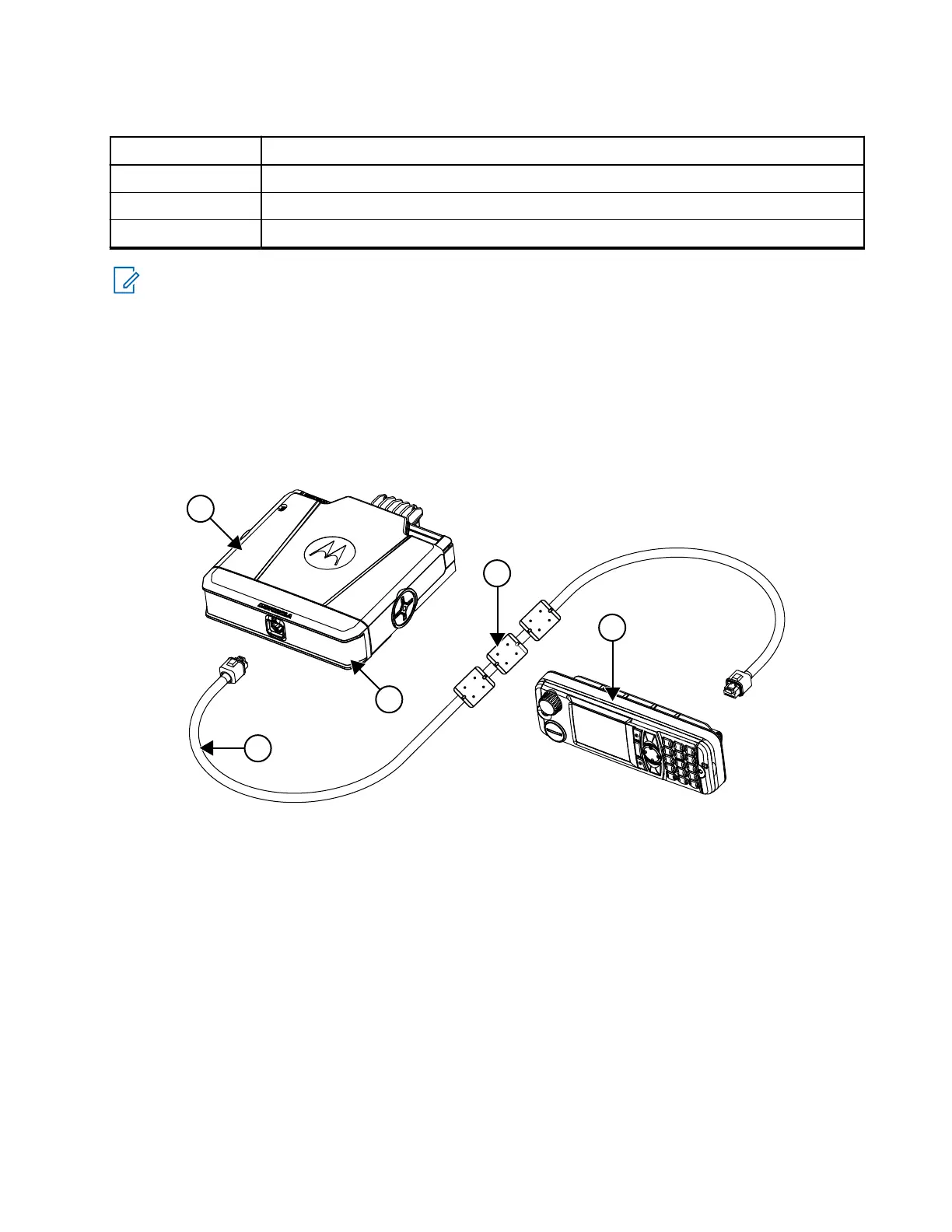
Figure 8: Remote Mount Installation with IP54 RECH or IP67 RECH and SREH
MN009998A01-AA
Chapter 3: Radio Installation
43



 To Next Page