Number Description
1 Remote Mount Trunnion Kit (PMLN4912_)
3.3.4
Installing the Remote Ethernet Control Head (RECH) in a
DIN Mount Bracket
Procedure:
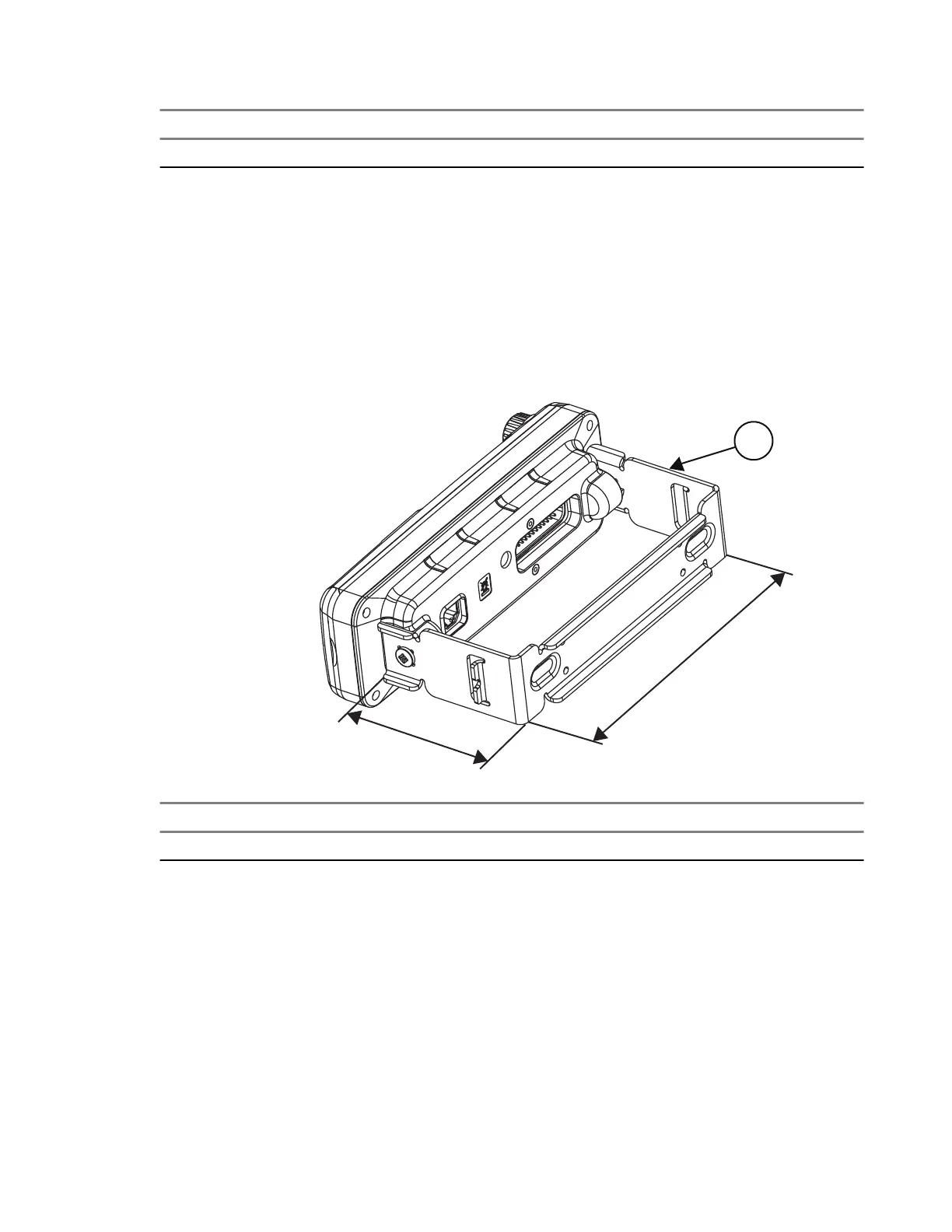
1. Slide the IP54 or IP67 RECH onto the DIN Mount Bracket until it snaps into place.
2. Tighten the screws at both sides of the DIN Mount Bracket.
Figure 23: IP54 or IP67 RECH Installation with DIN Mount Bracket
Number Description
1 DIN Mount Bracket Kit (PMLN5093_)
3.3.5
Inserting the IP54 or IP67 Remote Ethernet Control Head
with the DIN Mount Bracket into the DIN Frame
Procedure:
1. Insert the mounting frame into the DIN Mount Bracket, and retain it by bending back the relevant fixing
tabs.
MN009998A01-AA
Chapter 3: Radio Installation
55



 To Next Page