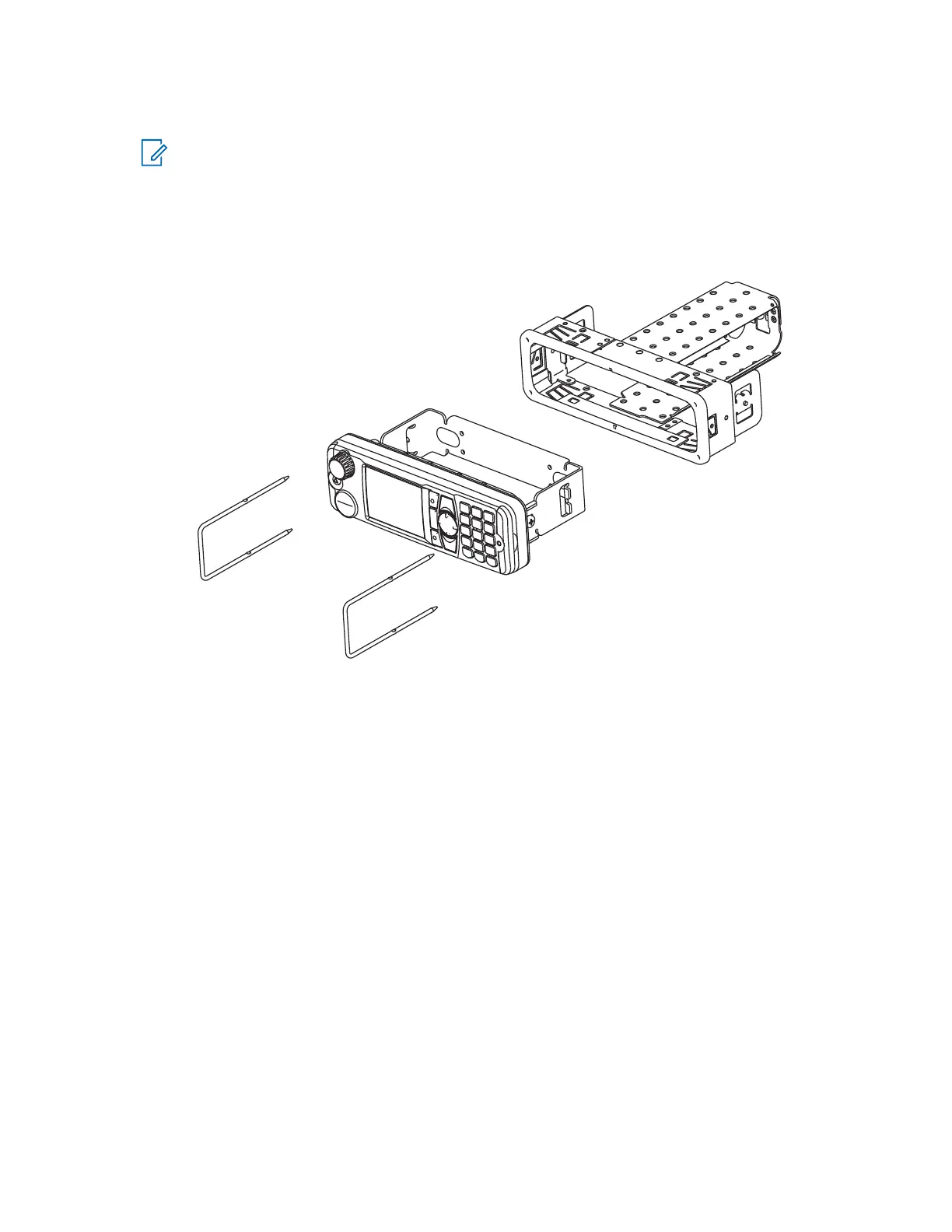
2. If necessary, use all six tabs to secure the frame.
NOTE:
The tabs are easily bent back by twisting a large flat-bladed screwdriver into the slot behind the
tabs.
For a more secure installation, secure the top and rear of the frame with screws.
Use the demount tool as an aid for both mounting and demounting.
Figure 24: IP54 or IP67 RECH Installation with DIN Mount Bracket into the DIN Frame
3.3.6
Accessories Expansion Cable
The Accessories Expansion Cable allows your radio to have extra accessories using the Mobile Microphone
Port (MMP).
MN009998A01-AA
Chapter 3: Radio Installation
56



 To Next Page