Number Description
10 Chassis Ground
11 Ignition Cable
Procedure:
1. Place the transceiver in the box at the back of the motorcycle.
2. Mount the IP67 Remote Ethernet Control Head (RECH) horizontally at a position that enables the
driver to view the controls and operate them easily.
3. Ensure that the IP67 RECH is close enough to the vehicle operator to permit easy access to operating
controls.
4. Mount the IP67 RECH directly on the chassis or handle part.
5. Ensure that the units mounted in the motorcycle box are protected from dirt and moisture.
6. Verify that sufficient space is available around the units to allow air flow and removal.
7. Verify that the cable from the IP67 RECH on the handlebars to the radio unit is long enough to allow
sufficient space for turning the handles.
8. Route the antenna in the shortest way to minimize power loss over the cable.
9. Check that the mounting surfaces are able to support the weight of the units.
NOTE: If a combined TETRA/GNSS/Bluetooth/Wi-Fi antenna is used, the antenna housing
carries the GNSS/Bluetooth/Wi-Fi transmitter and receiver. Ensure not to cover the antenna
housing with metal or other radio wave absorbing materials.
10. Slide the IP67 RECH onto the mounting trunnion until it locks into place.
11. Tighten the screws at both sides of the trunnion. After a few turns, tilt the IP67 RECH for an optimum
view of the display. Then, complete the tightening of the screws.
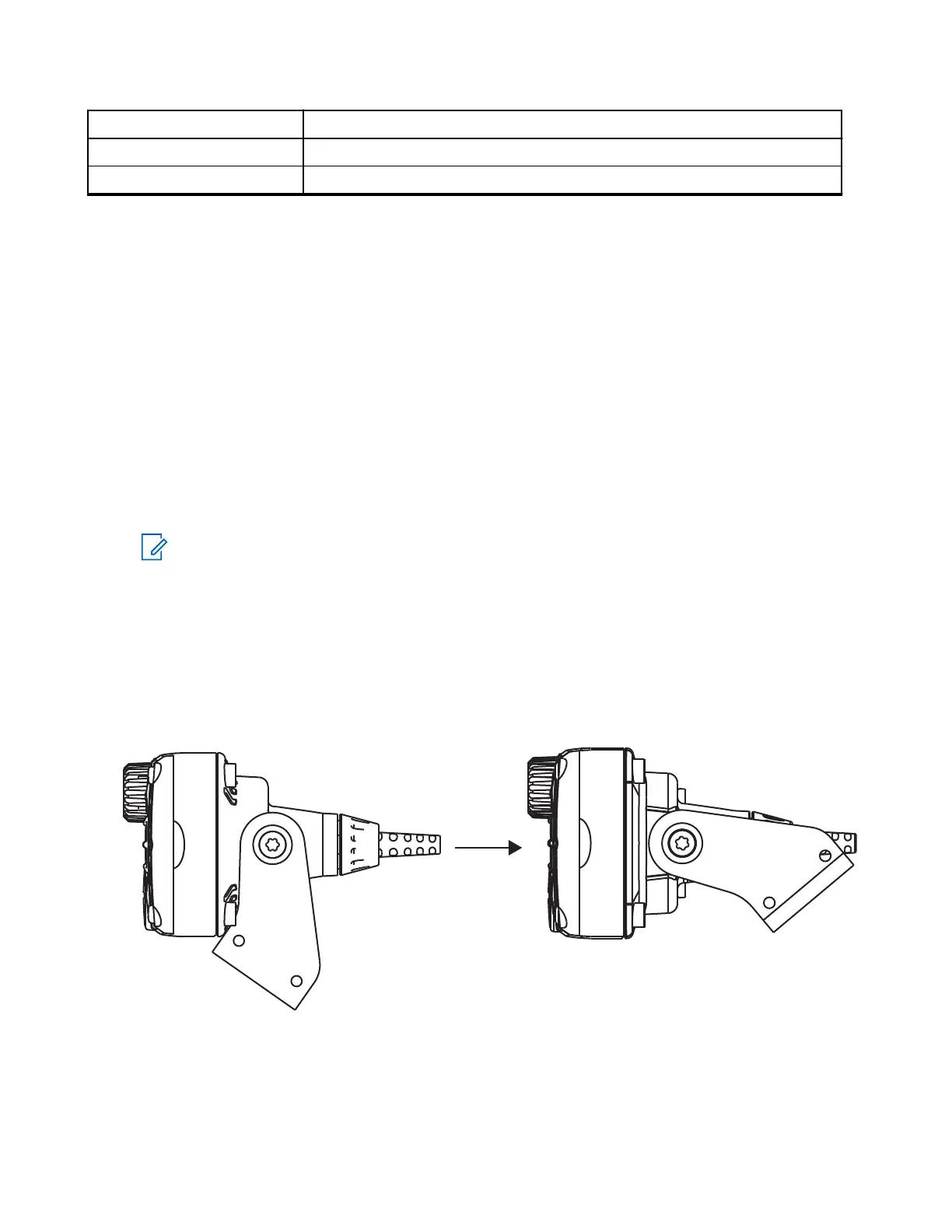
12. Mount the motorcycle trunnion in an upward movement or downward movement.
The movement is limited to a 77° angle.
Figure 41: Upward Movement
MN009998A01-AA
Chapter 3: Radio Installation
74



 To Next Page