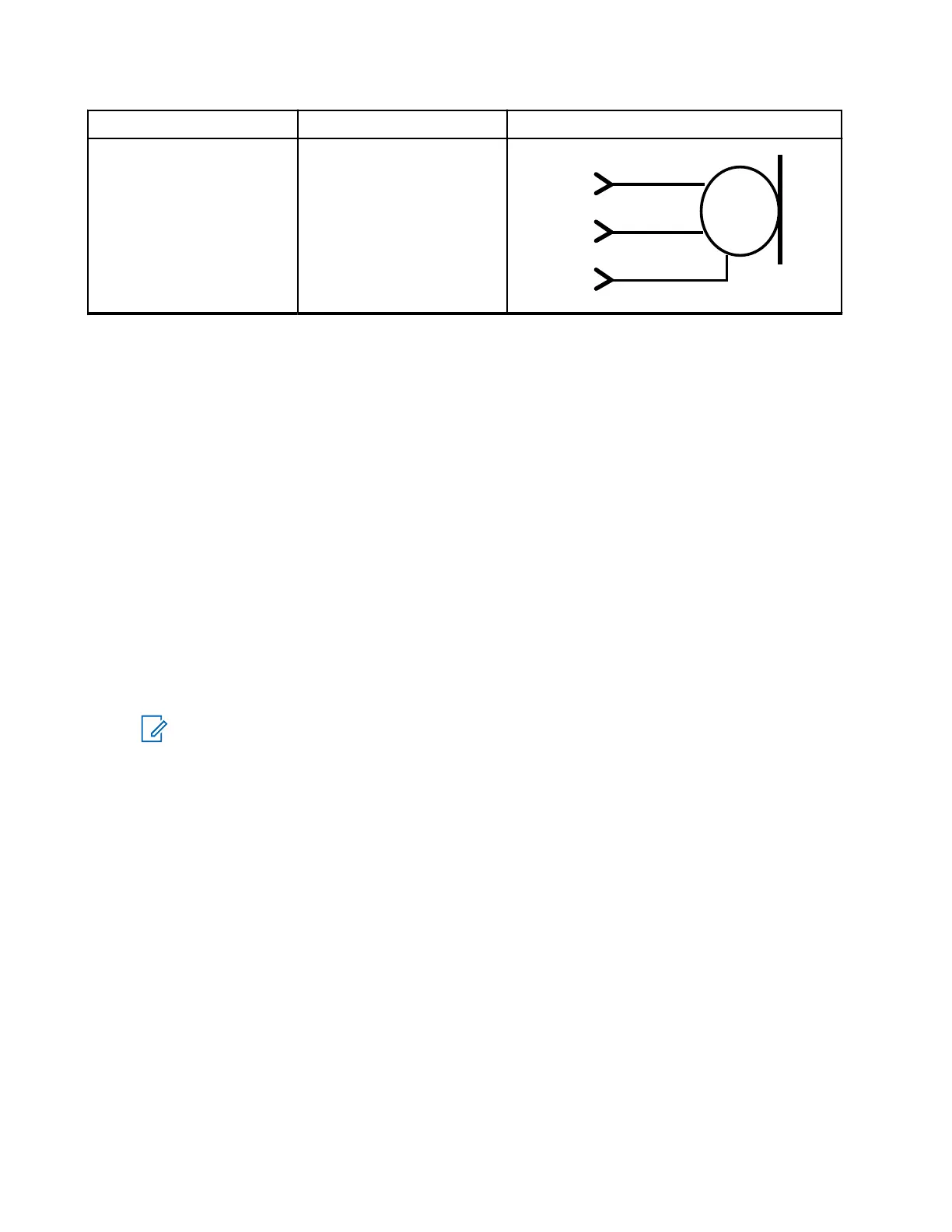
Part Number Description Cable Connectivity
RMN5054_ Smart-visor microphone
MIC +1
MIC_GND
8
9
MIC+
MIC-
1-WIRE
6
ADS
3.7
Installing the Trunnion
The trunnion allows the terminal to be mounted to various surfaces. The trunnion must be securely fixed to
the vehicle chassis.
The MXM600 is compatible with the following trunnions:
● GLN7317 High Profile
● GLN7324 Low Profile
● RLN4779 Key Lock Bracket
● PMLN8620_ MXM600 Standard Trunnion Kit
The PMLN8620_ is an enhanced trunnion kit that comes with screw hole alignment features. It allows the
mobile radio prealigned to the enhanced trunnion screw holes, and uses guide rings on the trunnion to guide
the wing screws tighten to the mobile radio.
Procedure:
1. Ensure that the surface can support the weight of the terminal.
NOTE: Although the trunnion can be mounted to a plastic dashboard, you are recommended to
locate the mounting screws to penetrate the supporting metal frame of the dashboard.
2. Ground your radio housing to the nearest vehicle chassis ground point. To ground your radio housing,
perform one of the following:
● Remove the paint from the part of the trunnion that touches your radio and vehicle chassis.
● Connect a short cable with ring lugs on both ends to the chassis under the wing screw.
MN009998A01-AA
Chapter 3: Radio Installation
86



 To Next Page