Label Description Part Number
3 DC Power Cable PMKN4305_(to be used with
PMPN4076_)
4 AC-DC Power Adapter PMPN4076_
5 Line Cord with Ground –
6 Wall Outlet –
7 Desktray, Desktray with inbuilt Loud-
speaker, or Power Supply tray
GLN7318_, or RSN4005_
8 Antenna Cable
9 Antenna Connector BNC –
10, 11,
12
Typical Antennas: Lighting Protector with
Quarter-Wave Shorting Stub, Outdoor
Antenna, Indoor Antenna
–
3.3
MXM600 Remote Mount Installation
NOTE:
Ensure that the battery terminals are removed or the transceiver is turned off during the whole installation.
The following are for Remote Installation:
● IP54 Remote Ethernet Control Head (RECH)
● IP67 Remote Ethernet Control Head (RECH)
● Telephone Style Control Head (TSCH)
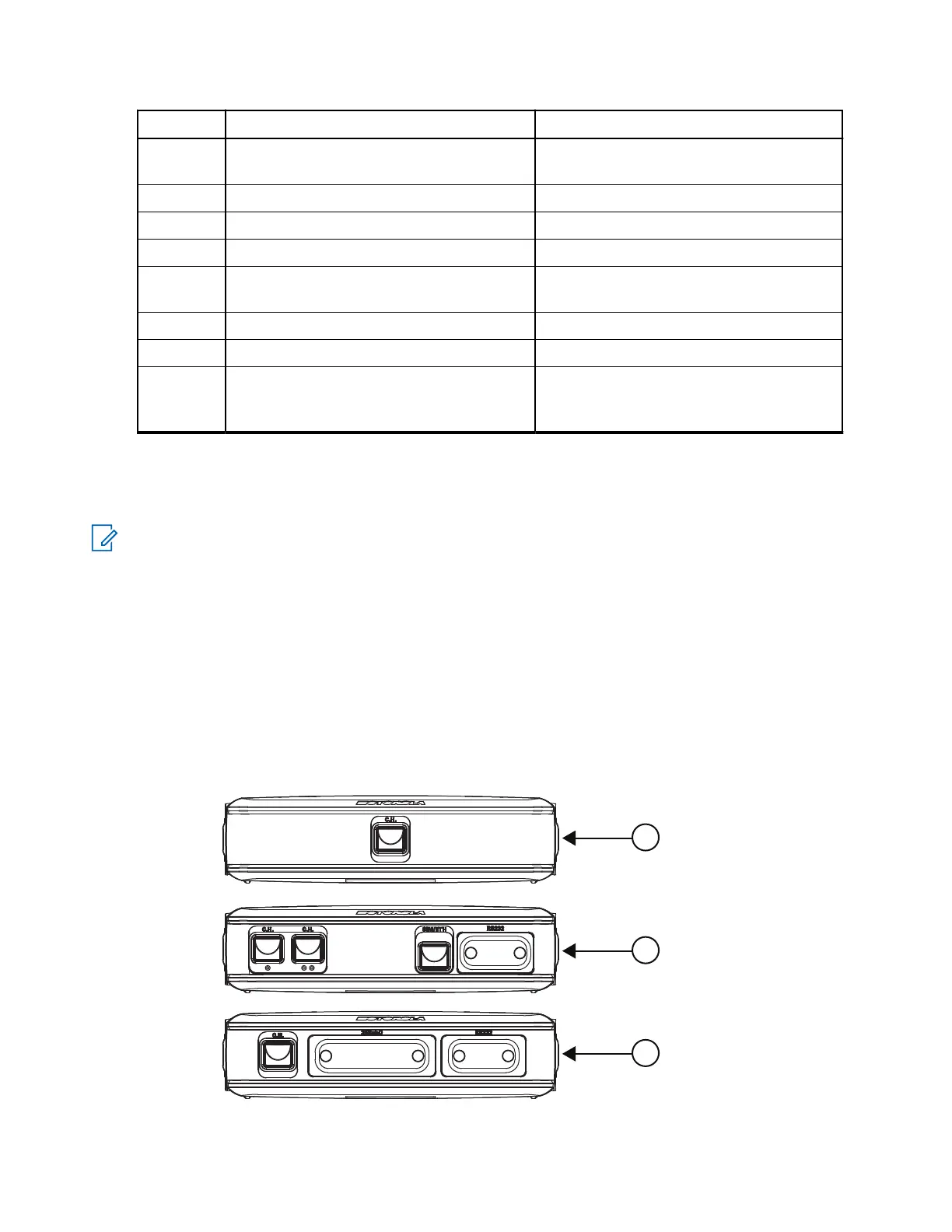
MXM600 Expansion Heads
Figure 7: Expansion Heads
MN009998A01-AA
Chapter 3: Radio Installation
42



 To Next Page