DCS Command System User’s Guide
Universal Locomotive & Accessory Operation
Universal Locomotive
Control
TMCC
1. Wire the layout with MTH’s
TIU/TMCC Connector Cable as
described in the Advanced Connection
section earlier in this chapter.
2. Add TMCC engines to the DCS
System as described in the System/Add
Engine section of the Menu chapter
above.
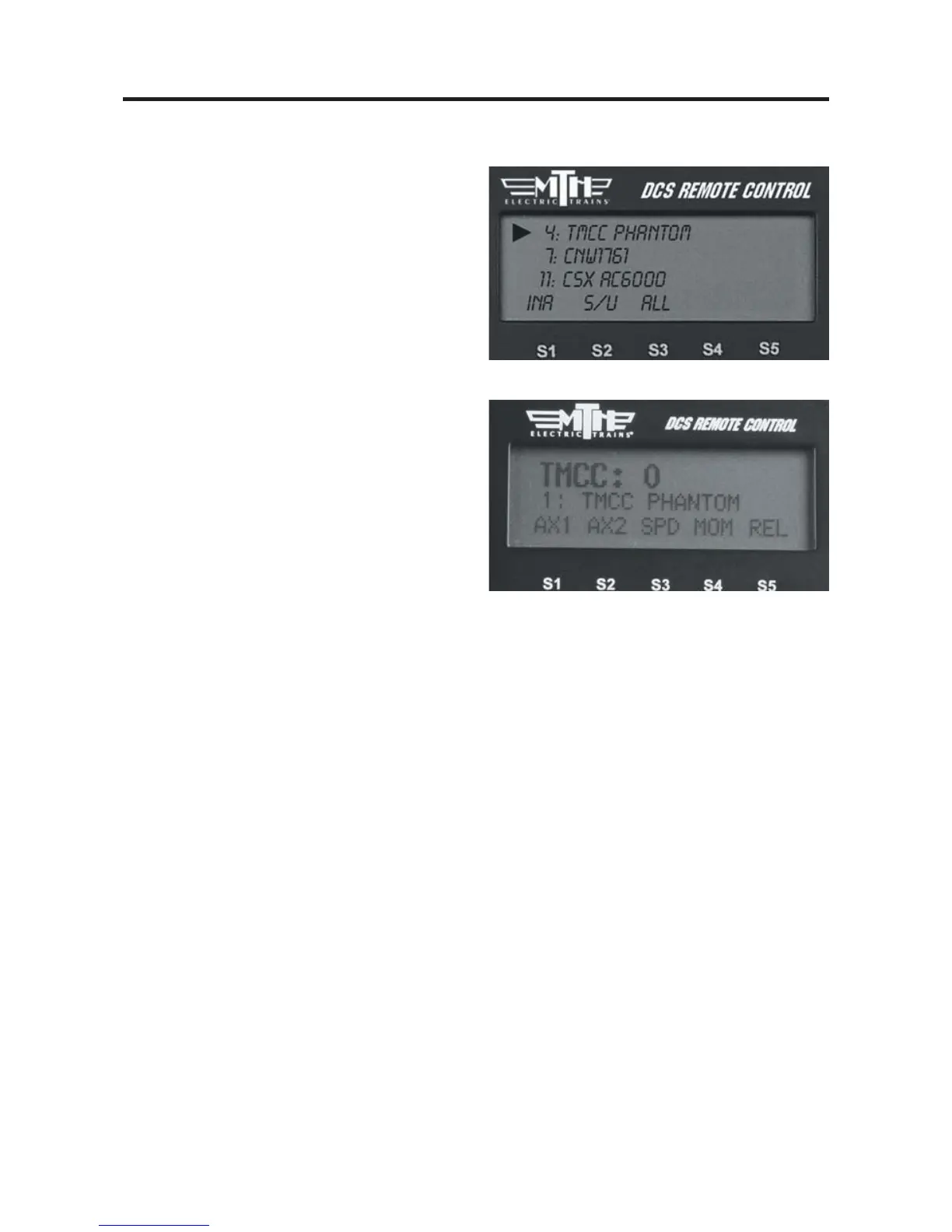
3. Press ENG and activate all TMCC
engines you want to run by scrolling to
them on the inactive list and pressing the
thumbwheel.
4. Select the TMCC engine you want to
control next from the active engine list by
scrolling to it and pressing the thumb-
wheel.
5. Use the thumbwheel as a throttle, and
move between command mode engines
(DCS or TMCC) by pressing ENG to
select engines from the active engine list.
6. All TMCC functions that have a corre-
sponding DCS one-touch key (e.g. smoke
on/off) are controlled by that key.
7. Auxiliary TMCC functions that do not
have a corresponding one-touch key (e.g.
blow-down sounds) are controlled by a
softkey labeled with the TMCC Aux
Number.



 To Next Page