DCS Command System User’s Guide
Universal Locomotive & Accessory Operation
Universal Locomotive
Control
Edit TMCC Engine Address
You can change an engine’s TMCC
address via the DCS handheld.
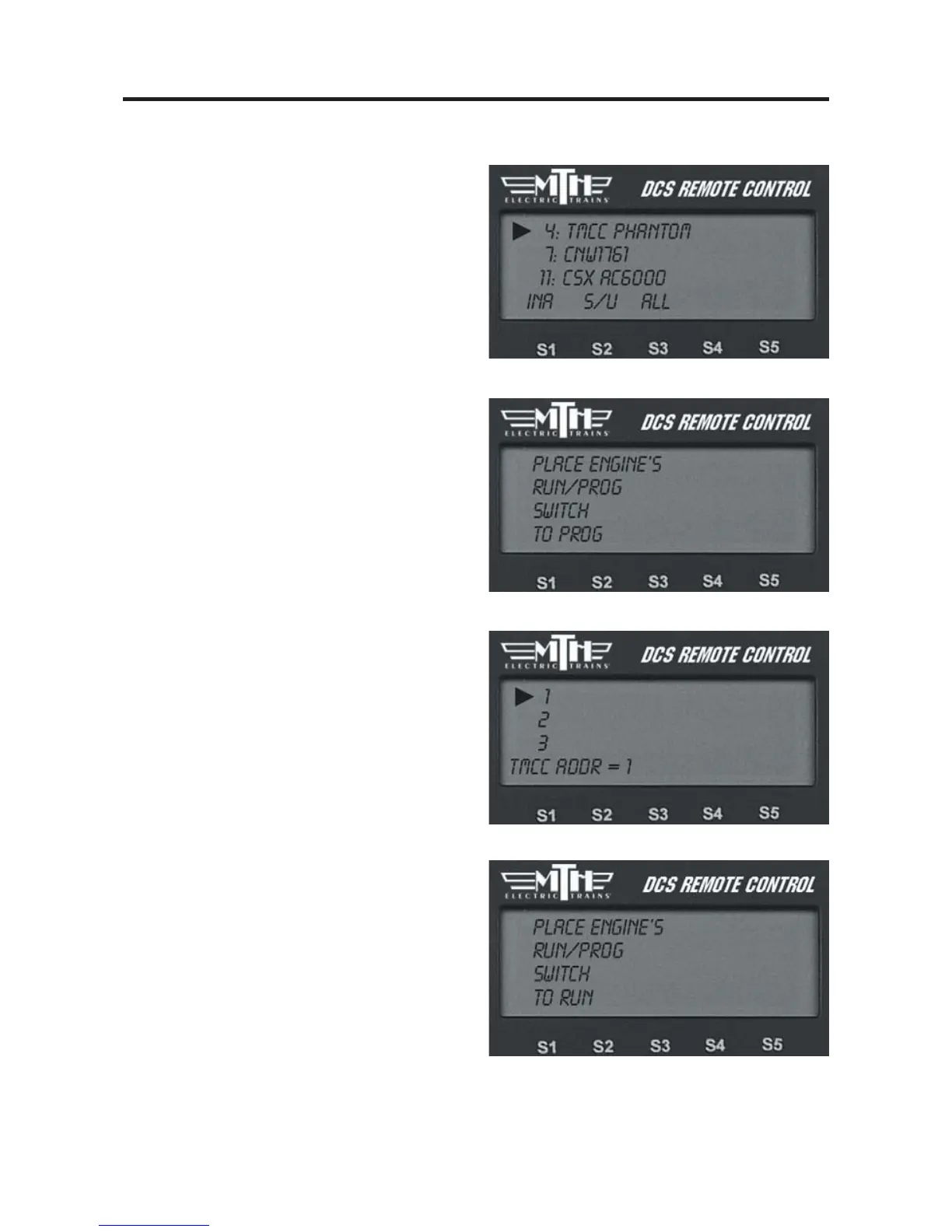
1. Scroll through the active engine list
and when the arrow is beside the engine
you want to renumber, press the S/U
softkey (S2) to edit the address. Select
Edit Engine Address from the available
choices.
2. The LCD will prompt you to put the
switch under the engine into the PROG
position.
3. Scroll to a TMCC engine address that
is not already occupied by another TMCC
engine. Press the thumbwheel to select it.
4. The LCD will prompt you to return
the switch under the engine to the RUN
position, and the edit is complete.



 To Next Page