DCS Command System User’s Guide
Menu Operations - Sound
Brakes
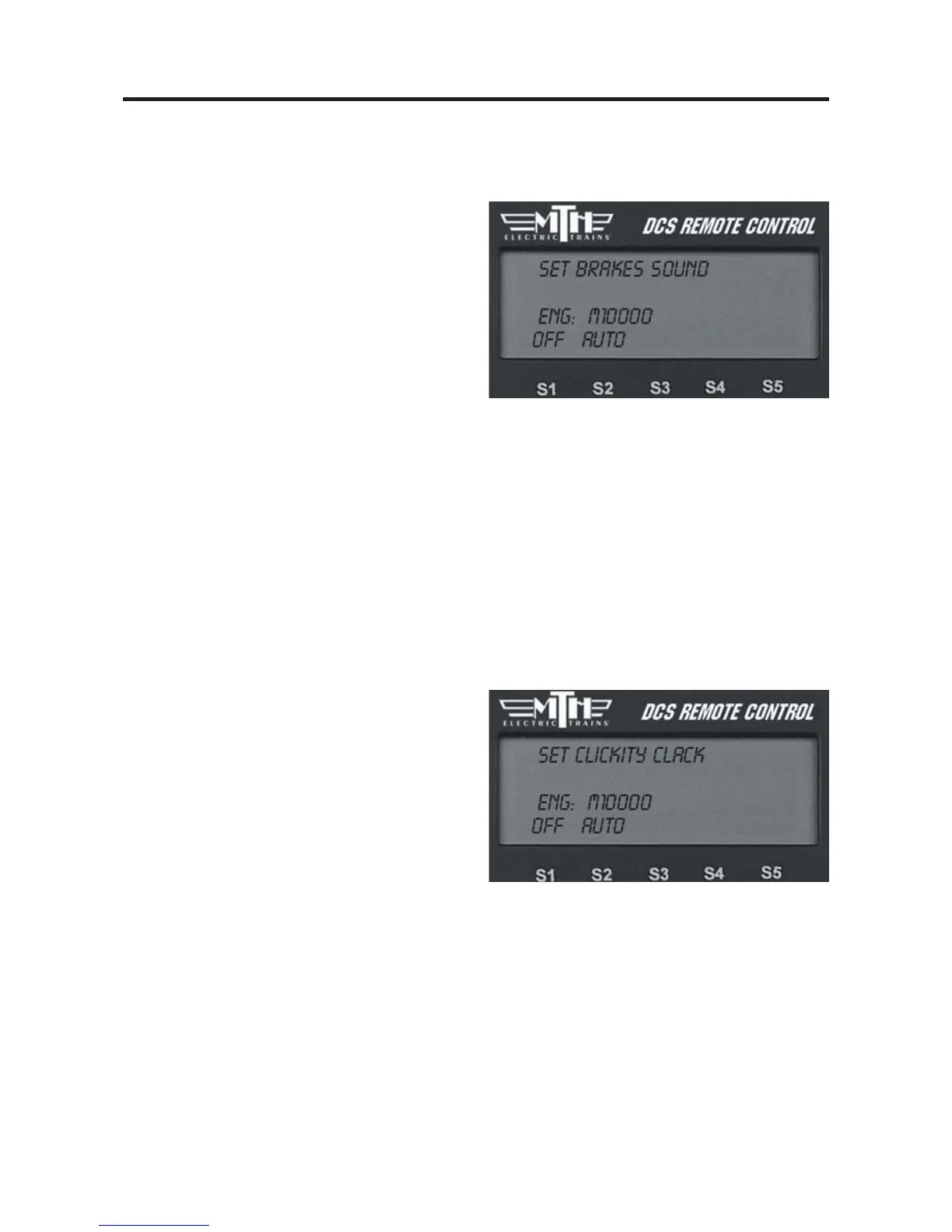
When enabled, the Brakes feature triggers
the squealing brake sound effect automat-
ically when you slow speed rapidly.
-
To disable squealing brakes from play-
ing, press the softkey (S1) under the word
“OFF.”
OR
-
To enable squealing brakes, press the
softkey (S2) under the word “AUTO.”
Clickity Clack
When enabled, the sound set will automatically play the clickity-clack sounds of wheels
on rails when the engine moves at speeds greater than or above 30 smph and maintains
the same speed for 30 seconds or more. When you change the speed, the regular engine
sounds resume until the clickity clack conditions have again been met. The speed of the
sound effect varies with the train’s speed.
-
To disable clickity-clack sounds from
playing, press the softkey (S1) under the
word “OFF.”
OR
-
To enable clickity-clack sounds, press
the softkey (S2) under the word “AUTO.”
Press firmly on the thumbwheel to confirm the selection and return to the Sound menu
list.
42



 To Next Page