DCS Command System User’s Guide
Menu Operations - Advanced
Advanced Menu:
Create Lash-up
Route Setup
Scene Setup
Record/Playback
Reset Engine
Information
AC Input
Create Lash-up
You can create and name a lash-up to
operate two or more engines essentially as
a single engine. Create Lash-up automati-
cally sets each engine’s direction, sounds,
lights and couplers to behave as appropri-
ate for that lash-up (e.g. directional light-
ing acts as appropriate for the lash-up, and
when you press the button to open the
coupler, only the coupler at the rear end
of the lash-up will fire).
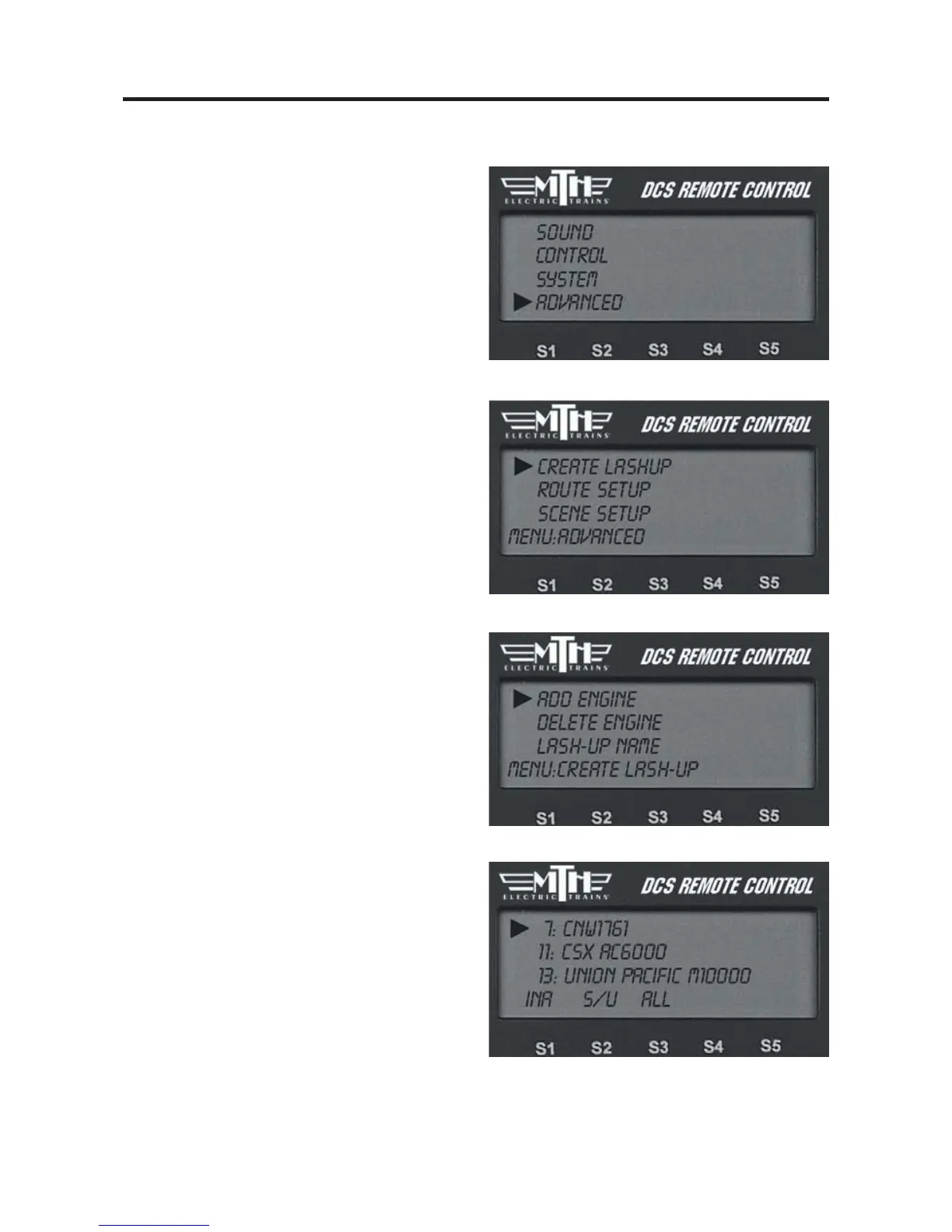
Add Engine
1. Press READ to make sure all the
engines you want to add are active.
2. Enter the Create Lash-Up menu, scroll
to Add Engine and press the thumbwheel
to see a list of all active engines.
3. Scroll to the engine you want to add to
the lash-up and press the thumbwheel.
81



 To Next Page