DCS Command System User’s Guide
76
Menu Operations - Systems
Remote Messages
Setting Remote Messages to OFF will
turn off the messages displayed when
most functions are activated (Smoke,
Master Volume, etc). It will not
disable the display of errors messages like
Out of RF Range and Check Track.
The default for Remotes Messages is
ON."
Remote Powerdown
Allows you to adjust the power down
(sleep) timer on your DCS Remote from
1-60 minutes.
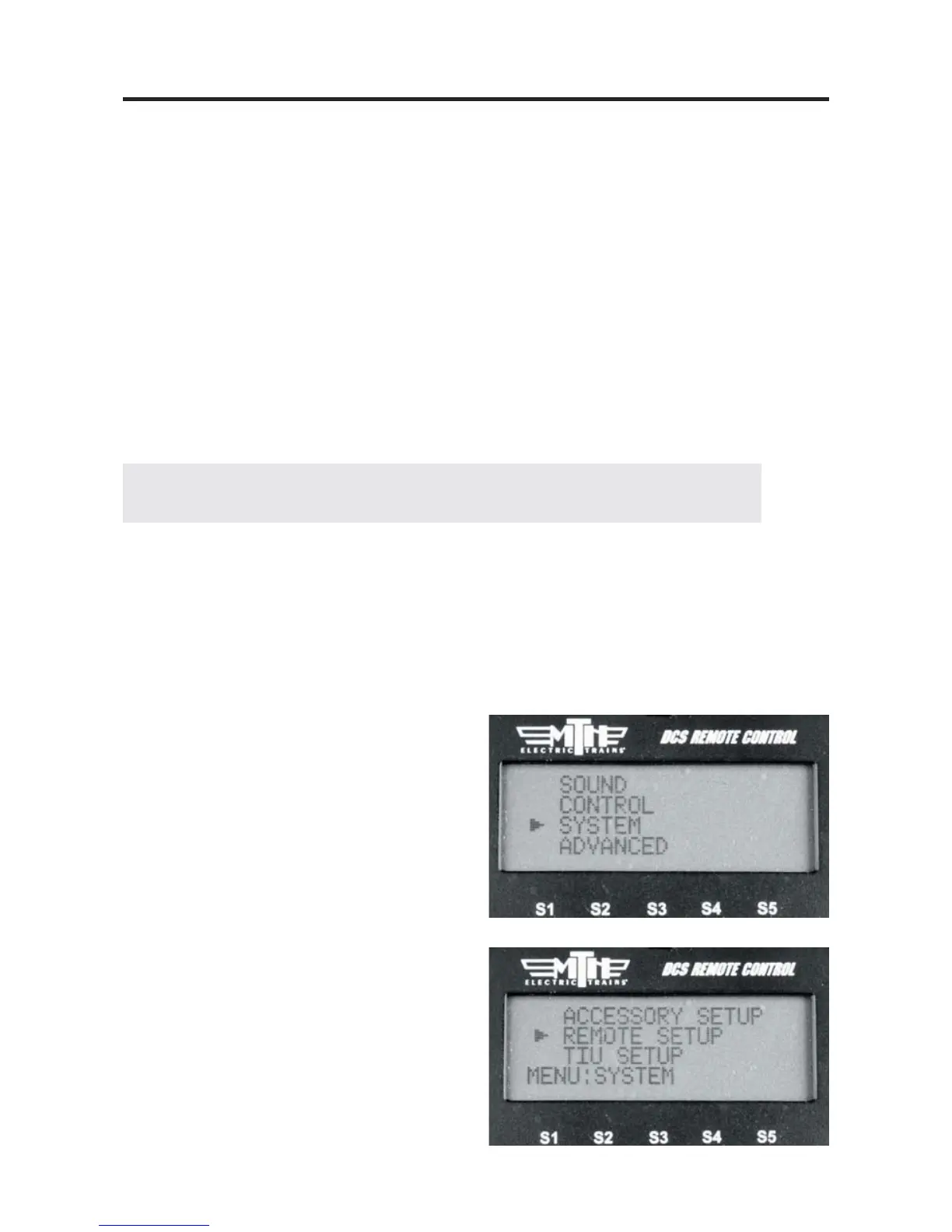
1. Press MENU
2. Select SYSTEM
3. Select REMOTE SETUP
Note: If multiple users want to share engines, each engine must be read into each remote.
Remote Setup
Edit Remote Address
When multiple users are addressing the same TIUs (on a Club layout, for instance), you
may need to give each handheld a unique identification number to avoid interference with
each other’s communications.
Scroll the thumbwheel to the remote address you want to assign to your handheld, and
press to select.
Reset Remote (not in Code 2.0)
Select this option to reset the remote to the factory settings.



 To Next Page