DCS Command System User’s Guide
Menu Operations - Control
Control Menu:
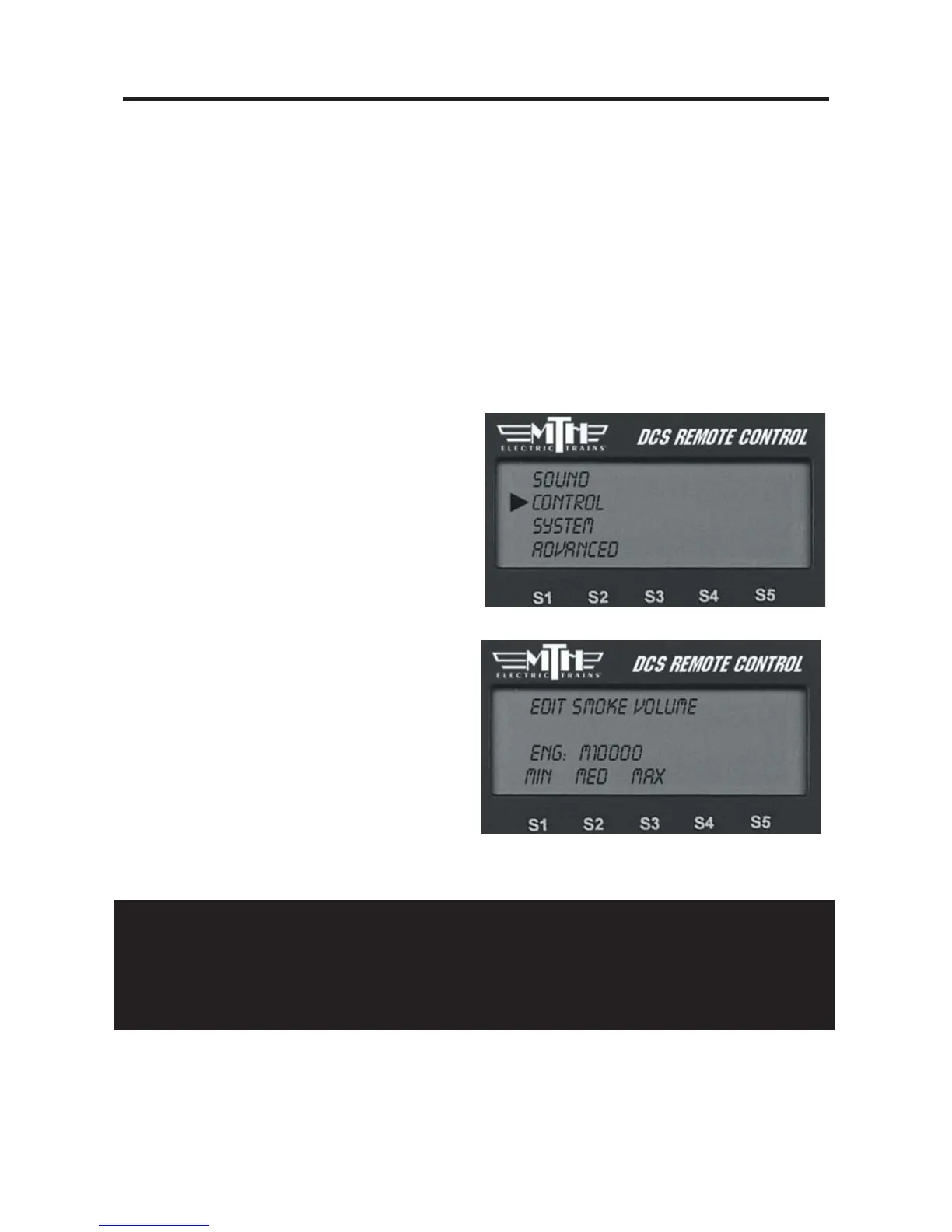
Smoke Volume
Ditch Lights
Max Speed
Acc Rate
Dec Rate
Dir Control
Labored Smoke
Smoke Volume
Adjust the output of the smoke unit.
1. Press the softkey (S1-S3) directly
below the desired smoke level: MIN
(Minimum), MED (Medium) or MAX
(Maximum). Most Proto-Sound 2.0
engines have the default set at Medium.
2. Once you see your selection high-
lighted on the LCD screen, press firmly
on the thumbwheel to confirm the
selection and return to the Control
menu list
It will take a couple of seconds before
you see the engine’s smoke output
change.
Caution: Be sure you always have smoke fluid in the engine when running with the
smoke unit on at any of the three levels. If you do not have smoke fluid, turn the smoke
unit off using the #1 key on the keypad. Check your smoke fluid level frequently when
running in MAX mode.
51



 To Next Page