DCS Command System User’s Guide
Quick Start: Command Mode
Shut Down
1. To shut down the locomotive at the
end of a session, stop the engine.
2. Press the Shut Down key (6) to turn
off the sound, smoke, and lights. The
locomotive will play a short series of real-
istic shutdown sounds before it falls
silent. Repeat with all active engines.
Note that power is still on the track after
shut down.
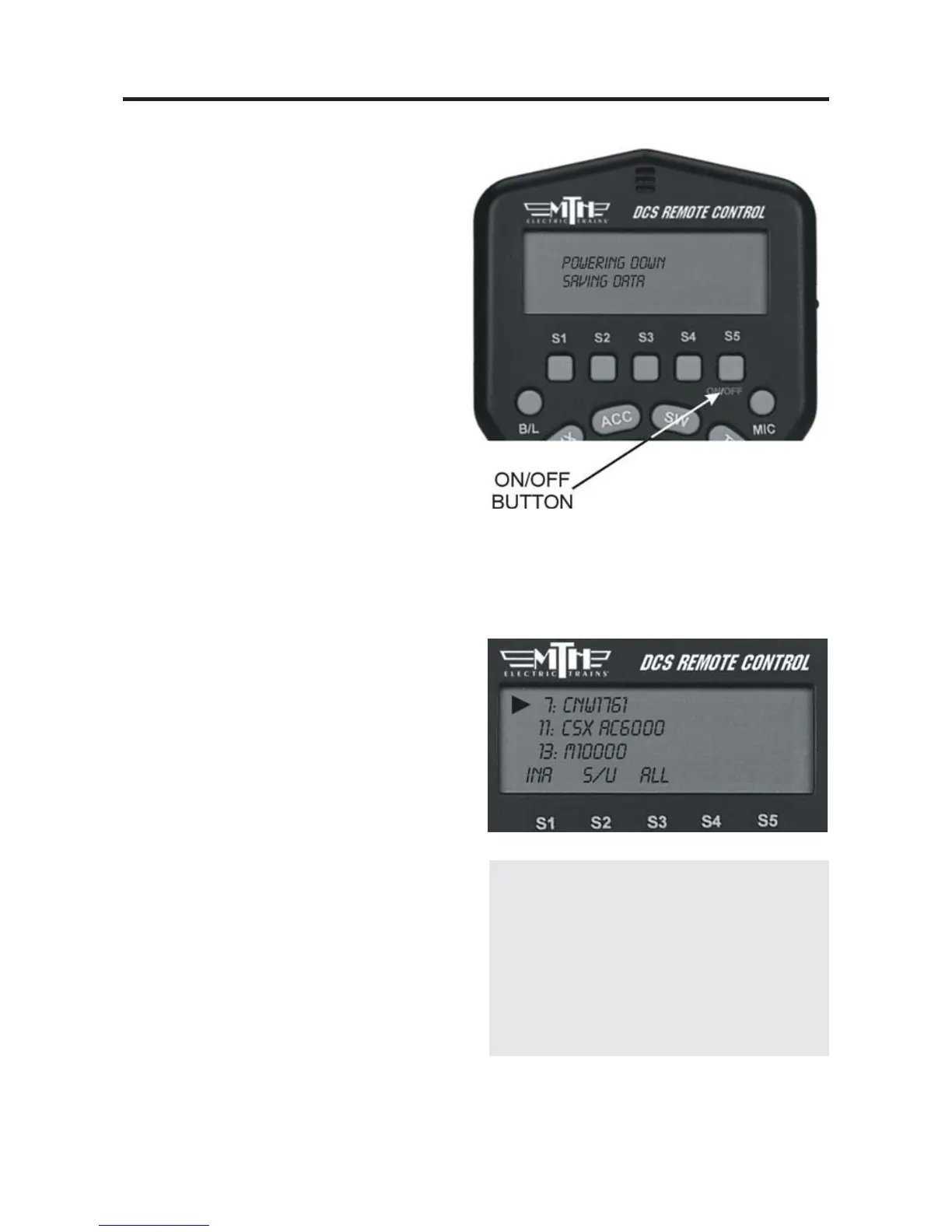
3. Press and hold ON/OFF button (S5)
until the LCD shows that the handheld is
saving data. It will soon turn off. If you
forget to turn off the remote, it will
power down automatically after 10 min-
utes of non-use. Turn off your trans-
former.
Moving Between Active Engines
When more than one engine is addressed
and operating, you can easily move among
the different engines and control each in
turn.
1. Press the green ENG button.
2. Scroll the thumbwheel until the arrow
points to the engine you want to address,
and press the thumbwheel to select it.
22
DCS Tip: When you press ENG, the
arrow will point at the last engine
addressed, allowing you to jump easily
back-and-forth between two engines.
This Jump function works like the
“Last” or “Previous Channel” button
on a TV remote control.



 To Next Page