DCS Command System User’s Guide
Menu Operations - Systems
Edit Engine
Each Proto-Sound 2.0 engine comes with a pre-assigned engine name (such as M10000)
and is added to the engine list in order, but you can choose to rename or renumber the
engines if you choose. For instance, if you have two of the same engine type or run at a
Club where other members have the same engine, you can rename them to distinguish
one from the other.
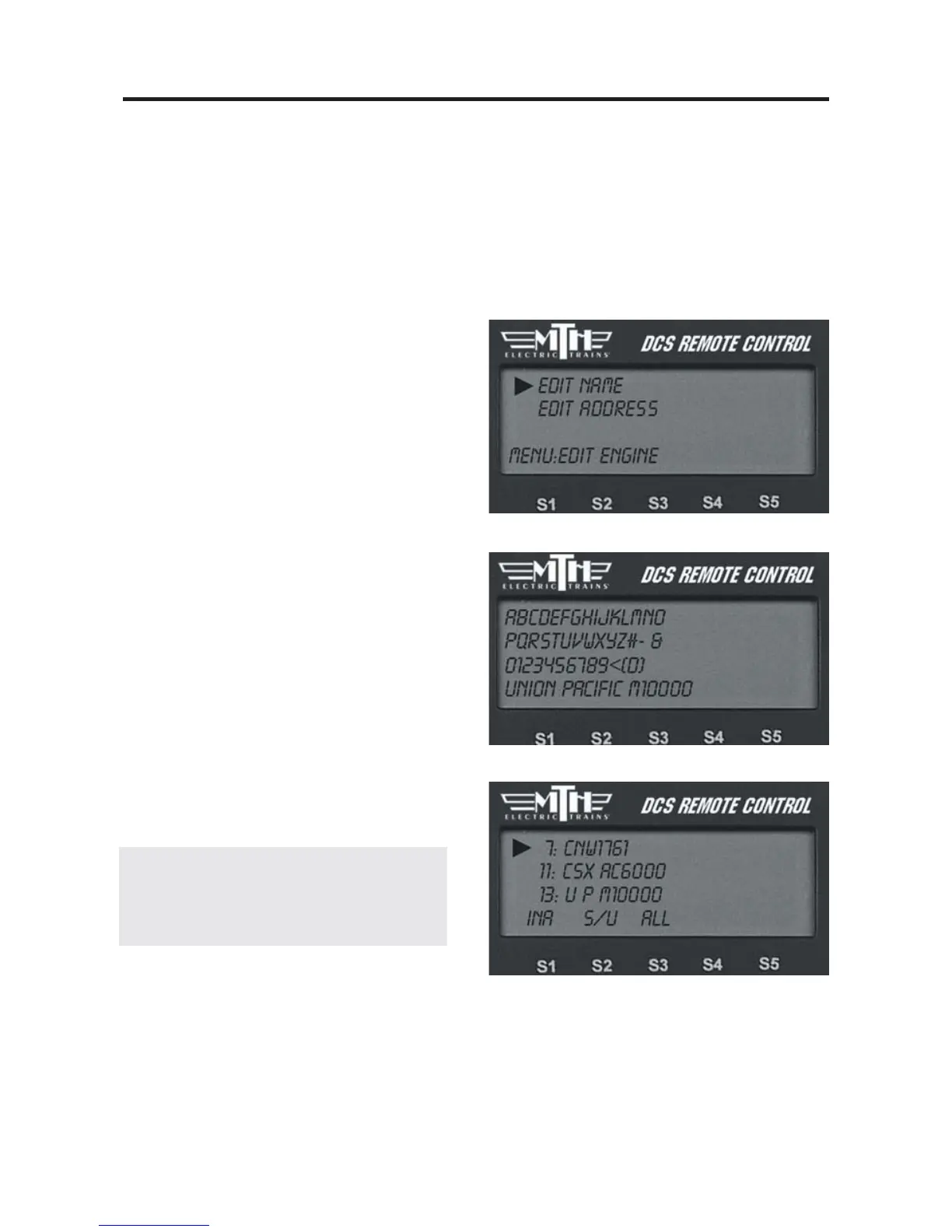
Edit Name
1. Scroll through the active engine list,
and when the arrow is beside the engine
you want to rename, press the thumb-
wheel to select it.
2. An alphanumeric character set is dis-
played. Use the thumbwheel to scroll
through the character set, and when the
character you want to type next is high-
lighted, press the thumbwheel to select it.
You may give the engine a name up to 16
characters long. Select the “D” at the end
of the character set to signify that you are
done with this function.
3. The LCD returns to the active engine
list, and you will see the new engine name
displayed on the LCD.
Note: Once you begin to change an engine
name via the character set, aborting the process
will leave the original name still intact.



 To Next Page