DCS Command System User’s Guide
Quick Start: Command Mode
Controlling All Active DCS Engines at Once
If only DCS engines are on the track, you can send the same command to them all at the
same time. To issue the same command to all active Proto-Sound 2.0 engines simultaneously:
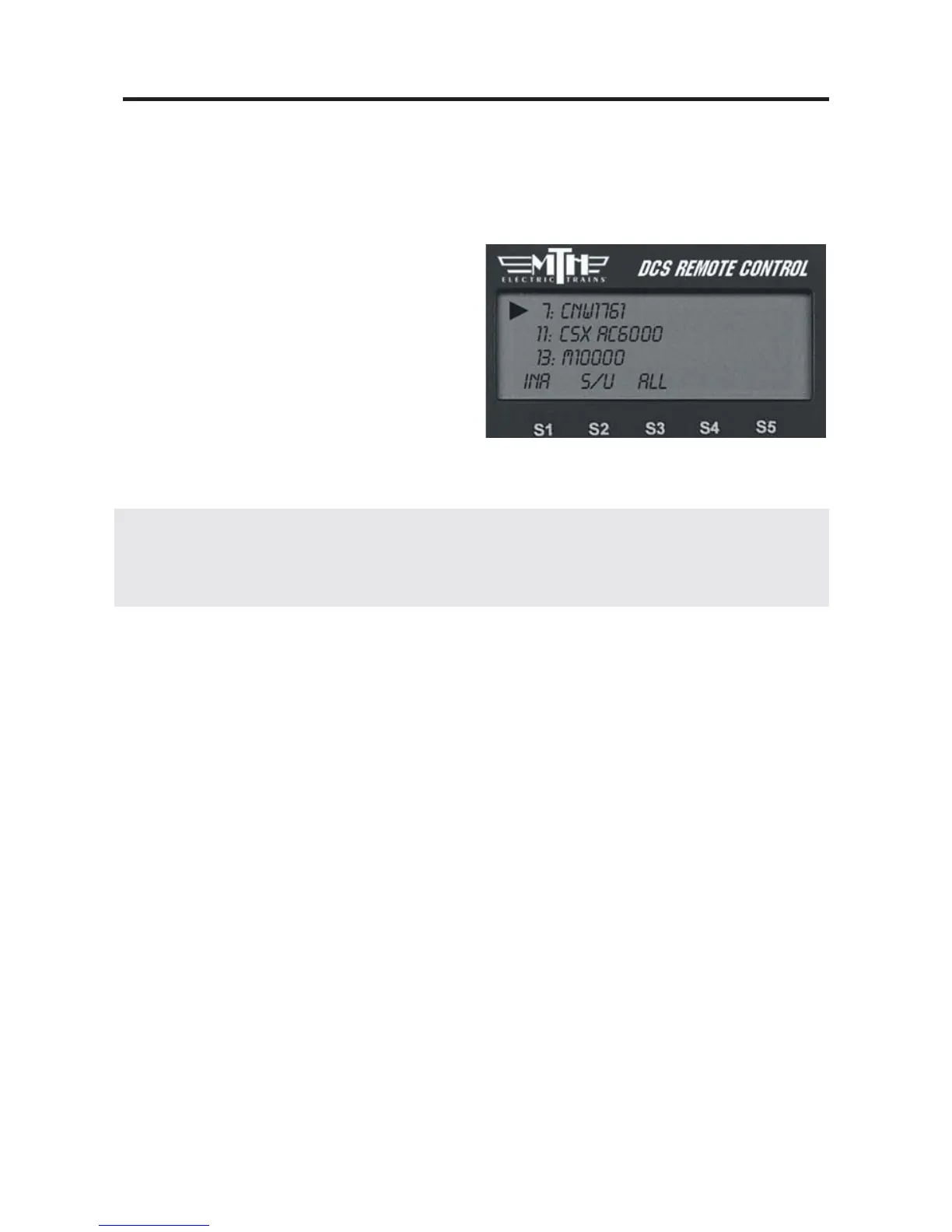
1. Press READ to ensure a correct active
engine list.
2. Press the green ENG button.
3. Press the S3 softkey under the ALL
choice (beneath the scroll list of engines)
4. Send the commands as described in the
One-Touch Operation Chapter.
DCS Tip: if an engine is listed as active on the LCD but is not on the track or is listed
as inactive but is on the track, the ALL command will not work. Press READ to update
the active engine list. Active TMCC engines will not respond in ALL mode.
Congratulations! You are now operating your locomotive in
command mode! For more instructions on basic command mode
operation, see the “One-Touch Operation” chapter of this manual.
23



 To Next Page