DCS Command System User’s Guide
Menu Operations - Control
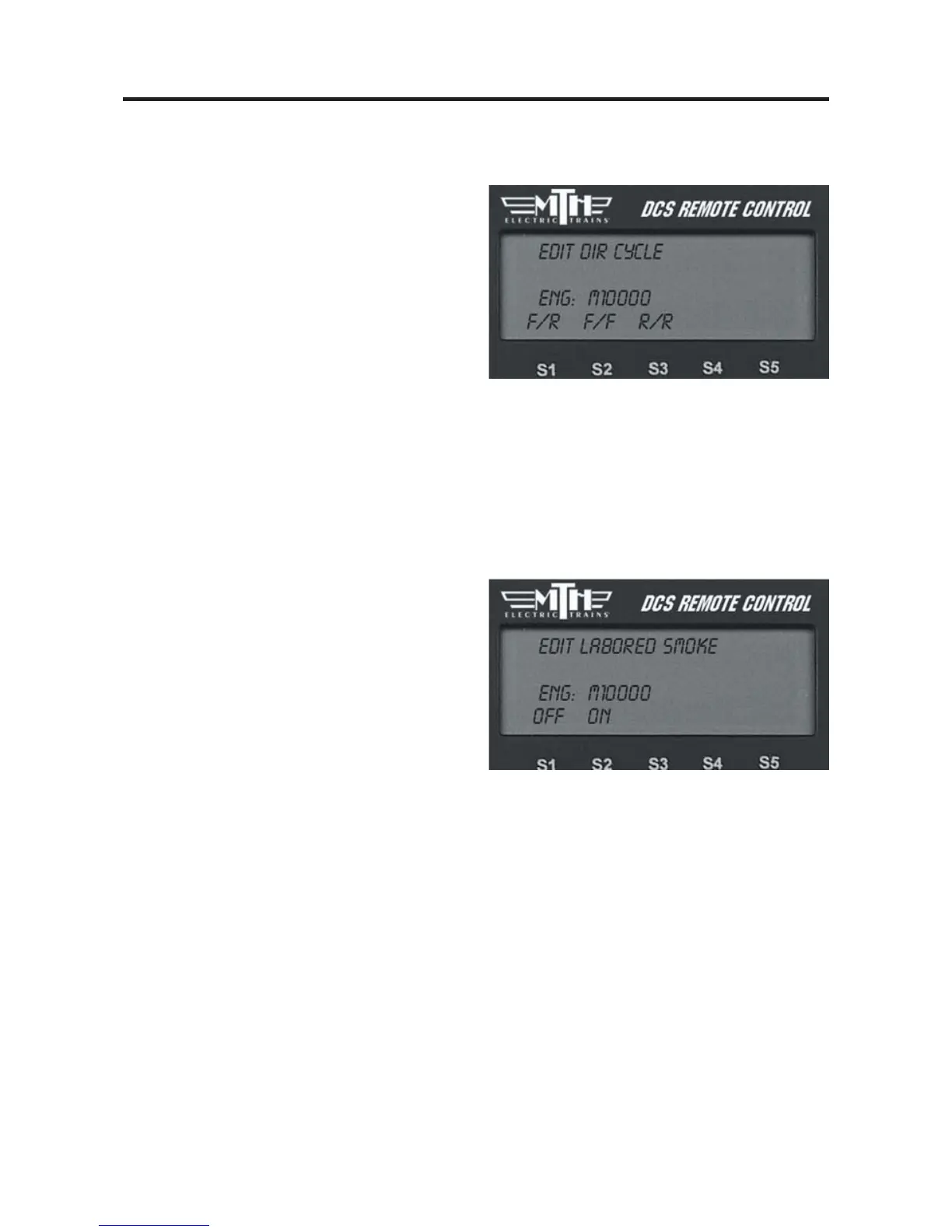
Dir Control
Lock an engine into a direction by chang-
ing the direction cycle. Rather than the
default Forward/Reverse (F/R) cycle, you
can set it for a Forward/Forward (F/F) or
Reverse/Reverse (R/R) cycle. Remember,
in command mode there is no neutral.
Press the softkey (S1-S3) directly beneath
the direction cycle you choose.
Press firmly on the thumbwheel to con-
firm the selection and return to the
Control menu list.
Labored Smoke
Decide whether your engine’s
labored/drift chuffing and rev up/down
will be accompanied by a corresponding
change in the smoke level. The engine’s
default is to change the smoke level.
-
To disable labored smoke, press the
softkey (S1) under the word “OFF.”
OR
-
To enable labored smoke, press the
softkey (S2) under the word “AUTO.”
Press firmly on the thumbwheel to con-
firm the selection and return to the
Control menu list.



 To Next Page