DCS Command System User’s Guide
Universal Locomotive & Accessory Operation
Proto/Smoking Whistle
This feature allows you to enable a smok-
ing whistle feature that adds more realism
to your model by blowing steam (smoke)
out of the whistle whenever the whistle
sound is activated. It works in conjunction
with the Proto-Whistle feature. Like the
Proto-Whistle feature, the Smoking
Whistle is not available on all DCS-
equipped engines. This feature will only
work on those engines that have the prop-
er hardware and an actual whistle smoke
unit.
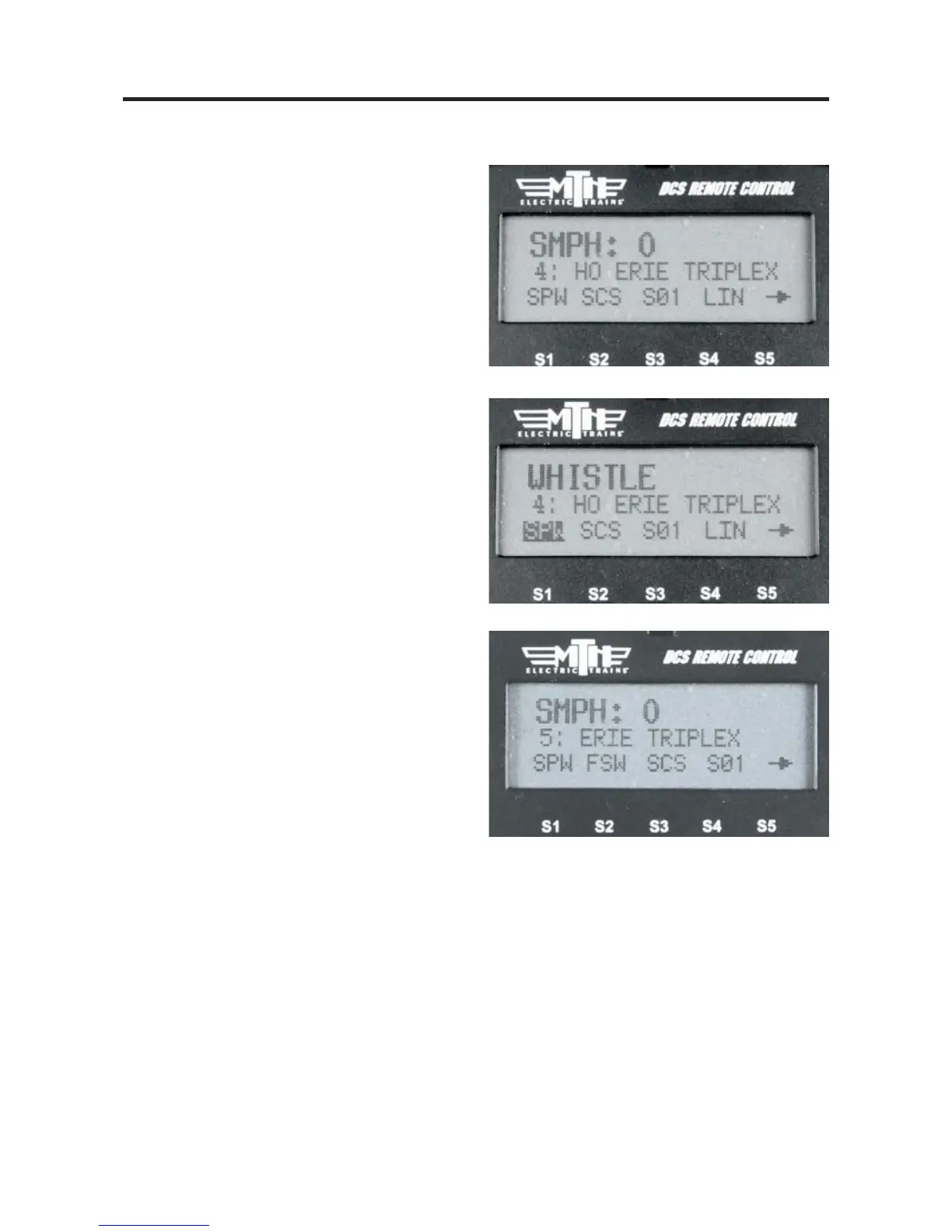
1. Select the Proto-Whistle/Smoking
Whistle-equipped engine from your DCS
remote.
2. Press the SPW softkey. It will highlight
3. Your display will change to indicate
that Proto-Whistle is active.
4. Press the FSW softkey to enable the
Smoking Whistle Feature. This softkey
will also highlight.



 To Next Page