DCS Command System User’s Guide
Quick Start: Command Mode
Active and Inactive Engines
Once an engine is added to your system, it will remain in place and always appear on the
LCD engine list until you delete the engine. To make it easier to manage the engines
being used in a given session, there are Active and Inactive engine lists. Engines currently
in use are on the Active list, while other engines wait on the Inactive list until they are
activated.
You may update the Active and Inactive lists any time you change the locomotives on the
track simply by pushing the READ button, or you may change the status of each engine
individually.
To activate an engine on the inactive list, scroll so that the arrow is pointing to it in the
engine list and press the thumbwheel to move the engine to the active list. Proto-Sound
2.0 engines must be on a powered track to be activated.
To inactivate an engine on the active list, scroll so the arrow is pointing to it in the engine
list and press the S1 key (under INA) to move the engine to the inactive list.
DCS Tip: Operators who remove engines from the track when not in use will find
READ the easier method, while those who park their engines in a roundhouse – still on
the track – will prefer to change engine status individually.
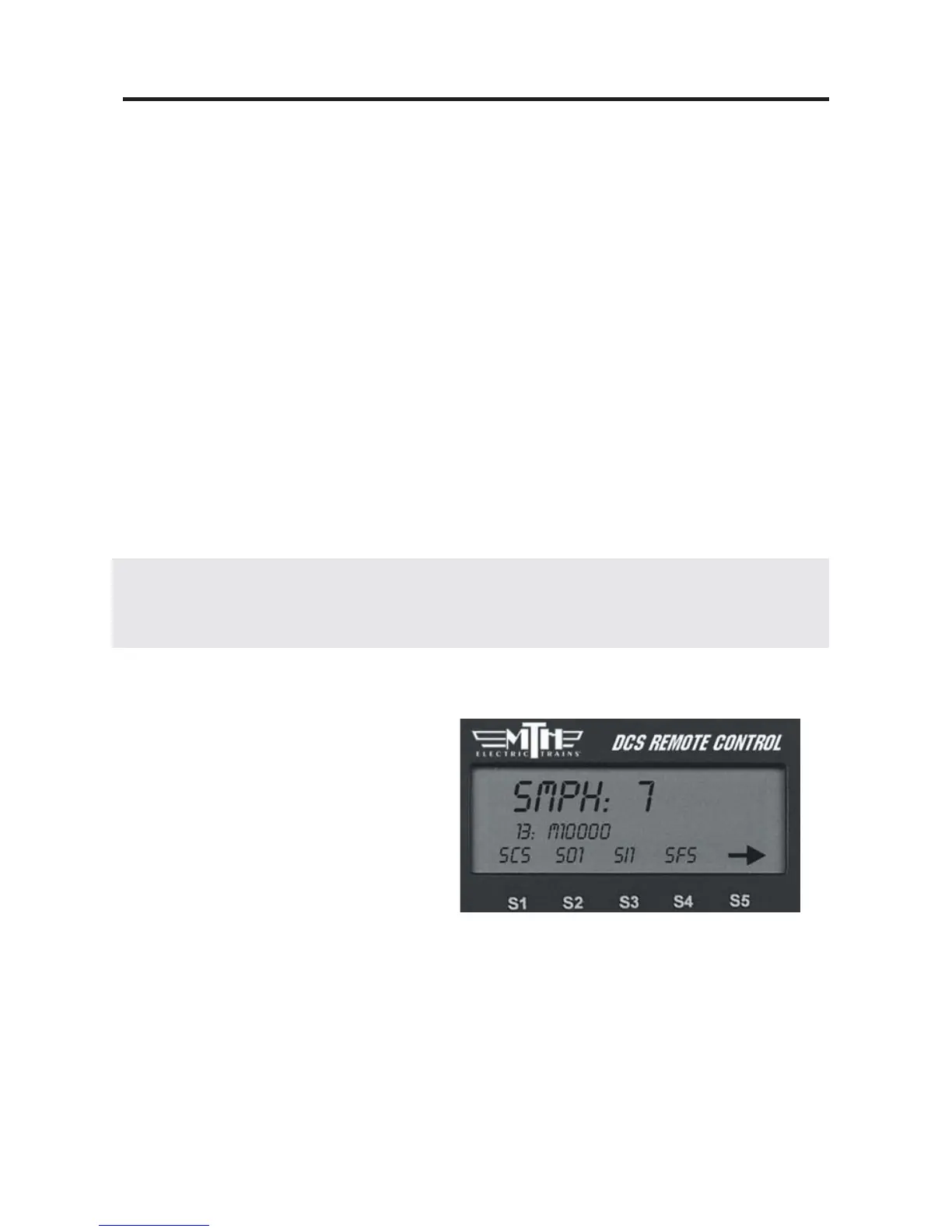
Making the Engine Go
There is no neutral in DCS command
mode; the default start-up direction is
forward. You simply roll the thumb-
wheel up to make the locomotive go
forward. The LCD display on the DCS
remote will display the engine’s speed in
SMPH (scale miles per hour). Roll the
thumbwheel down to slow or stop the
engine.
20



 To Next Page