DCS Command System User’s Guide
Menu Operations - Systems
Track Setup: (cont’d)
Edit Track:
Track Name
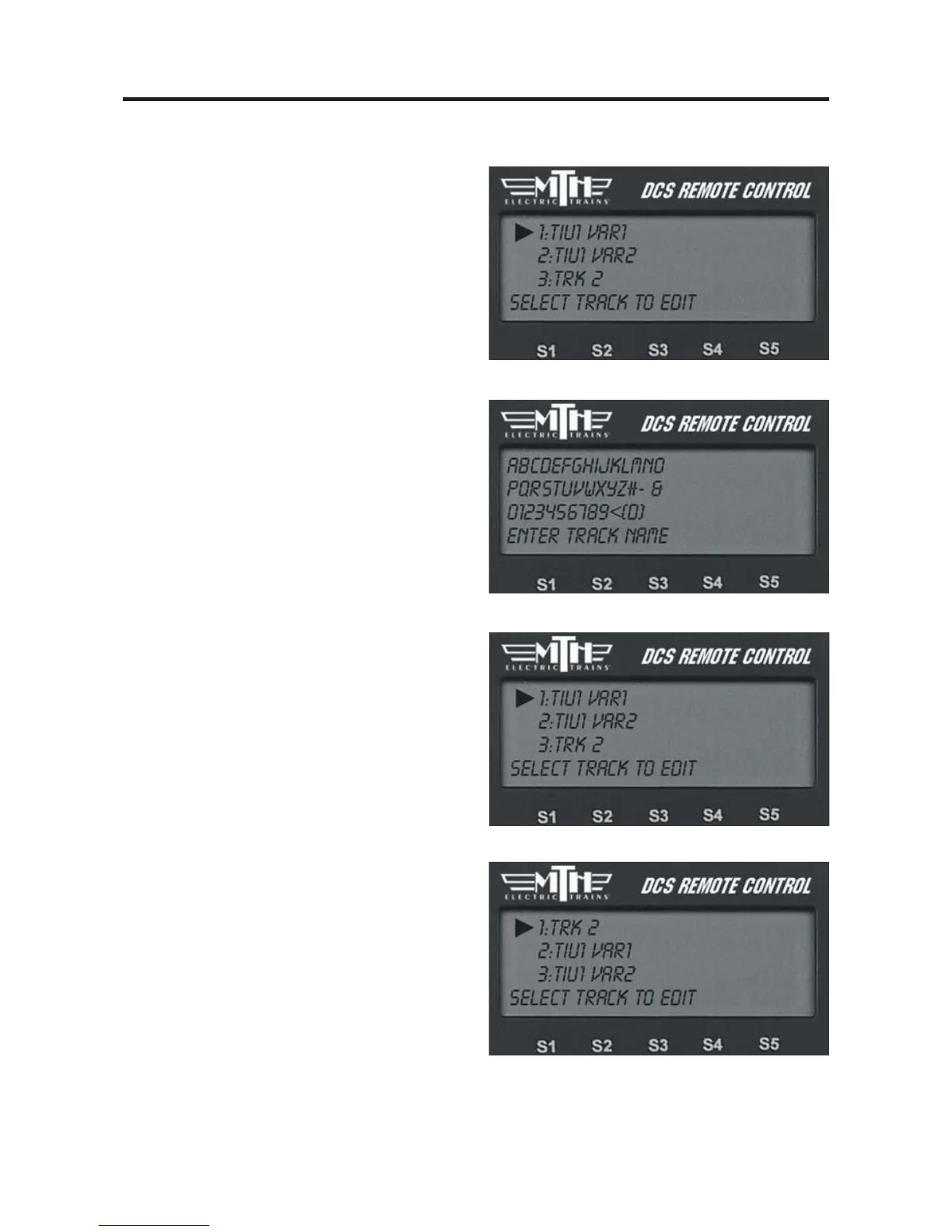
1. Scroll to the track whose name you
wish to edit and select it with the thumb-
wheel.
2. The LCD prompts you to name the
track, and an alphanumeric character set is
displayed. Use the thumbwheel to scroll
through the character set, and when the
character you want to type next is bracket-
ed, press the thumbwheel to select it. You
may give the track a name up to 16 char-
acters long. Select the “D” at the end of
the character set to signify that you are
done with this function.
Reorder Tracks
1. Scroll to the track you want to relocate
within the list of tracks and press the
thumbwheel to select.
2. Scroll through the list of tracks to the
new location for that track, and press
thumbwheel to complete the move.



 To Next Page