DCS Command System User’s Guide
One-Touch Locomotive Operation
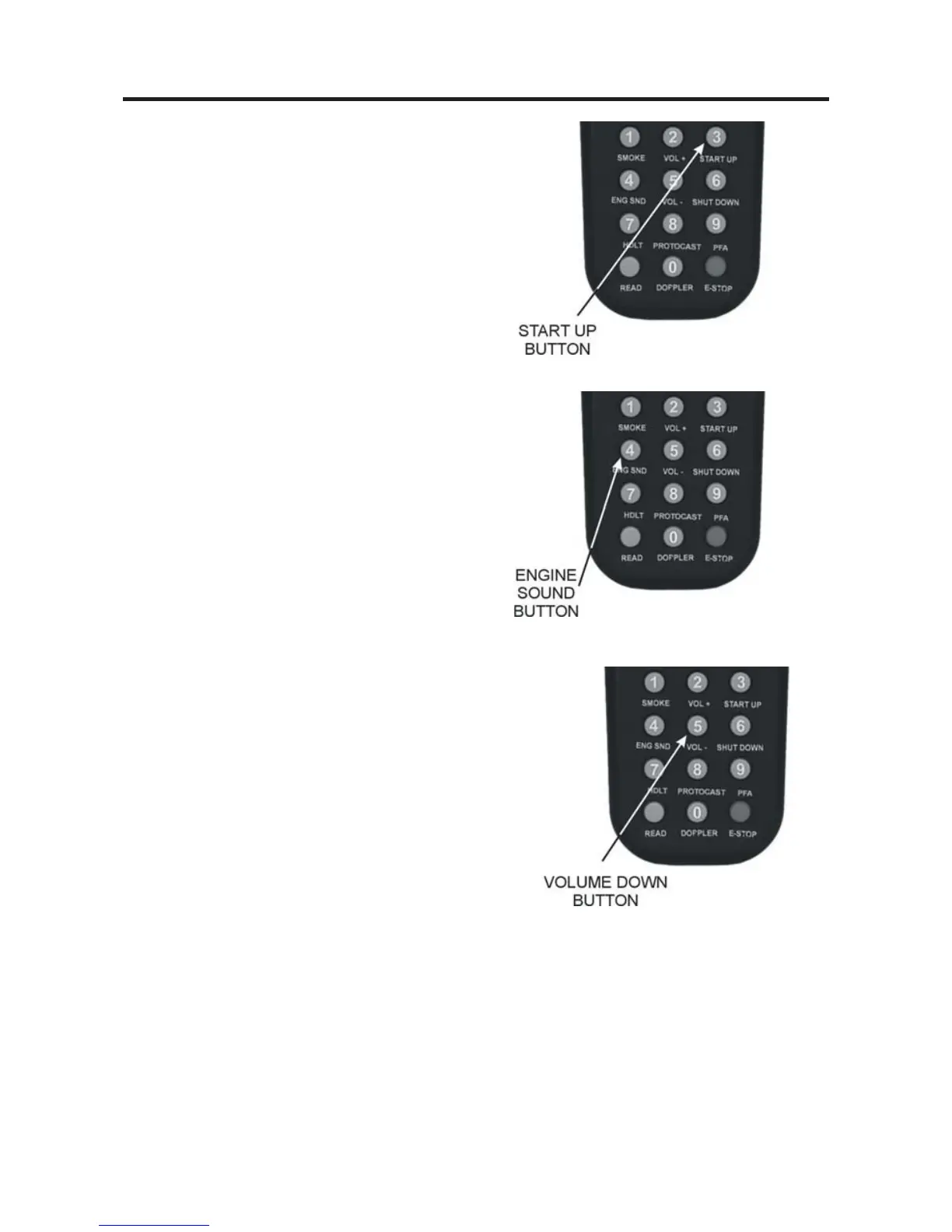
START UP (3):
On start-up, with the engine stopped (at 0
smph), press the button to activate sound,
smoke, and lights (LCD will show “Start
Up”). A newly accessed engine that has
not been started up will move, but it will
run silently without lights or smoke.
ENG SND (4):
Press this button to silence engine and
accent sounds. The horn and bell will still
sound if triggered. Press it again to
restore sounds at the previous volume
(LCD will show “Engine Snd = On” or
“Engine Snd = Off ”).
VOL – (5):
Press this button to decrease all sound set
volumes below the default settings, until
the engine falls silent (LCD will show
“Master Volume Down”). The volume
will decrease one level with each button
push (until you reach the minimum level)
and will remain at the level you set until
you press Vol+ (2) to raise the volume.
To control the volume of individual elements of
the sound set (i.e. horn/whistle volume, bell vol-
ume, engine sounds volume, and accent sounds
volume), see the “Sound” menu in the “Menu
Operation” chapter of this book.



 To Next Page