DCS Command System User’s Guide
Menu Operations - Systems
Switch Setup: (cont’d)
Edit Switch
Switch:
(cont’d)
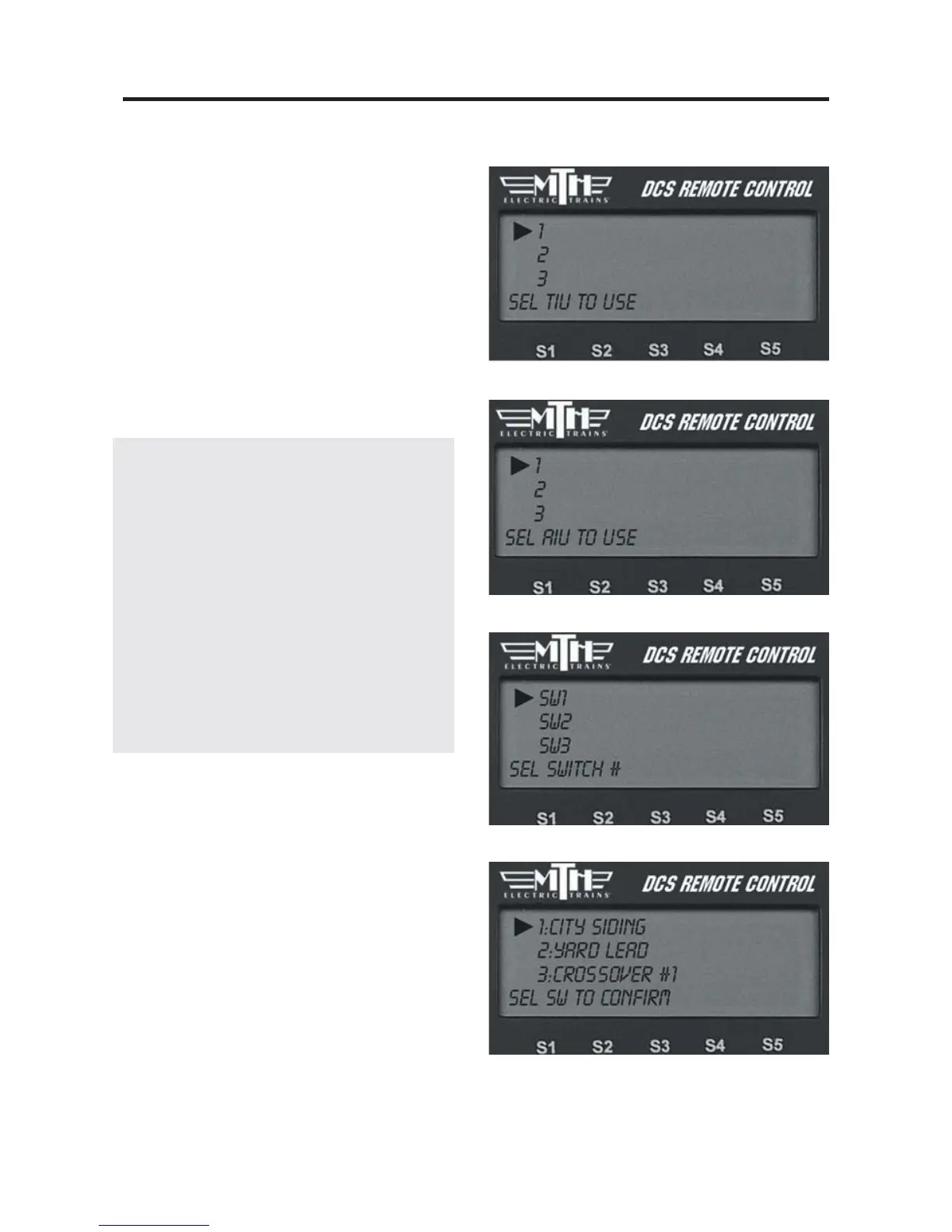
3. Select which TIU the switch is added to.
4. Select which AIU the switch is added to.
5. Select the AIU port (SW1-SW10) the
switch is wired into.
Naming Tip: Because you may have
several switches and accessories of the
same type (multiple O-72 switches, sever-
al block signals, etc.), you should choose
their names carefully. Otherwise, you
might not be able to distinguish one
from the other in the heat of operations.
Try naming them for landmarks that are
near them on the layout or for the corner
of the train room they are nearest.
“Diner switch” for a switch by Mel’s
Diner will be far easier to recognize on
the fly than “O-72 no 3.”
Delete Switch
1. Scroll until the arrow points to the
switch you want to delete and press the
thumbwheel to select it.
2. At the LCD prompt press the thumb-
wheel to confirm.



 To Next Page