DCS Command System User’s Guide
One-Touch Locomotive Operation
PROTOCAST (8): (cont’d)
You can use Proto-Cast in only one
engine at a time (the active engineat the
time the feature is selected). Because
Proto-Cast uses a large share of the
microprocessor’s processing power in the
TIU, activating other features while run-
ning with Proto-Cast may cause interrup-
tions in the audio.
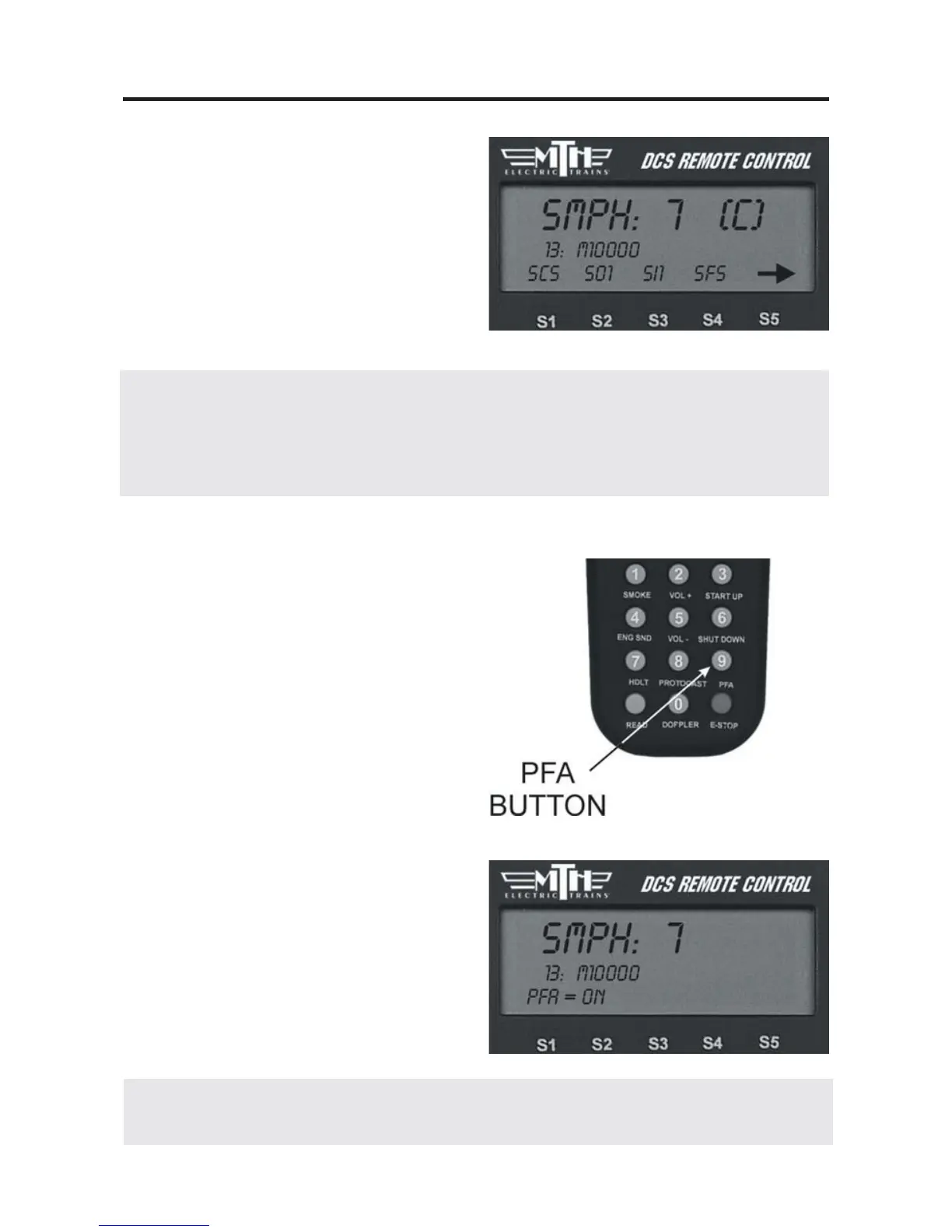
PFA (9):
1. Press this button to activate
Passenger/Freight Announcements (LCD
will show PFA = On” or PFA = Off).
2. Press the Direction button to stop the
train, then press it three more times, paus-
ing for several second as described in your
engine’s conventional mode operating
instructions, to cycle through the PFA
sequences.
3. When the entire PFA script has run,
the bell will begin to ring and the engine
will pull out at the speed you had set
when you pressed the PFA button. If you
wish to run the engine at a slower speed
than when the PFA was activated, scroll
the SMPH to the desired speed. When
the engine begins to move, scroll the
SMPH one additional setting to lock in
the new slower speed.
30
DCS Tip: Because Proto-Cast sends such a large digital signal on the track, it is impor-
tant that your track be clean when you run this feature. If you get popping and distor-
tion while running Proto-Cast, please clean your track. The large digital signal also
means that playing the audio source too loudly can result in sound distortions; resolve
this by turning down the audio source volume.
DCS Tip: If you want to stop the PFAs from running before the sequence is complete,
press the PFA button again to turn the feature off.



 To Next Page