DCS Command System User’s Guide
Menu Operations - Systems
Edit Engine: (cont’d)
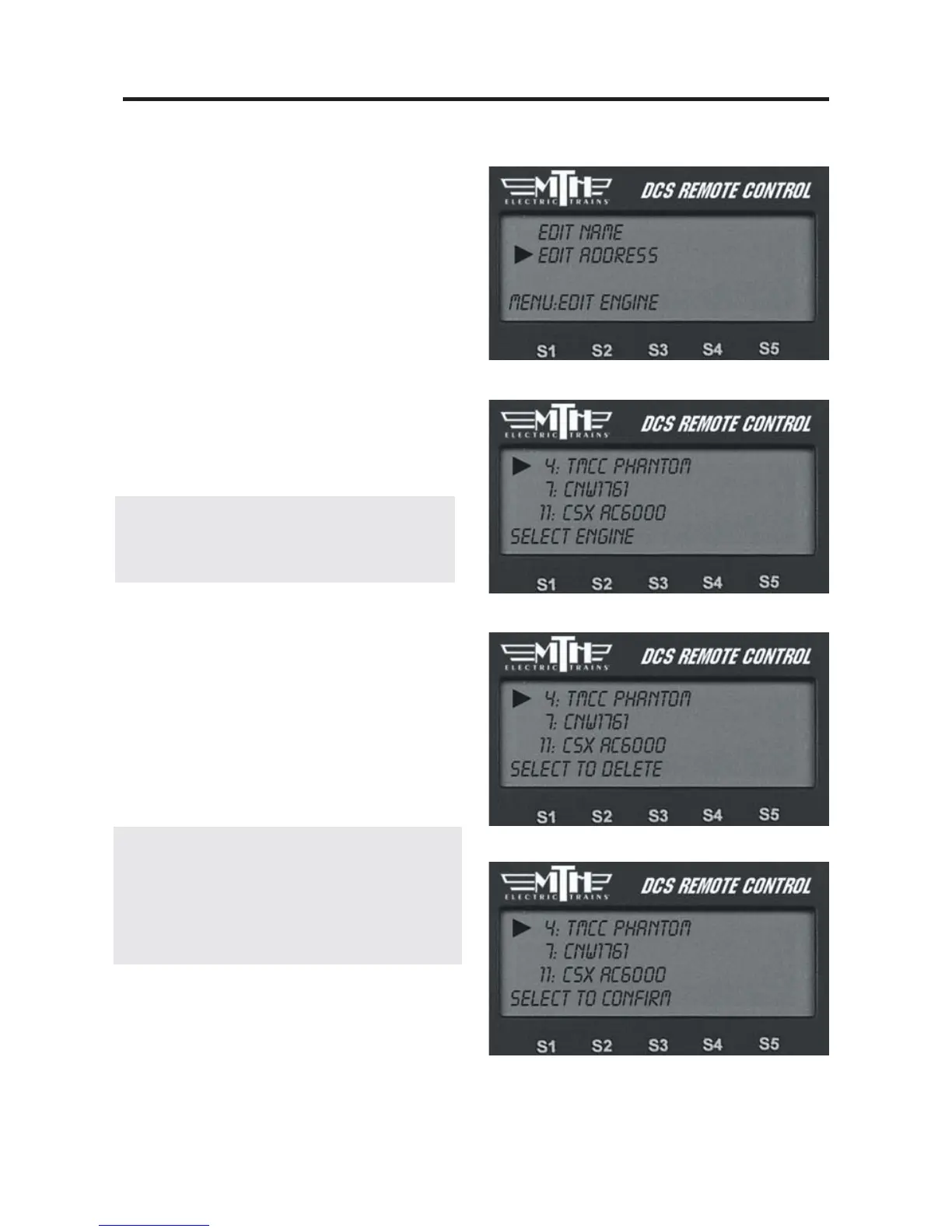
Edit Engine Address
1. Scroll through the active engine list
and when the arrow is beside the engine
you want to renumber, press the thumb-
wheel to select it.
2. Scroll to an engine address/number
that you have not already assigned to
another engine (the LCD will show only
numbers that are not currently occupied).
Press the thumbwheel to select it and be
sent back to the System menu list.
Note: Editing an engine’s address will cause
the DCS system to delete all lash-ups associated
with the engine.
Delete Engine
1. Scroll until the arrow points to the
engine you want to delete and press the
thumbwheel to select it.
2. At the LCD prompt press the thumb-
wheel to confirm.
DCS Tip: If you wish to delete an entire
Lash-up, do it as though you were deleting
a single engine. For more information on
Lash-ups, see the Advanced Menu/Set
Lash-up section in this book.



 To Next Page