DCS Command System User’s Guide
Menu Operations - Advanced
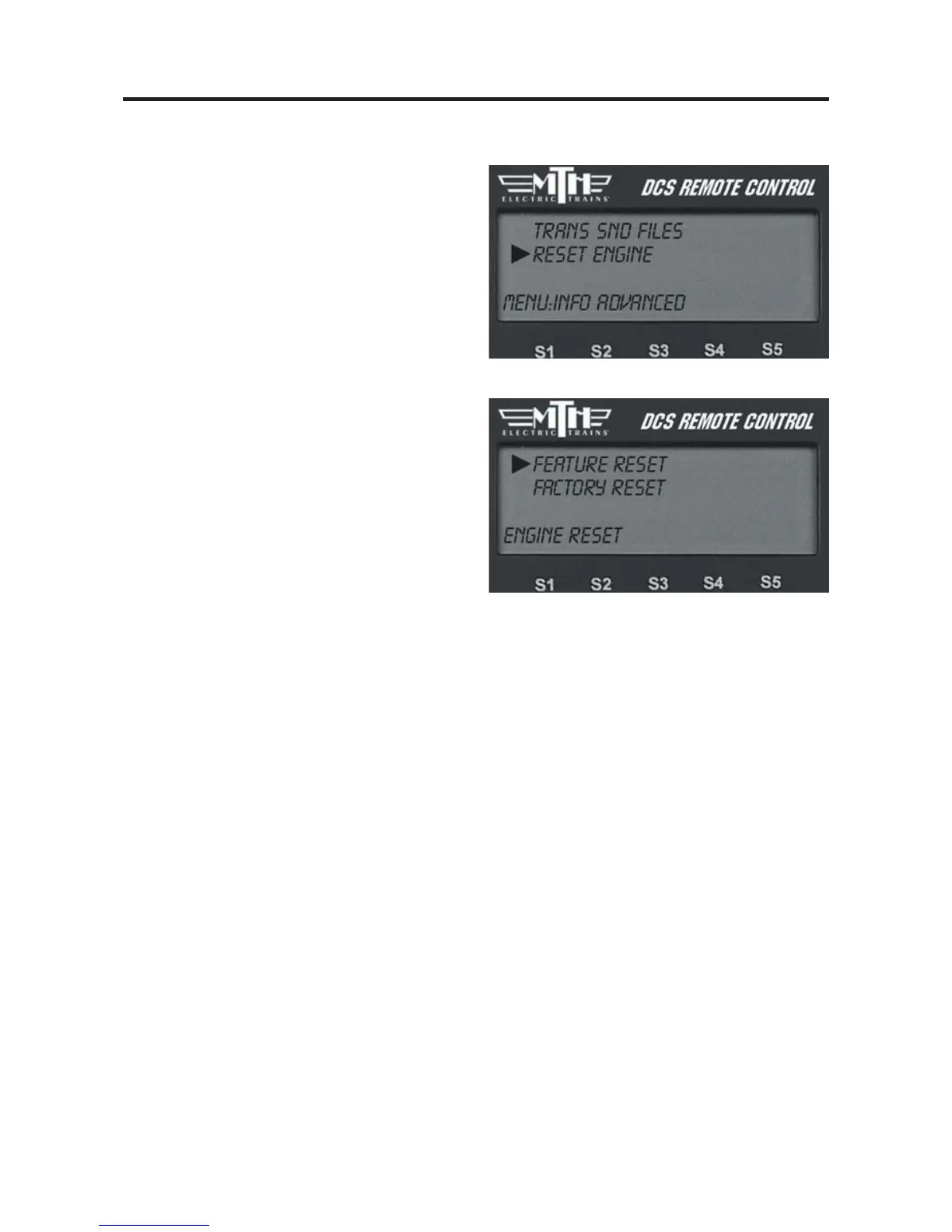
Reset Engines
Feature Reset
Select Feature Reset to reset all opera-
tional features to the factory defaults.
This does not affect the engine address
and custom name you assigned.
Factory Reset
Select Factory Reset to reset everything in
the engine, including engine address and
custom name, to the factory default. This
step removes the engine from the DCS
System’s memory. You must add the
engine anew after completing this step.
Maintenance Reset
In command mode "MAINTENANCE
REQUIRED" is displayed in the Remote
LCD screen when the engine reaches 50
hours or 1,000 miles of operation. When
you see this message it’s time to
lubricate/grease the engine and clean the
wheels, pick-up rollers, tires, and track.
To reset the Maintenance feature and
eliminate the message, select the "more"
softkey, then scroll down and select
Maintenance from the list. Press the soft-
key under RST. See Page 122 for more
details to reset the screen message.



 To Next Page