DCS Command System User’s Guide
DCS Tip: Pressing STP will stop a
session mid-playback. However,
because command mode is still opera-
tional even after playback stops, all
engines and accessories will continue
to operate according to the last order
given. To stop an engine or make
another change, you must access that
engine and issue the new command.
Menu Operations - Advanced
Record/Playback
STP (Stop): When you have completed
the operating session you want to record,
re-enter the menu and press STP.
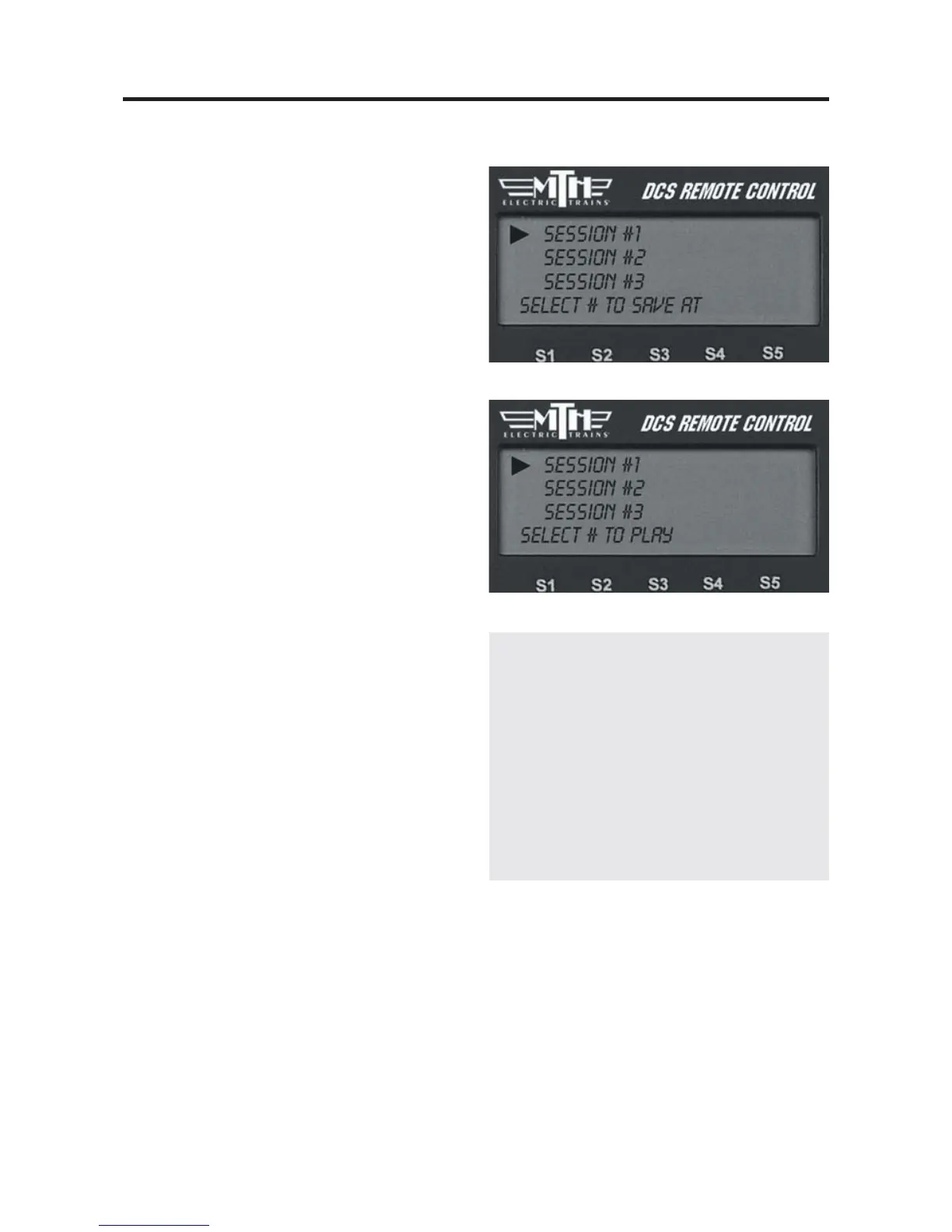
SAV (Save): To save a recording for play-
back later, press SAV. Assign the Session
# from the list the LCD makes available
by scrolling to the number and pressing
the thumbwheel.
PLY (Play): To playback a recorded oper-
ating session, make sure all the engines are
in the starting positions they held when
you started recording, and press PLY. (P)
appears on the screen to indicate that you
are playing back a route. You can do this
with a session you just recorded and have
not yet saved, or you can choose a pre-
recorded and saved message from the list
provided by the LCD.
Note: You must note the starting position of
your equipment and make sure everything is in
the same starting position when you begin Play
that it was in when you began Record.
LOP (Loop): To playback a continuous
loop, all engines in the operating session
you record must end the session in the
same locations they held when you began
recording the session. Otherwise, the sec-
ond and all subsequent loops will be badly
out of place because the recording meas-
ures distance traveled, not location on the
layout. Place all engines in their
starting/ending locations and press LOP.



 To Next Page