DCS Command System User’s Guide
Universal Locomotive & Accessory Operation
Switch and Accessory Operation
Using an Accessory Interface Unit (AIU—
Item No. 50-1004) turns DCS into a com-
plete layout control system. Once you have
wired an AIU, switches, and accessories to
the DCS system, you can control them via
the DCS remote control.
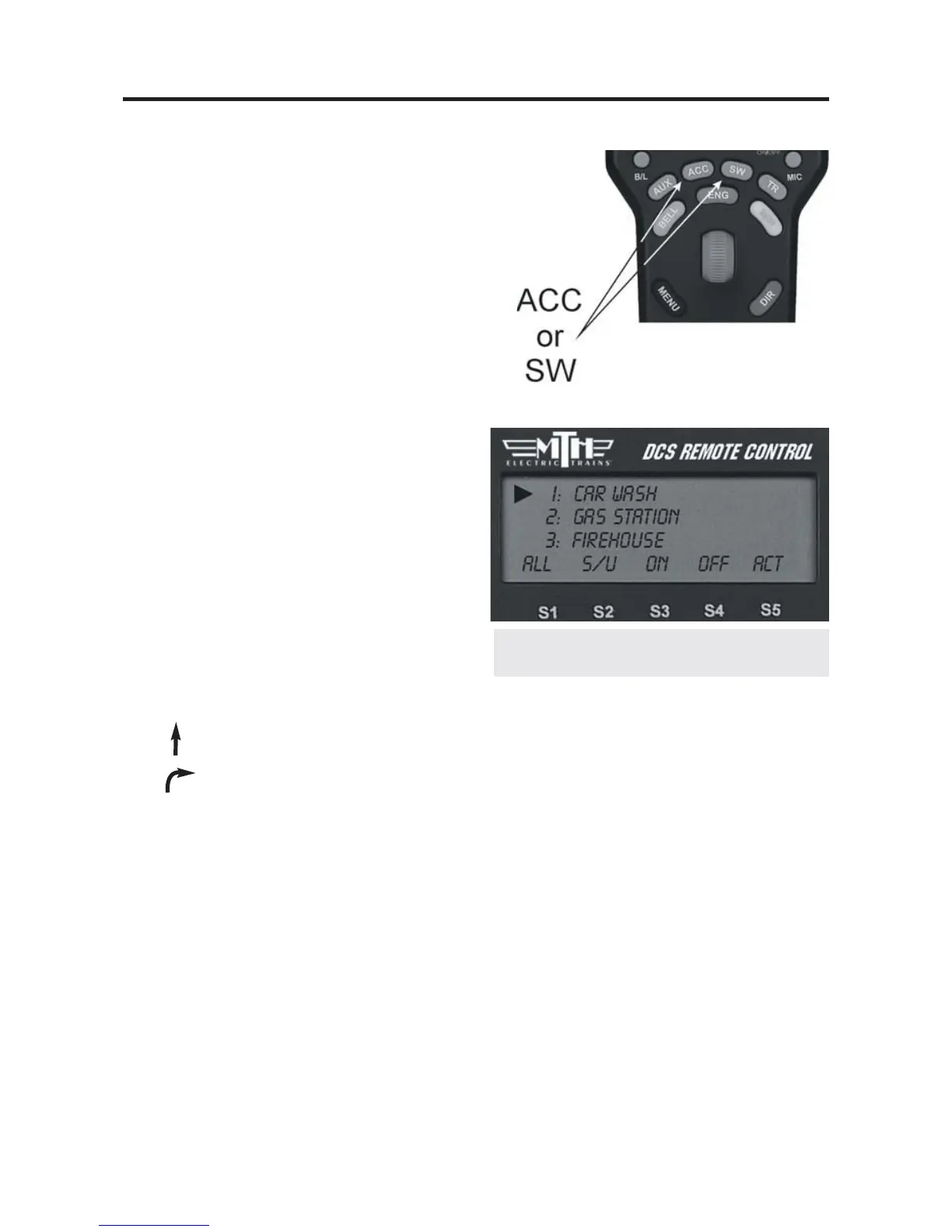
1. Press the SW (for switches) or ACC (for
accessories) button.
2. Scroll until the arrow is located beside the
switch or accessory you want to control.
3. Press the appropriate softkey below the
command you want to send (softkeys
described below).
Switches:
ALL: Selects ALL switches
connected to an AIU.
S/U: Shortcut to the Switch Setup screen within the menu system.
Throws a switch straight.
Throws a switch curved.
Accessories:
ALL: Selects ALL accessories connected to an AIU.
S/U: Shortcut to the Accessory Setup screen within the menu system.
On: Turns the selected accessory on for continuous operation.
Off: Turns the selected accessory off.
Act: Activates the selected accessory for one-time operation.
117
See the AIU Operators Manual for com-
plete instructions on wiring and operation.



 To Next Page